
Description
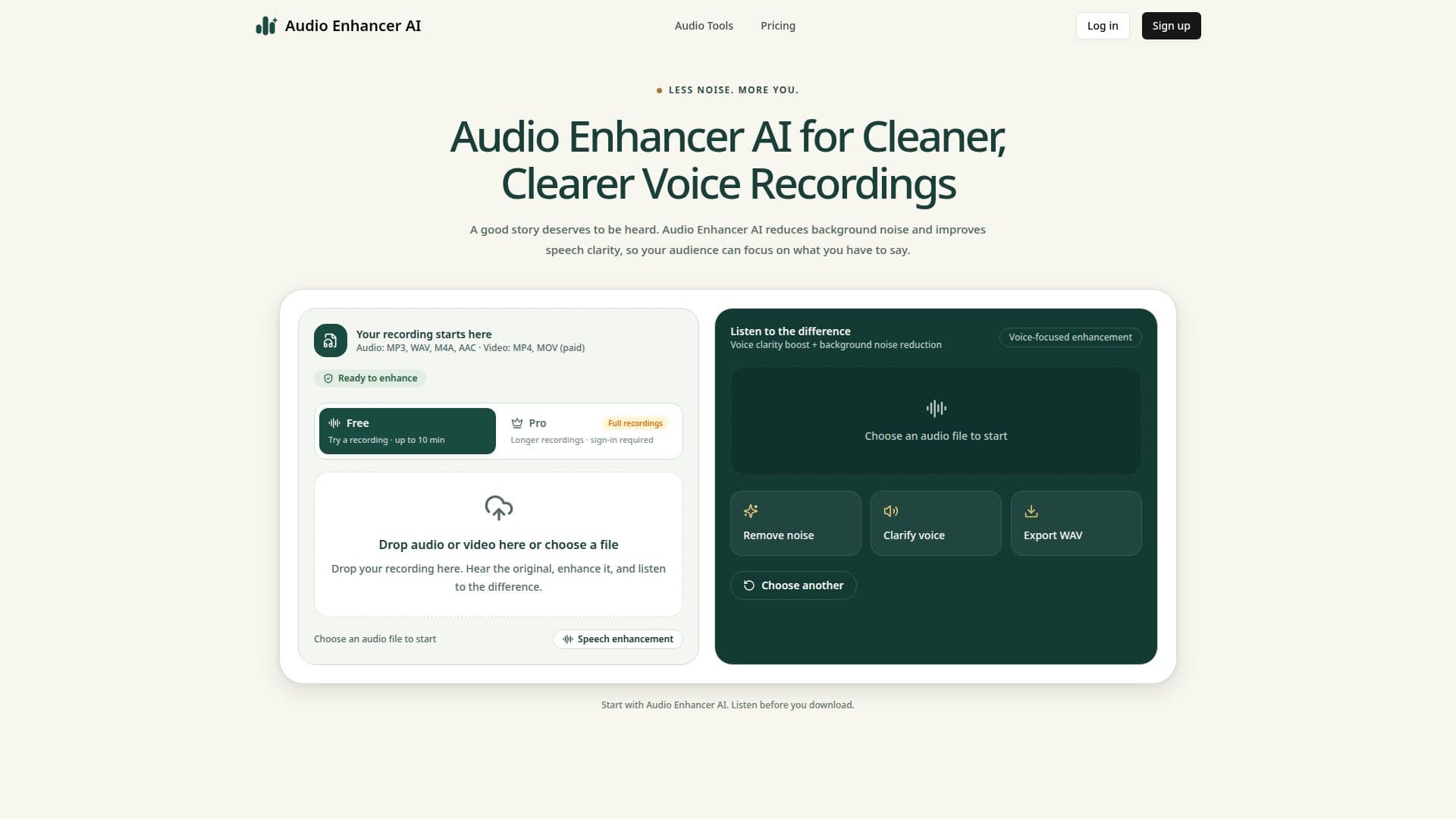
Audio Enhancer AI provides a straightforward online solution for improving the clarity of spoken audio recordings. It specializes in reducing unwanted background noise and boosting speech intelligibility, making it ideal for a range of applications from casual voice notes to professional podcasts and interviews.
Read More
The tool operates by allowing users to upload audio files in common formats such as MP3, WAV, M4A, and AAC. Once uploaded, the AI-driven enhancement process works to minimize distractions like fan noise and hiss while simultaneously clarifying the speaker's voice. This ensures that the core message of the recording stands out, allowing listeners to focus on the content rather than environmental interference.
A key feature of Audio Enhancer AI is its user-friendly workflow. It eliminates the need for complex audio editing software or specialized plugins, offering a simple three-step process: choose a recording, enhance it, and then listen. Before downloading, users can compare the original and enhanced versions side-by-side, giving them full control over the final output and ensuring satisfaction with the improved sound quality.
For recordings up to 10 minutes, Audio Enhancer AI is available for free, with processing occurring directly on the user's device. For longer recordings or higher-quality online enhancement, a Pro plan is available. The Pro plan supports audio files up to 300 MB with no fixed duration limit and also handles video files (MP4, MOV) up to 2 GB, enhancing the audio while retaining the original video format and picture. Pro processing is a one-time purchase of processing time, with no subscriptions or expiry dates, and failed jobs automatically restore deducted time.
- CategoryAI Audio Editors
- Pricing ModelFreemium
- DeploymentCloud, Browser extension
- PlatformsWeb
Audio Enhancer AI's Core Features
AI background noise reduction for fan noise, hiss, and room noise
Voice clarity boost for podcasts, interviews, phone recordings, and narration
Supports MP3, WAV, M4A, and AAC audio file uploads
Supports MP4 and MOV video file uploads (Pro plan only)
Preview original and enhanced audio before download
Export enhanced audio as WAV file
Free for recordings up to 10 minutes
Pro plan for longer recordings and higher-quality enhancement
One-time purchase for Pro processing time, no subscription
Pro plan handles audio up to 300 MB with no duration limit
Pro plan handles video up to 2 GB with no duration limit
Processing on device for free tier, online for Pro tier
No account required for free enhancement
Account required for Pro features and cloud processing
Failed Pro jobs restore deducted processing time
How to use Audio Enhancer AI?
Choose Recording: Select an MP3, WAV, M4A, or AAC audio file from your device.
Enhance Audio: Click 'Enhance' to initiate the AI-driven noise reduction and speech clarity improvement.
Review Difference: Listen to both the original and the enhanced versions to compare the sound quality.
Download Enhanced File: Save the cleaned-up audio as a WAV file to your device.
Audio Enhancer AI's Use Cases
- Podcast Production
- Video Voiceovers
- Online Courses & Explainers
- Meeting Recordings
- Voice Notes & Memos
- Interviews
- Home Recordings
- Phone Recordings