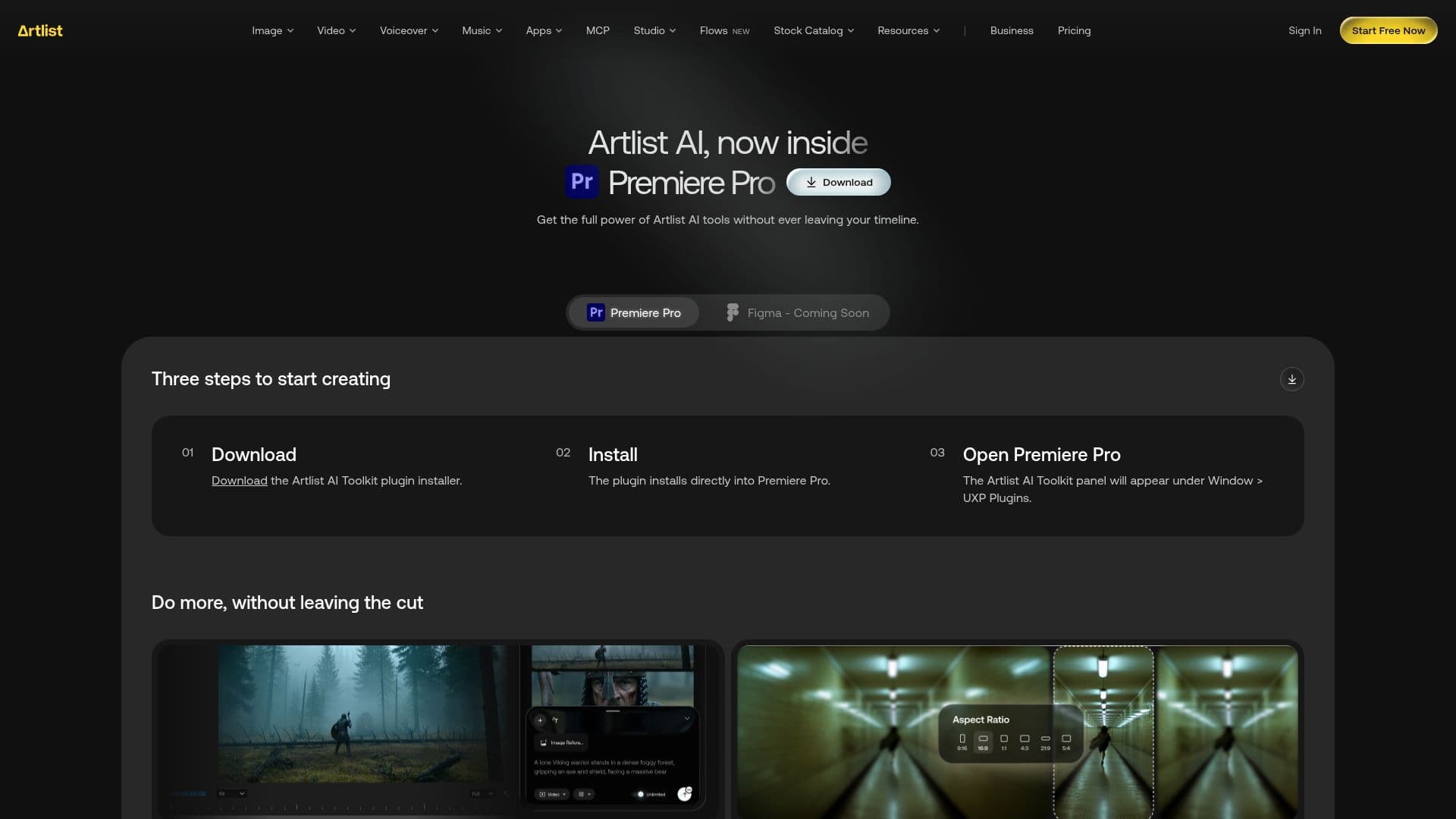
Description
Artlist AI Toolkit is a comprehensive suite of AI tools designed to enhance video production within Premiere Pro. It offers capabilities such as image, video, music, and voice generation, allowing creators to produce high-quality content without leaving their editing timeline. The toolkit is trusted by over 50 million creators worldwide, providing a secure ecosystem that combines AI technology with a vast catalog of royalty-free assets.
Read More
The plugin supports Premiere Pro 2026 (v26.0) or later and is compatible with both Windows and macOS. Users can access the Artlist panel by navigating to Window > UXP Plugins > Artlist AI Toolkit in Premiere Pro. A free Artlist account is required to use the plugin, which includes a set of free generations to get started. The plugin utilizes the same credits as the Artlist account, ensuring seamless integration and synchronization across web and plugin platforms.
Artlist AI Toolkit includes tools for image generation, video generation, music generation, voiceover, AI avatars, lipsync, upscale, reframe, and translation. These features enable users to generate content directly within their editor, change aspect ratios, create realistic avatars, and enhance output quality. Updates are managed within the panel, ensuring users have access to the latest features without the need for reinstallation.
Pricing plans for Artlist AI Toolkit vary, offering options like AI Starter, AI Creator, AI Professional, AI Pro Plus, Max, Max Business, and Artlist Enterprise. These plans cater to different needs, from individual creators to large enterprises, providing access to unlimited generations on select models and a range of credits per month. Commercial use is included in paid plans, allowing users to leverage the toolkit for professional projects.
- CategoryAI Video Editors
- Pricing ModelFreemium
- DeploymentPlugin
- PlatformsWindows, macOS
Artlist AI Toolkit's Core Features
Image generation
Video generation
Music generation
Voiceover
AI avatars
Lipsync
Upscale
Reframe
Translate
Commercial use
Premiere Pro integration
Cross-platform compatibility
Secure ecosystem
Royalty-free assets
Automatic updates
How to use Artlist AI Toolkit?
Download: Get the Artlist AI Toolkit installer
Install: Run the installer for your OS
Open: Access the panel in Premiere Pro
Create: Generate content using AI tools
Update: Install updates directly from the panel
Artlist AI Toolkit's Use Cases
- Video production
- Image generation
- Music creation
- Voiceover
- Avatar creation