
Description
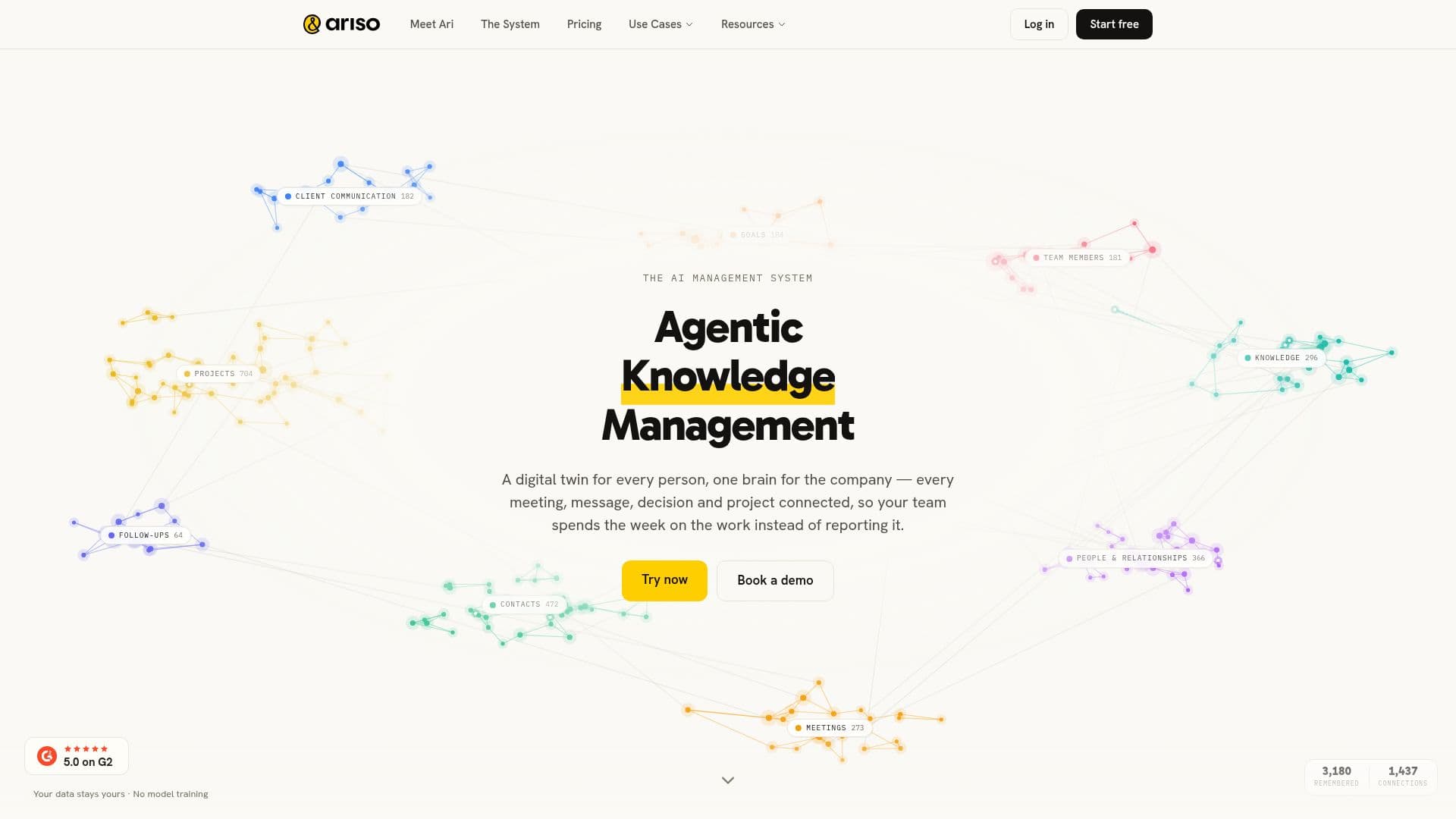
Ariso is an AI management system for teams, centered on Ari, an AI chief of staff that runs projects, follow-ups, meeting notes, and priorities across a shared company brain. Where assistants execute tasks, Ariso is designed to manage the work, keeping every meeting, message, and project connected and moving so leaders spend their time leading rather than chasing status.
Read More
Ariso works across the whole flow of work, from strategy down to execution and back up. Ari sets up projects with milestones, goals, and teams, keeps tickets, status, and follow-ups current across tools, surfaces risks and blockers before they hit deadlines, and writes weekly status updates from the week's actual work. On the people side, it preps 1:1s, writes performance reviews from months of real work, and delivers personalized coaching and feedback. For strategy, it cascades goals down to team OKRs and projects, rolls the real work back up, and flags drift early by comparing plan against reality.
Ariso is built on a memory layer grounded in real work with provenance, split into private personal memory and an anonymized, aggregated company memory. It connects to Slack, Google Workspace, Zoom, Microsoft 365, and many other tools including GitHub, Asana, HubSpot, Notion, Linear, Jira, and Salesforce, and supports MCP for custom connections. It is SOC 2 compliant with per-user encryption and never uses customer data to train models. Ariso is free to start and works where teams already are.
- CategoryAI Project Management
- Pricing ModelFreemium
- DeploymentCloud
- PlatformsWeb, Chrome
Ariso's Core Features
Ari, an AI chief of staff that runs projects and follow-ups
Shared company memory grounded in real work with provenance
Automatic project setup with milestones, goals, and teams
Risk and blocker detection before deadlines slip
Self-writing weekly status updates from actual work
1:1 prep, evidence-based reviews, and personalized coaching
Strategy cascade with early drift detection
Integrations with Slack, Google Workspace, Zoom, and MCP
How to use Ariso?
Connect your tools: Add the Ari Slack app and authorize Google Workspace with calendar, mail, drive, and tasks.
Let Ari onboard: Ari introduces itself in Slack and asks each person how they work, starting from real meetings and threads.
Hand off projects: Give Ari your plan and it sets up milestones, goals, and teams and keeps them current.
Delegate and track: Assign work in plain language and let Ari track follow-ups and surface risks.
Review weekly: Get automatic status updates, 1:1 prep, and reflections built from the week's real work.
Ariso's Use Cases
- Project management
- Strategy execution
- Manager support
- Personal work OS
- Meeting and follow-up management