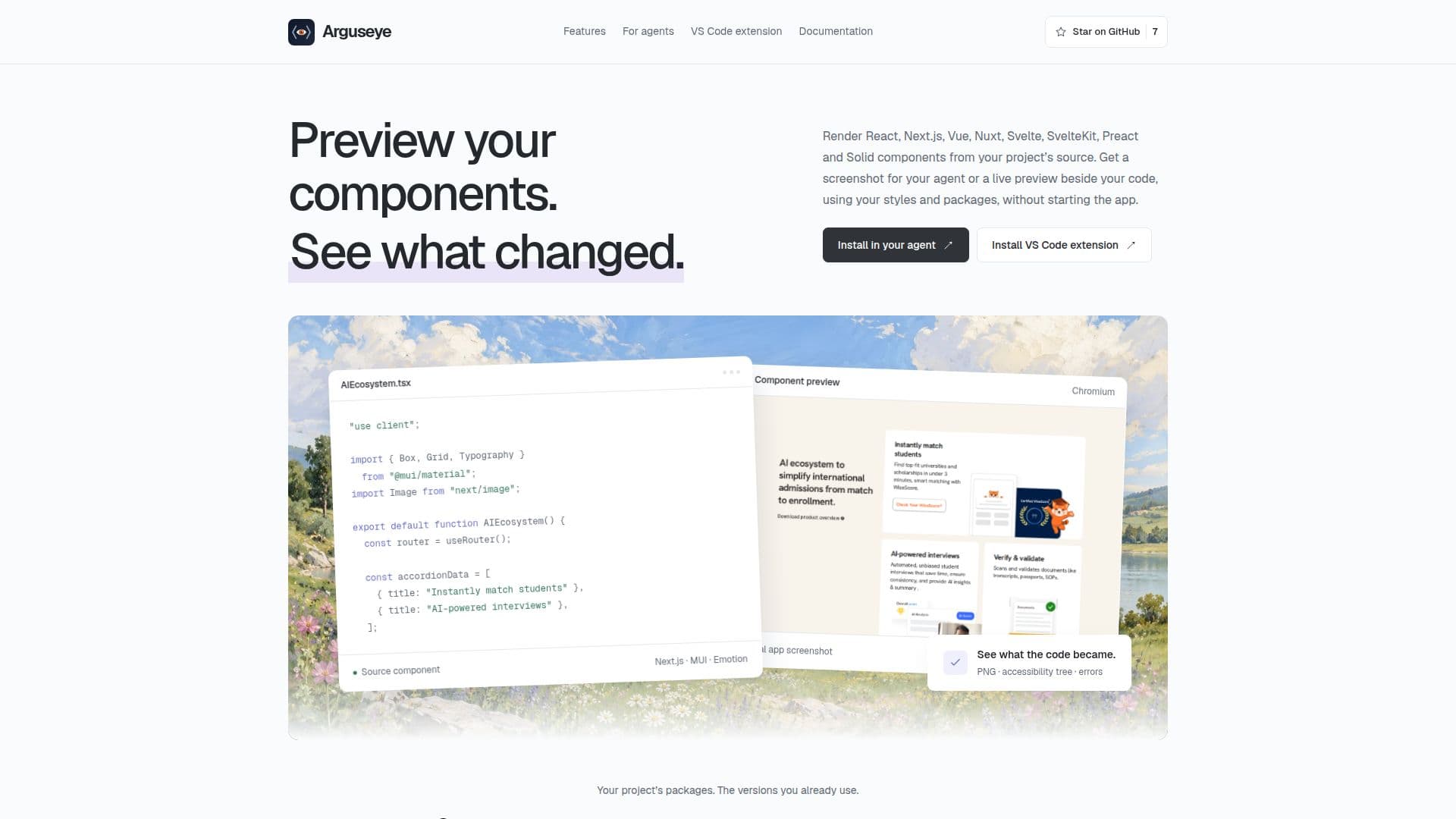
Description
Arguseye is a specialized tool designed to facilitate component preview and verification for AI agents and developers working within VS Code. It allows users to render and inspect components from popular frameworks such as React (including React Router and Remix), Next.js, Vue 3 and Nuxt, Svelte 5 and SvelteKit, Preact, and Solid directly from their source code. This eliminates the need for separate storybook setups or a running application, streamlining the development workflow.
Read More
The core functionality of Arguseye revolves around providing comprehensive visual and technical evidence of UI changes. It generates screenshots, accessibility snapshots, and visual diffs, which are crucial for verifying the impact of code modifications. Developers can view components in both light and dark modes, ensuring consistent UI across different themes. The tool also captures real usage props, allowing for the preview of up to 12 isolated variants per batch, ensuring components behave as expected in various contexts.
Arguseye integrates seamlessly with AI coding agents and offers a dedicated VS Code extension. For agents, it provides MCP (Multi-Component Preview) and CLI tools, enabling them to "see" what they have built by rendering components and identifying layout breaks or other issues. The VS Code extension offers a human-centric view, allowing developers to preview unsaved buffer changes live, inspect results without switching to a browser, and compare baselines against new edits directly within their editor.
The tool emphasizes grounded evidence, reporting incomplete inputs and context rather than automatically declaring a design correct. This approach empowers both agents and human developers to make informed decisions based on concrete data. It supports rendering with a project's existing packages, styles, assets, and reconstructable layouts, ensuring the preview accurately reflects the application's environment. Arguseye requires Node.js 22 or later and Chromium for headless rendering, running locally against the project's dependencies.
Arguseye is priced at USD 0, making it an accessible solution for developers and teams. It addresses the challenge of verifying UI components efficiently, especially in environments where AI agents are involved in the coding process. By providing detailed visual and accessibility evidence, it helps close the feedback loop between coding, previewing, and comparing changes, ultimately leading to more robust and visually consistent applications.
- CategoryAI Code Review & Testing
- Pricing ModelFree
- DeploymentRuns locally
- PlatformsVS Code, CLI
Arguseye's Core Features
Preview React, Next.js, Vue, Nuxt, Svelte, Preact, and Solid components
Render components directly from source code
Support for light and dark renders of components
MCP and CLI tools for coding agents
VS Code extension with unsaved-buffer previews
Visual diffs and accessibility evidence
Capture baselines and compare changes
Inspect screenshots, accessibility snapshots, warnings, and errors
Render with project's packages, styles, and assets
Discover real usage props and isolated variants
Explicit reporting of incomplete inputs and context
Live updates for unsaved buffer changes in VS Code
Support for React Router, Remix, Vue 3, Svelte 5, and SvelteKit
Node.js 22 or later required for operation
Free to use (USD 0 price)
How to use Arguseye?
Choose Agent or VS Code: Select your preferred environment, either an AI agent or the VS Code extension.
Install Arguseye: Run `npx @ayushniroula/arguseye install claude` from your project directory and restart your agent, or install the VS Code extension.
Preview a Component: Ask your agent to render a component (e.g., "Render src/Card.tsx") or use "Preview Component" in VS Code.
Capture Baseline: In VS Code, use "Capture Baseline" or keep the `captureId` from an agent render.
Edit Component: Make changes to your component's source code.
Compare Changes: Use "Compare Changes" in VS Code or ask your agent for `render_diff` to see the impact of your edits.
Arguseye's Use Cases
- UI Component Verification
- AI Agent Development
- Live Component Editing
- Accessibility Testing
- Visual Regression Testing
- Component Isolation Testing
- Debugging Layout Issues