Description
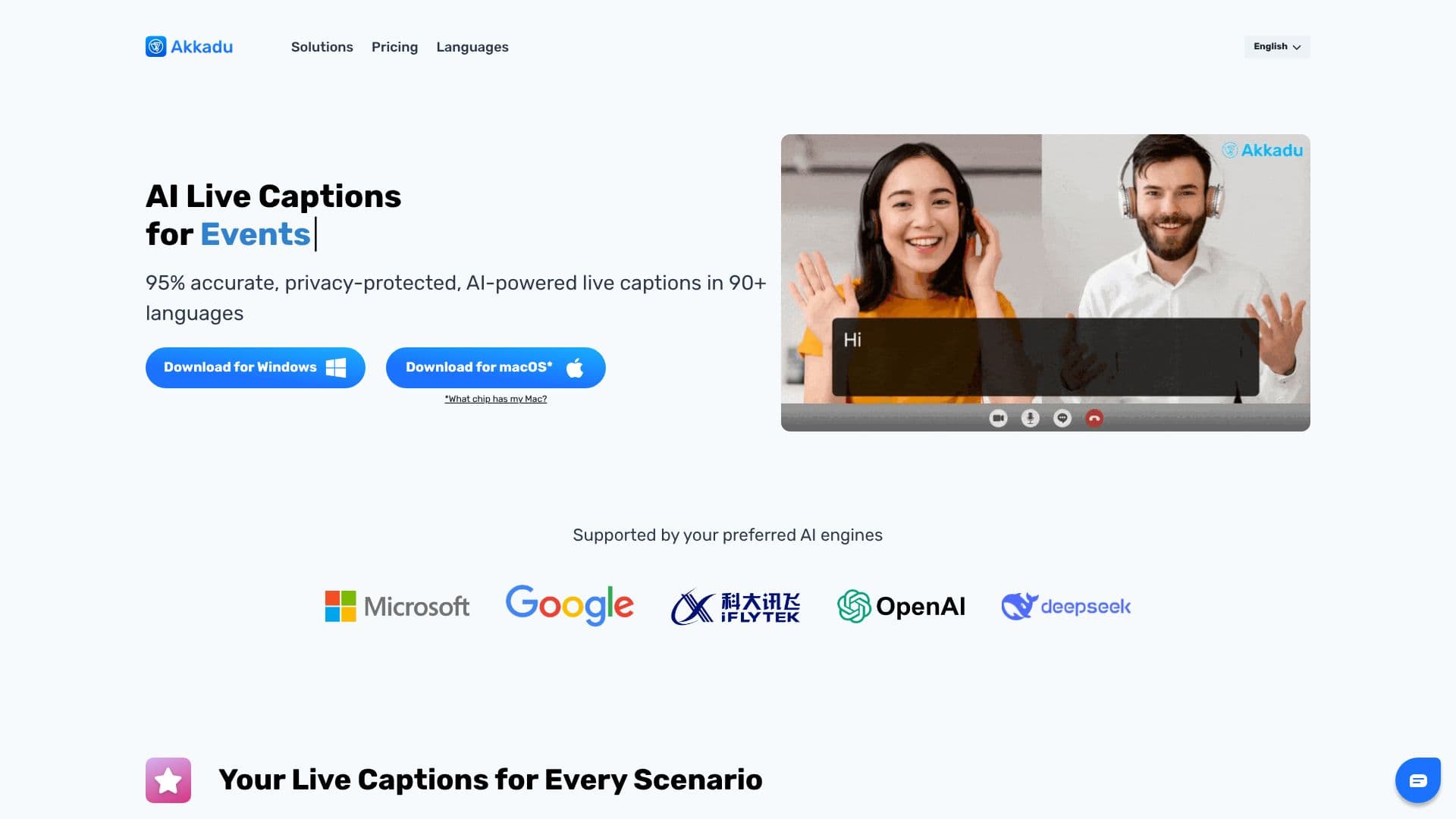
Akkadu AI Live Captions offers a robust solution for generating accurate, real-time captions in more than 90 languages, designed to enhance communication and accessibility for a global audience. This software is compatible with any video conferencing platform, live streaming service, or event setup, ensuring seamless integration into existing workflows.
Read More
At its core, Akkadu leverages advanced AI models, allowing users to select their preferred translation engines, such as Google or Microsoft, to achieve the highest possible accuracy. The platform also features accent recognition, enabling users to specify the speaker's origin to significantly improve translation quality. For specialized content, custom glossaries can be uploaded, guaranteeing precise translation of unique terminology and proper names. A safety filter is also integrated to screen sensitive or profane words in real-time, ensuring regulatory compliance and a professional environment.
Professionals worldwide trust Akkadu for its reliability and advanced features. The software supports over 90 languages and offers flexibility in pricing, with pay-as-you-go credits or monthly plans for cost savings. New users can benefit from a free trial, receiving 10 minutes of live captions to experience the service firsthand. The platform is designed for ease of use, with a simple three-step process for virtual meetings, events, and live streams.
For virtual meetings and webinars, users download and install Akkadu, select 'Computer Audio,' and click 'START.' For events and conferences, the process involves downloading and installing, connecting a mixer table to the laptop, and clicking 'START.' For live streams, users download and install, use OBS Virtual Camera to insert captions into their video feed, and then start their live stream. Transcripts are automatically saved and can be downloaded, edited, or shared post-session. Akkadu prioritizes privacy, not storing voice data and giving users full control to delete transcripts permanently.
- CategoryAI Subtitles & Dubbing
- Pricing ModelPay-as-you-go / Monthly Plans
- DeploymentCloud
- PlatformsWeb
Akkadu's Core Features
Real-time AI-powered live captioning
Support for over 90 languages
Compatibility with any video conference platform
Accent recognition for improved accuracy
Custom glossary uploads for specialized terminology
Real-time safety filter for sensitive content
Visual customization of caption appearance
Choice of preferred AI translation engines
Automatic transcript saving and downloading
Privacy-focused data handling
Pay-as-you-go and monthly pricing plans
10 minutes of free live captions for new users
How to use Akkadu?
Download & Install: Get the Akkadu software for Windows or macOS.
Configure Audio: Select 'Computer Audio' for virtual meetings or connect a mixer for events.
Start Captions: Click 'START' and captions will appear as speakers talk.
Integrate for Live Streams: Use OBS Virtual Camera to insert captions into your video feed.
Review Transcripts: Access, download, edit, or share original and translated transcripts from your dashboard.
Akkadu's Use Cases
- Virtual Meetings
- International Events
- Live Streaming
- Webinars
- Multilingual Communication
- Accessibility