Description
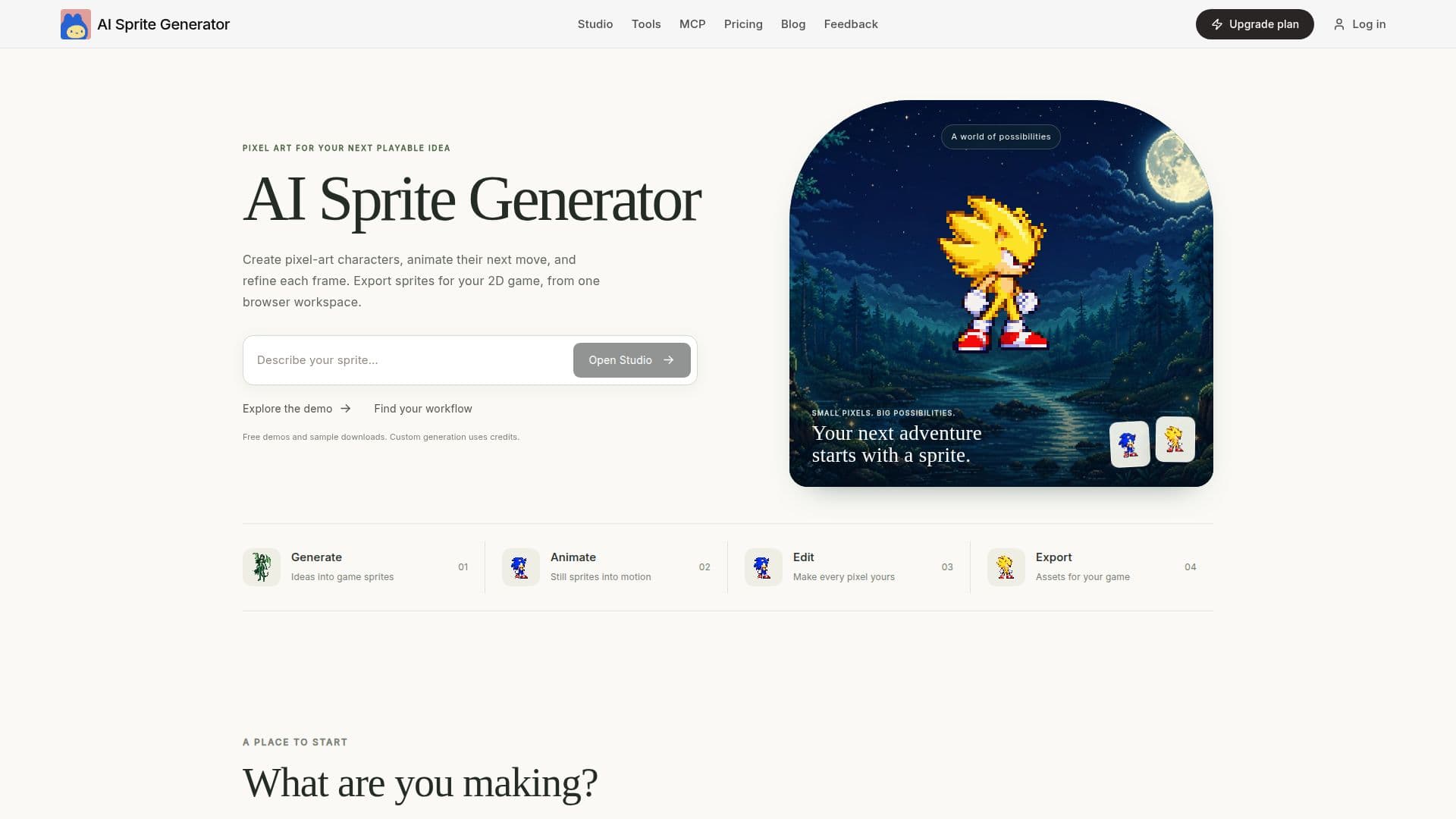
AI Sprite Generator provides a comprehensive browser-based workspace designed for indie developers to create pixel-art game assets. The platform enables users to generate pixel-art characters, props, and sprite animations from text descriptions or reference images. It supports the creation of 4- and 8-direction sprite views, allowing for versatile character design and movement.
Read More
The core functionality includes a Studio for character generation, where users can describe a hero, creature, or prop, choose a perspective and pixel size, and add style references. The Animator tool allows users to bring still images to life by generating animations such as idle loops, walk cycles, or attacks, with support for 4 to 16 frames. Each frame can be inspected and refined within the platform's in-browser pixel editor, offering tools to paint, erase, fill areas, and adjust details.
For developers using AI coding assistants, AI Sprite Generator offers MCP integration with tools like Codex, Claude Code, and Cursor. This allows users to generate assets directly from their coding assistant and save exports into their project. The platform supports various export formats, including transparent single-frame PNGs, PNG sprite sheets, animated GIFs, and SVG exports. For more advanced needs, MCP also provides ZIP archives and JSON frame metadata.
Beyond AI generation, AI Sprite Generator includes a suite of free browser-based tools for image processing, such as GIF to Sprite Sheet converter, Sprite Sheet Maker, Sprite Sheet Cutter, Sprite Sheet to GIF, Image to Pixel Art, Pixel Font Generator, Pixel Circle Generator, and Pixel Art Resizer. These tools operate without requiring credits or subscriptions after signing in. The platform offers a freemium model, with free browser tools and credit-based AI generation. Pricing plans start from $8/month, with one-time credit packs also available. Generated assets can be used commercially in games, apps, and promotional content.
- CategoryAI Image Generators
- Pricing ModelFreemium
- DeploymentCloud
- PlatformsWeb Browser
AI Sprite Generator's Core Features
Pixel-art character generation from text descriptions
Sprite animation with 4–16 frames
In-browser pixel editor for detailed refinement
PNG sprite sheet export
MCP integration for AI coding assistants (Codex, Claude Code, Cursor)
Free browser-based sprite tools (GIF to Sprite Sheet, Sprite Sheet Maker, etc.)
Support for 4- and 8-direction sprite views
Commercial use rights for generated assets
Personal sprite library for saved creations
Flexible credit-based generation and subscription plans
Export to PNG, GIF, SVG, ZIP, and JSON formats
Compatibility with game engines like Unity, Godot, and GameMaker
Ability to turn single-frame images into animated sprite sheets
Credit return for failed or timed-out generations
Email support for account and technical queries
How to use AI Sprite Generator?
Start with an Idea: Describe a character, creature, or prop in Studio, choosing perspective and pixel size, or adding a style reference.
Generate a Sprite: Use the AI sprite generator to create a starting image based on your description.
Animate Your Sprite: Bring a still image into Animator, select a motion (e.g., walk, idle, attack), and preview the animation frames.
Edit and Refine: Use the in-browser pixel editor to adjust colors, paint details, erase pixels, or modify animation frames.
Export Assets: Download your creations as transparent PNGs, PNG sprite sheets, animated GIFs, or SVG files for use in your game projects.
Integrate with AI Assistants: Connect Codex, Claude Code, or Cursor via MCP to generate assets directly from your coding assistant.
AI Sprite Generator's Use Cases
- Character Design & Prototyping
- Sprite Animation Creation
- Pixel Art Editing
- Game Asset Export
- AI-Assisted Asset Generation
- Converting Image Formats
- Creating Pixel Fonts
- Restyling Existing Sprites