Description
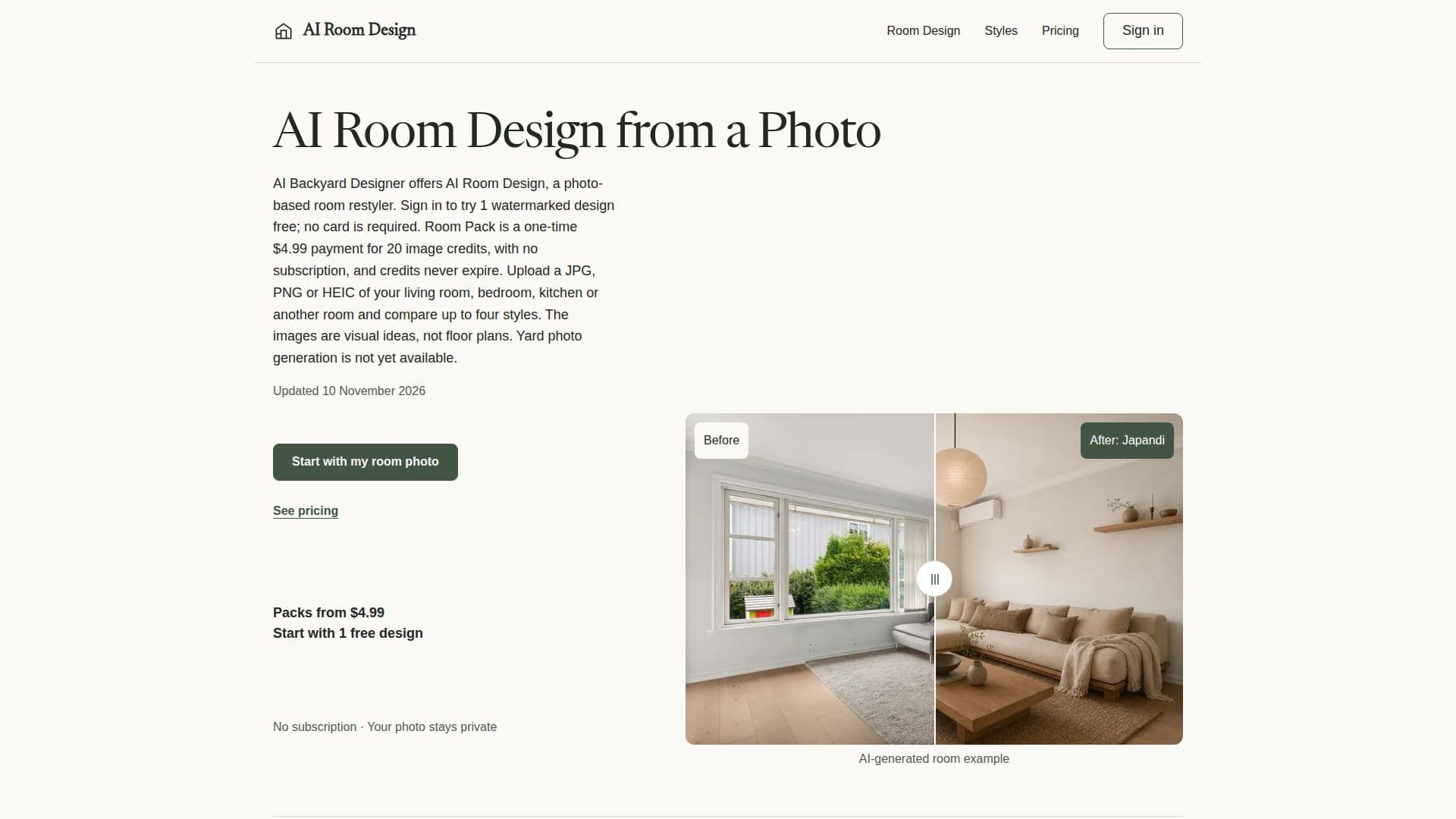
AI Room Design provides a straightforward solution for visualizing interior design changes using artificial intelligence. Users can upload a photograph of their existing room and explore how it would appear in up to four different interior styles. This tool is ideal for individuals seeking inspiration for home decor, renovation ideas, or simply to experiment with various aesthetic concepts for their living spaces.
Read More
The process is user-friendly: simply upload a JPG, PNG, or HEIC photo up to 10 MB, select a room type, and choose from a variety of styles such as Japandi, Scandinavian, Mid-century, Boho, Coastal, Industrial, Farmhouse, Traditional, Art Deco, and Wabi-sabi. The AI attempts to maintain existing architectural elements like walls, windows, doors, and the overall layout, though it cannot guarantee perfect preservation. Users are advised to compare the AI-generated results with their actual room before making any purchasing or building decisions.
AI Room Design operates on a freemium model. Upon signing in, users receive one free watermarked design, with no credit card information required. For more extensive use, a "Room Pack" is available for a one-time payment of $4.99, which provides 20 image credits. These credits do not expire, and paid results are delivered without watermarks. Each credit covers one new room image at either 1k or 2k resolution, while re-downloading an existing image is free. This credit-based system ensures users only pay for the designs they need, without the commitment of a subscription.
It's important to note that the images generated by AI Room Design are intended as visual ideas and inspiration, not as precise floor plans or construction documents. Users should independently verify measurements and feasibility before undertaking any renovation or building projects. The platform is designed to offer creative direction and help users envision new possibilities for their spaces, making interior design exploration accessible and affordable.
- CategoryAI Interior & Architecture Design
- Pricing ModelFreemium
- DeploymentCloud
- PlatformsWeb
AI Room Design's Core Features
Upload room photos for AI redesign
Choose from up to 4 interior styles per design
Supports JPG, PNG, and HEIC photo formats up to 10 MB
Offers a free watermarked design upon sign-in
One-time payment for design credit packs
20 image credits available for $4.99
Credits never expire
Paid designs are watermark-free
Attempts to preserve existing room layout, walls, windows, and doors
Provides visual ideas for interior inspiration
Designs available in 1k or 2k resolution
Free re-download of existing images
Variety of styles: Japandi, Scandinavian, Mid-century, Boho, Coastal, Industrial, Farmhouse, Traditional, Art Deco, Wabi-sabi
Account-based credit and design management
Refunds available for fully unused packs within 7 days
How to use AI Room Design?
Upload Photo: Take a picture of your room and upload it (JPG, PNG, or HEIC up to 10 MB).
Select Room Type: Choose the appropriate room type for your uploaded photo.
Pick Styles: Select up to 4 interior design styles you wish to apply.
Generate Design: Create your new room design based on your selections.
Review & Compare: Examine the AI-generated design and compare it with your original room.
Purchase Credits: For additional designs, buy a Room Pack for a one-time payment of $4.99.
Download Designs: Download your desired designs in 1k or 2k resolution.
AI Room Design's Use Cases
- Interior Design Inspiration
- Home Renovation Planning
- Style Experimentation
- Furniture Arrangement Ideas
- Color Scheme Testing
- Real Estate Staging