
Description
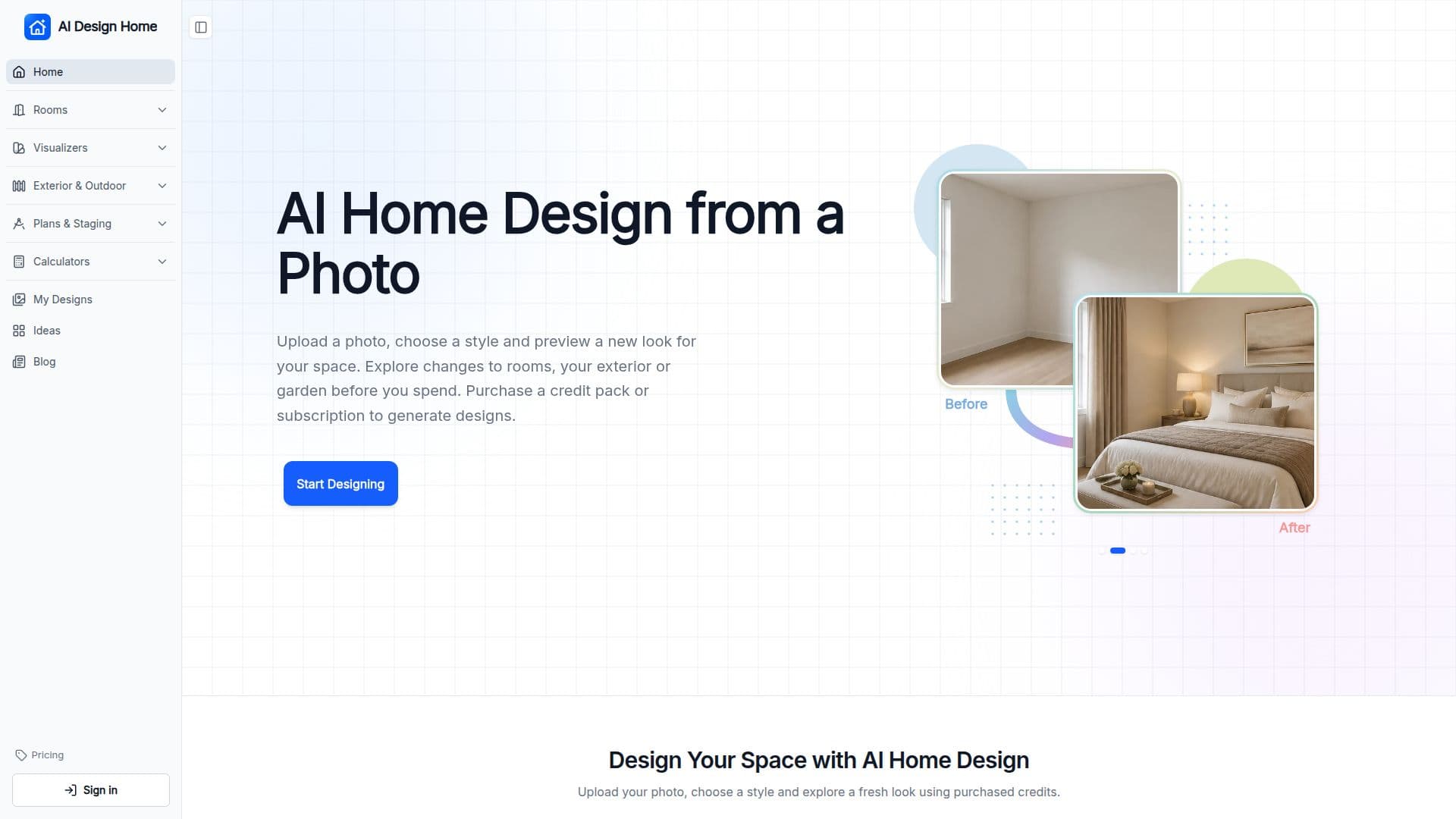
AI Design Home is a web-based application that transforms photos of your living spaces into design previews. Users can upload images of rooms, house exteriors, or gardens and select from various styles to generate a visual representation of potential design changes. This tool is particularly useful for homeowners, renters, and design professionals who wish to explore different design options before making any physical changes.
Read More
The platform supports redesigns for 18 different room types, including living rooms, kitchens, and bathrooms, as well as exterior elements like siding and landscaping. Users can choose between a quick refresh or a full renovation, with the AI retaining structural elements like walls and windows while altering furniture and finishes.
AI Design Home operates on a credit-based system, where each design generation consumes 10 credits. Users can purchase credits in packs or subscribe to monthly plans, with options ranging from 30 to 30,000 credits. The tool is accessible via web browsers on phones, tablets, and computers, requiring no downloads. Users can sign in with an email or Google account to manage their credits and design history.
The tool emphasizes privacy, ensuring that uploaded photos are stored securely and used solely for generating designs. While AI Design Home provides a visual preview, it is not a substitute for professional architectural or construction advice. Users are encouraged to consult with professionals to verify measurements and structural details before proceeding with any design changes.
- CategoryAI Interior & Architecture Design
- Pricing ModelCredit-based
- DeploymentWeb
- PlatformsBrowser
AI Design Home's Core Features
Room redesigns for 18 types
Exterior and garden design tools
Credit-based design generation
Browser-based, no app download
Quick refresh and full renovation options
Photo privacy and security
Subscription and credit pack options
Style and material customization
How to use AI Design Home?
Upload Your Space: Choose a clear, well-lit photo showing the walls, windows, and floor.
Choose Your Style: Select your room type and a style you like.
Generate and Compare: Generate a preview, compare it with your original, and download your favorite.
Guide the Changes: Add notes about features to keep, then check the preview against your original.
AI Design Home's Use Cases
- Room Redesign
- Exterior Makeover
- Garden Planning
- Virtual Staging
- Interior Style Exploration