Description
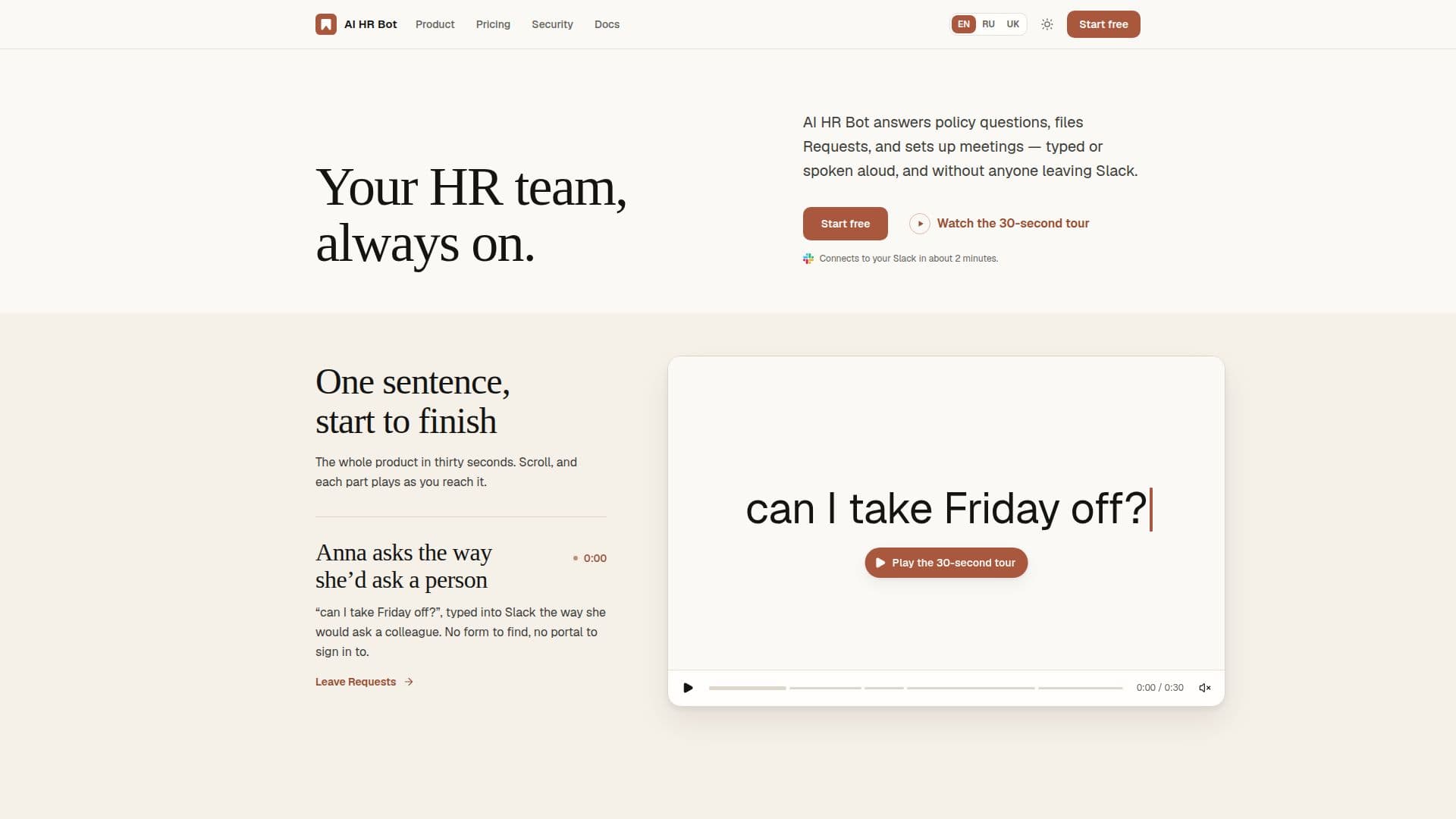
AI HR Bot serves as a comprehensive HR assistant embedded directly within Slack, designed to simplify and automate various human resources functions for teams. It allows employees to get immediate answers to policy questions, submit leave requests, and even schedule meetings without ever leaving the Slack environment. The bot supports both typed and spoken queries, transcribing voice notes and responding audibly when requested.
Read More
Key capabilities include managing leave requests, where employees can simply type a request like "can I take Friday off?" The bot then files the request, routes it through a pre-configured approval chain to the relevant lead, and notifies the employee of its status. It also accurately tracks and updates leave balances, quoting them to two decimal places and rounding down to prevent overstating available days. The system supports various leave policies, calculating accruals based on hire dates and policy creation dates.
Beyond leave management, AI HR Bot acts as a knowledge base, drawing answers from the company's own handbook and indicating when it cannot find a relevant response. It facilitates meeting scheduling by proposing times to coworkers, relaying their responses, and booking events in calendars. The bot also handles birthday wishes, posting them in a chosen channel and notifying leads a week in advance, all without storing sensitive age data. Its employee memory feature ensures context is maintained across conversations, reducing repetition.
Security is a core focus, with installation tokens encrypted using AES-256-GCM and every workspace operating in isolation to prevent data cross-contamination. HR Heads have the ability to delete any employee's data on demand, and uninstalling the app from Slack completely deletes the workspace's data. The bot clearly lists all ten Slack permissions it requests, detailing their purpose on its security page and Slack's authorization screen. Pricing is structured with a free tier for up to five people in a Slack workspace, transitioning to a per-person monthly fee for larger teams, with a 14-day free trial available for all features.
- CategoryAI HR Management
- Pricing ModelFreemium
- DeploymentCloud
- PlatformsSlack
AI HR Bot's Core Features
Answers HR policy questions from your knowledge base
Files and tracks employee leave requests
Manages and updates employee leave balances
Routes requests through custom approval chains
Schedules meetings with coworkers and books calendars
Processes voice notes for questions and provides spoken answers
Posts birthday wishes in chosen Slack channels
Notifies leads of upcoming employee birthdays
Remembers conversation context for continuity
Encrypts Slack installation tokens with AES-256-GCM
Isolates workspaces to prevent data access between teams
Allows HR Heads to delete employee data on demand
Deletes all workspace data upon app uninstallation
Provides a 14-day free trial with all features
Offers a free tier for up to 5 Slack workspace members
How to use AI HR Bot?
Create Account: Sign up with an email and password, no credit card required.
Connect Slack: Link your Slack workspace with one click from your dashboard.
Bot Introduction: The bot introduces itself to your team and becomes ready to use.
Ask Questions: Type or speak HR-related questions directly in Slack.
Submit Requests: Ask for leave or other requests in plain language.
Manage Approvals: Leads approve requests within Slack, updating balances automatically.
AI HR Bot's Use Cases
- Automated HR Policy Answers
- Streamlined Leave Requests
- Accurate Leave Balance Tracking
- Efficient Meeting Scheduling
- Voice-Activated HR Support
- Automated Birthday Wishes
- Contextual HR Conversations
- Secure HR Data Management