Description
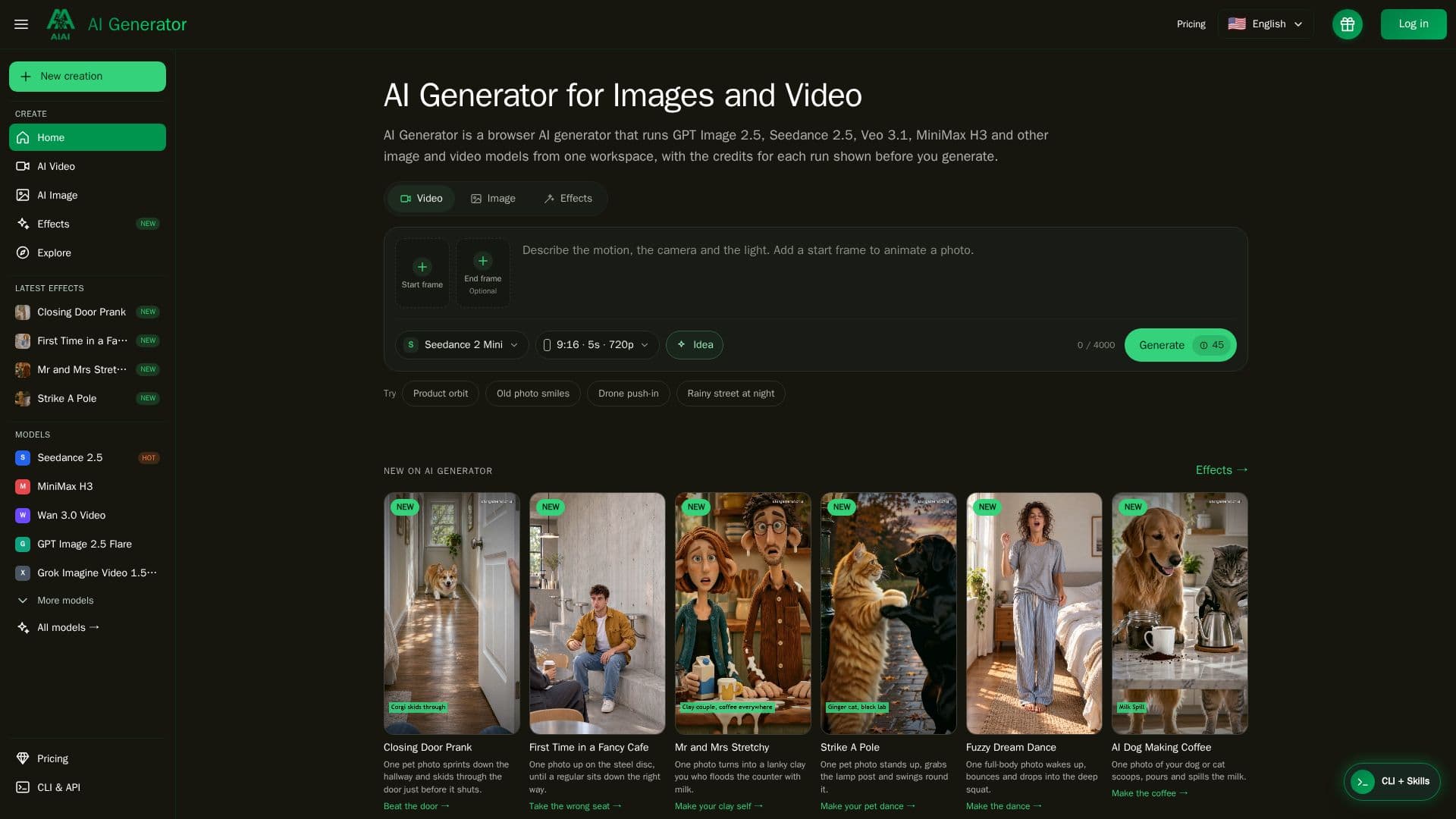
AI Generator provides a comprehensive browser-based workspace for generating images and videos using a selection of advanced AI models. Users can access models such as GPT Image 2.5, Seedance 2.5, Veo 3.1, and MiniMax H3, all within a single interface. The platform simplifies the creative process by allowing users to pick a task, write a prompt or upload a photo, choose a model, and then download the generated result.
Read More
Key capabilities include text-to-image, image-to-image, and image-to-video generation. For images, models like GPT Image 2.5 Flare and Sunburst offer outputs in 1K, 2K, or 4K resolution, with options for transparent backgrounds. Video generation is supported by models like Seedance 2 Mini for everyday clips (480p or 720p, 4-15 seconds) and Seedance 2.5 for higher quality, longer scenes (480p to 1080p, 4-30 seconds). MiniMax H3 is available for sharp, short shots at 768P or 2K.
The credit system is designed for flexibility, operating on one-time credit packs with no subscriptions or recurring charges. Purchased credits never expire, and the exact credit cost for each generation is clearly displayed before a run, varying based on the chosen model, size, length, and resolution. This transparency allows users to manage their budget effectively. The platform also supports commercial use, granting users ownership of their generated content for both personal and commercial projects.
AI Generator is accessible on mobile browsers, enabling photo uploads from camera rolls and downloads of images and MP4 files. For developers and automation enthusiasts, a Node.js CLI is available, allowing agents or scripts to initiate image and video jobs from a terminal using an account key. This feature supports integration with tools like Grok Bot and Muse, providing a robust solution for automated content creation. The platform emphasizes user control, security, and privacy, ensuring content remains private by default and is not used for AI training without explicit consent.
- CategoryAI Image Generators
- Pricing ModelOne-time Purchase
- DeploymentCloud
- PlatformsWeb, Mobile Browser, CLI
AI Generator's Core Features
Multi-model AI image and video generation workspace
Supports GPT Image 2.5, Seedance 2.5, Veo 3.1, MiniMax H3
Text-to-image generation
Image-to-image generation
Text-to-video generation
Image-to-video animation
One-time credit packs with no expiration
Credit cost displayed before each generation
Commercial use rights for generated content
Mobile browser compatibility
Command-line interface (CLI) for automation
High-resolution image output (1K, 2K, 4K)
Variable video resolution and length (480p to 1080p, 4-30 seconds)
Secure and private content handling
Integration with AI agents like Grok Bot and Muse via CLI
How to use AI Generator?
Create Account: Sign up for an AI Generator account.
Purchase Credits: Choose a one-time credit pack from the pricing page.
Select Content Type: Choose between text-to-image, image-to-image, text-to-video, or image-to-video.
Input Prompt/Upload Photo: Describe your desired output with text or upload a reference image.
Choose AI Model: Select an AI model and adjust settings like resolution and length.
Generate Content: Review the credit cost and initiate the generation process.
Download Results: Access your generated images or videos from your history and download them.
AI Generator's Use Cases
- Product Photo Generation
- Portrait Restyling
- Poster with Text Creation
- Vertical Short Video Production
- Product Spin Video
- Animated Greeting Cards
- AI Dance Videos
- Cinematic Clips
- Automated Content Creation
- SEO-Optimized Content