Description
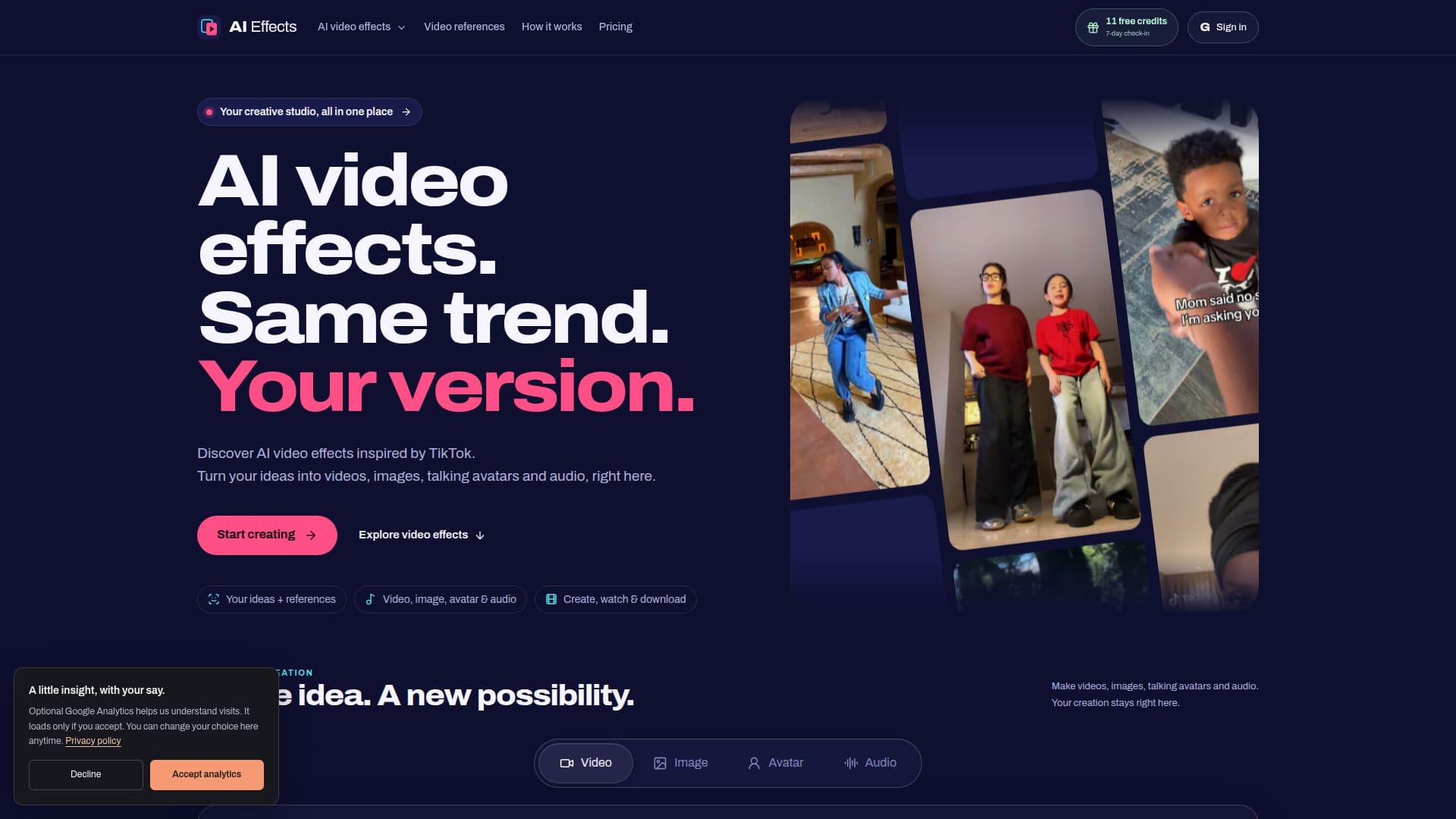
AI Effects is an online creative studio specializing in generating AI-powered videos, images, talking avatars, and audio. The platform draws inspiration from popular TikTok trends, offering a range of effects and creator references for users to explore. It provides a dedicated environment for transforming personal content into engaging visual and auditory experiences.
Read More
The core functionality revolves around various AI video effects, such as the "Supalonely AI Dance" tool. This specific feature allows users to upload a full-body photo of one person and an optional background image to generate a dance video with a matching soundtrack. The process is designed to be straightforward, handling uploads, guest payments, progress tracking, and MP4 downloads. Other available tools include flying-car edits, reunion scenes, AI GIF generation, and video transitions, each with specific input requirements, pricing, and sound options.
Users can browse an archive of credited creator reference videos for free to find inspiration. When ready to create, they select an available template, which outlines its photo requirements, sound, price, and verification status. For instance, the Supalonely AI Dance costs US$9.99 per complete video for guest users, or 40 member credits. The platform emphasizes that each template includes a fixed soundtrack, and options for music upload, replacement, muting, or dialogue separation are not offered.
AI Effects operates on a credit-based system for members, with one-time credit pack purchases available (e.g., Starter, Creator, Studio packs). Paid credits do not expire, providing flexibility for users to create multiple videos over time. Guest checkout is also available for single video purchases without requiring an account. The platform ensures private results, meaning creations stay within the user's account.
While the platform offers a diverse range of effects, it also sets clear expectations regarding output quality and limitations. For example, AI video effects may not perfectly recover hidden details from photos, and faces, hands, or scene details can change during generation. Users are advised to review the complete result before sharing and to confirm necessary permissions for any included music. The content selection is based on dated TikTok trend reporting, not live rankings, and templates are organized around specific video ideas rather than being a comprehensive, real-time trend tracker.
- CategoryAI Video Generators
- Pricing ModelOne-time Purchase
- DeploymentCloud
- PlatformsWeb
AI Effects's Core Features
Generate AI videos from photos
Create AI images
Produce talking avatars
Generate AI audio
TikTok-inspired effects and trends
Explore original creator references
Private results for creations
One credit balance system
Supalonely AI Dance tool
Optional background image for dance videos
Fixed matching soundtrack included in MP4
Guest payment option for single videos
Member credit packs for multiple generations
No credit expiry for paid member credits
AI video transitions between images or clips
How to use AI Effects?
Discover Effects: Browse the free archive of creator reference videos and TikTok-inspired effects to find an idea.
Choose a Template: Select an available tool like "Supalonely AI Dance" or "AI Video Transitions" and review its specific requirements and price.
Prepare Inputs: Upload a clear, well-lit full-body photo for dance effects, or first and last images/video clips for transitions.
Generate Content: Initiate the generation process, confirming the price or using your member credits.
Review and Download: Follow the order stages, then download the finished MP4 and review the video, dance, and sound before sharing.
Share Creations: Share your personalized AI video effects on social media, ensuring all necessary permissions are met for the content and soundtrack.
AI Effects's Use Cases
- Personalized Dance Videos
- Creative Video Transitions
- Social Media Content Creation
- Exploring Creator References
- Fun Personalized Videos
- Image and Audio Generation