
Description
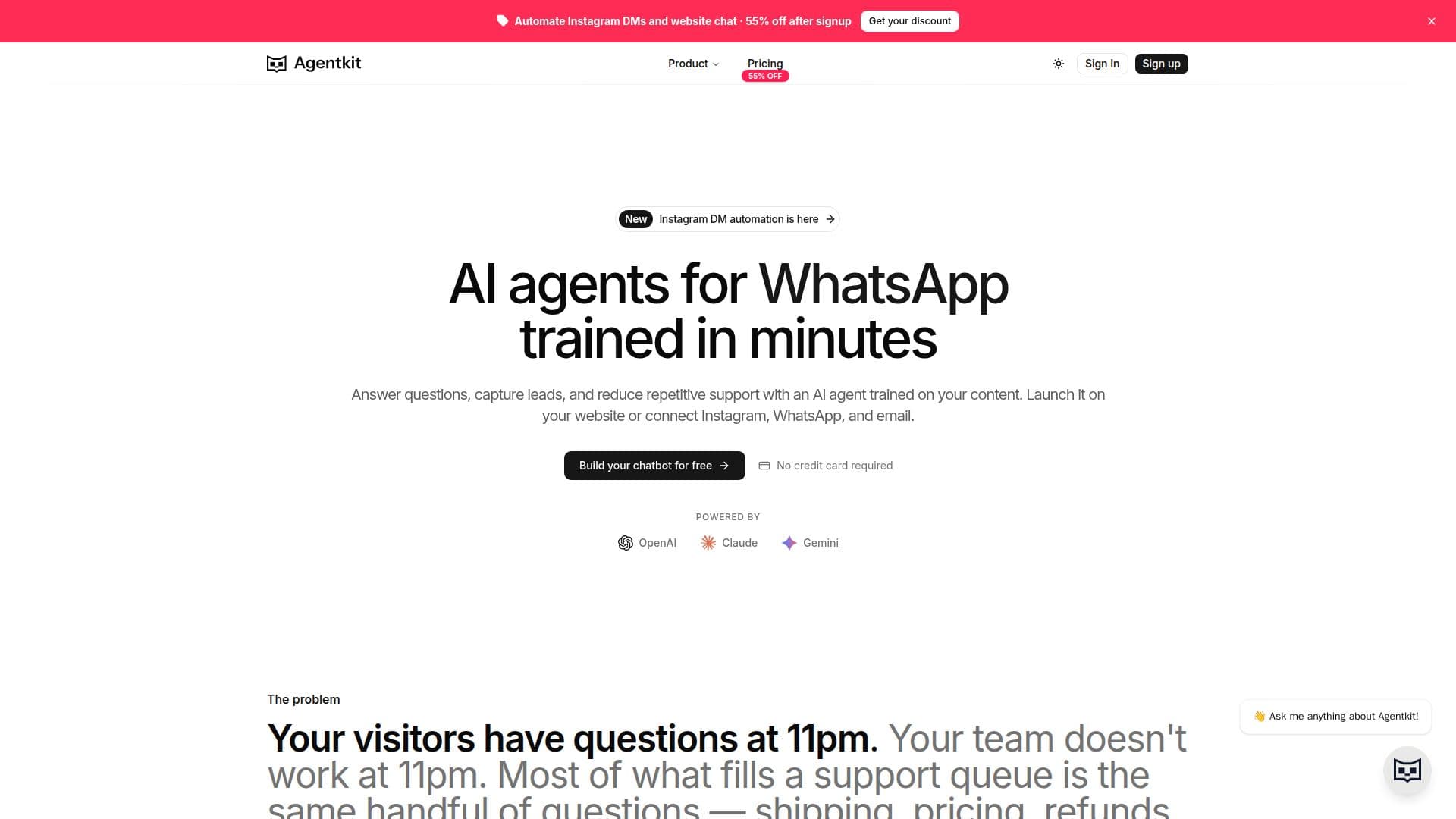
Agentkit provides a comprehensive platform for creating and deploying custom AI chatbots and agents. Users can train these AI agents using diverse content sources, including website URLs (which Agentkit automatically crawls and indexes), uploaded documents like PDFs, Word docs, and text files, and defined Q&A pairs for precise answers. This multi-source training ensures the AI agent is well-informed and capable of handling a wide range of inquiries.
Read More
The platform is designed for ease of use, requiring no coding skills. Users can build agents through a visual interface, upload content with drag-and-drop functionality, and embed the chatbot on any website that supports JavaScript by simply copying and pasting a single line of code. This makes it accessible for businesses of all sizes, from small websites to larger e-commerce platforms like WordPress, Shopify, Wix, Squarespace, and Webflow.
Agentkit agents are capable of performing multiple jobs, such as providing customer support, capturing leads, and automating replies across various channels. They can be deployed on a website, integrated into support inboxes, and connected to platforms like Instagram DMs and WhatsApp. Key features include multilingual support for over 95 languages, automatically detecting the visitor's language and responding accordingly, and custom branding options to match the chatbot's appearance with the user's brand.
For advanced functionality, Agentkit offers built-in actions like buttons, forms, and API calls that can be triggered by the AI in context. It also provides a conversation inbox for reviewing chat logs and exporting leads, along with advanced analytics to monitor usage patterns and refine responses over time. The platform supports auto-retraining for web sources on a schedule, ensuring agents stay current with updated content.
Agentkit offers various pricing plans, including a Free tier that allows users to build and test their first AI chatbot without a credit card. Paid plans offer increased credits, storage, and additional features such as API access, integrations, and the ability to remove "Powered by Agentkit" branding. Users can choose from a selection of AI models, including OpenAI GPT, Anthropic Claude, and Google Gemini, with the option to switch models per chatbot.
- CategoryAI Chatbot Builders
- Pricing ModelFreemium
- DeploymentCloud
- PlatformsWeb (JavaScript embed)
Agentkit's Core Features
Custom AI Chatbot Building
Website Content Training (URL Crawling)
Document Upload Training (PDF, DOCX, TXT, Markdown)
Q&A Pair Training
Multilingual Support (95+ languages)
Custom Branding and Appearance
Lead Capture within Conversations
Conversation Inbox and Analytics
Built-in Actions (Buttons, Forms, API Calls)
Multiple AI Agent Creation
Automatic Content Retraining
Choice of AI Models (OpenAI GPT, Anthropic Claude, Google Gemini)
No-Code Embedding with JavaScript Snippet
API Access for Custom Integrations
Domain Restrictions and Rate Limiting
How to use Agentkit?
Create Agent: Sign up for Agentkit, then click "Create Agent" and name your new AI agent.
Add Training Content: Train your agent using website URLs, document uploads (PDF, DOCX, TXT, Markdown), text snippets, or specific Q&A pairs.
Customize Agent: Configure the agent's tone, appearance, welcome message, and chat bubble style to match your brand.
Embed on Website: Copy the generated JavaScript snippet from your agent's Channels tab and paste it before the closing </body> tag on your website.
Connect Integrations: Optionally connect your agent to external services like Shopify for order lookups or product searches, and set up actions.
Review and Improve: Use the conversation analytics to monitor interactions, track leads, and refine your agent's responses over time.
Agentkit's Use Cases
- 24/7 Customer Support
- Lead Generation
- Automated FAQ Responses
- Website Visitor Engagement
- Internal Knowledge Base Access
- Multi-Channel Communication
- E-commerce Support
- Content-Based Q&A