Description
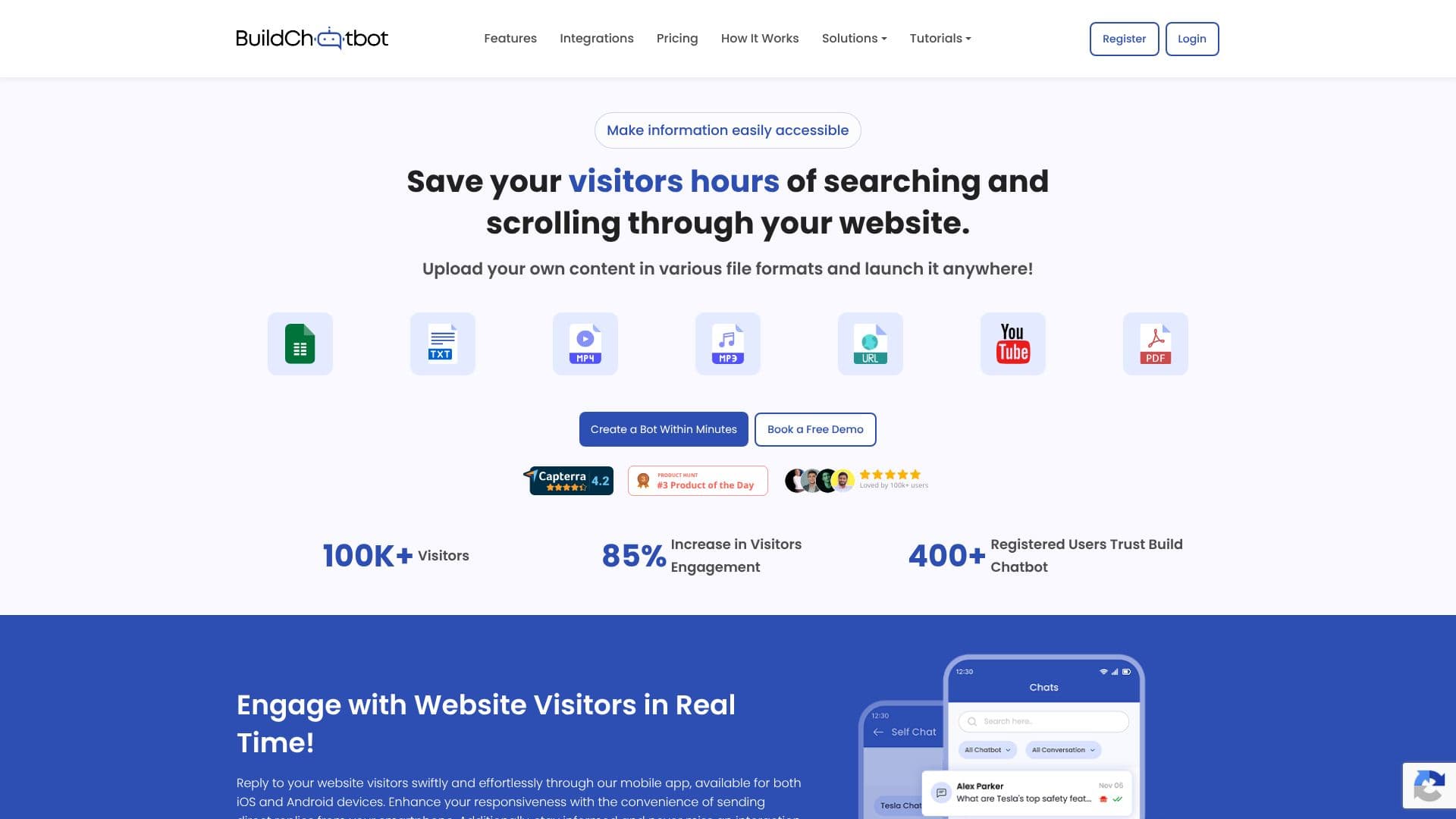
Build Chatbot empowers businesses to create custom AI chatbots for their websites without requiring any coding expertise. The platform is designed to make information easily accessible to website visitors, saving them time and reducing the need to search through extensive content. By uploading diverse content in various file formats, users can quickly launch a chatbot that engages visitors in real-time.
Read More
The process of creating a chatbot is streamlined into three simple steps: setting up the chatbot by providing an email for a magic link, training the chatbot by uploading files such as website URLs, audio, and video, and finally, embedding the ready chatbot onto the website. This intuitive approach ensures that users can have a functional chatbot within minutes.
Key capabilities include the ability to train the chatbot with a wide range of file formats, including PDFs, Docs, Text, Website URLs, YouTube URLs, Audio, and Video. This makes Build Chatbot unique in its support for audio and video content. The platform also allows for personalization to match a brand's visual identity, including customizing the logo, background color, or image. Real-time engagement with customers is facilitated through mobile apps (iOS and Android), web, Slack, and WhatsApp integrations, with instant notifications for new conversations.
Build Chatbot aims to resolve up to 90% of customer queries, understand visitor needs through its unique chats feature, and boost conversions by up to 40%. The platform offers seamless integrations, including Zapier for enhanced automation and Slack for live agent chat support, streamlining lead generation and team collaboration. A full-page chat widget option is available to transform user experience and enhance customer satisfaction.
The target audience includes businesses of all sizes looking to improve customer support, enhance user engagement, and streamline information delivery on their websites. It is particularly beneficial for marketing teams, customer support departments, and website owners seeking to leverage AI for better online interactions. The value proposition lies in its ease of use, extensive file format support, real-time engagement capabilities, and powerful integration options, all contributing to a more efficient and responsive online experience.
- CategoryAI Chatbot Builders
- Pricing ModelFreemium
- DeploymentWebsite Embed
- PlatformsWeb, iOS, Android, Slack, WhatsApp
Build Chatbot's Core Features
No-code chatbot builder
Customizable chatbot appearance
Trainable with multiple file formats
Supports audio and video file training
Real-time customer engagement
Mobile app for iOS and Android
Instant notifications for new conversations
Zapier integration for automation
Slack integration for live agent chat
Full-page chat widget option
Website URL training
YouTube URL training
PDF, DOCX, TXT file support
Excel file support
How to use Build Chatbot?
Set up your chatbot: Enter your email to receive a setup link.
Train your chatbot: Upload your content, including audio and video files.
Personalize your chatbot: Customize its look and feel to match your brand.
Embed on your website: Copy the embed code and add it to your site.
Engage with visitors: Respond to customer queries in real-time.
Build Chatbot's Use Cases
- Website Customer Support
- Lead Generation
- Information Accessibility
- User Engagement
- E-learning Support
- Healthcare Information
- Internal Knowledge Base