
Description
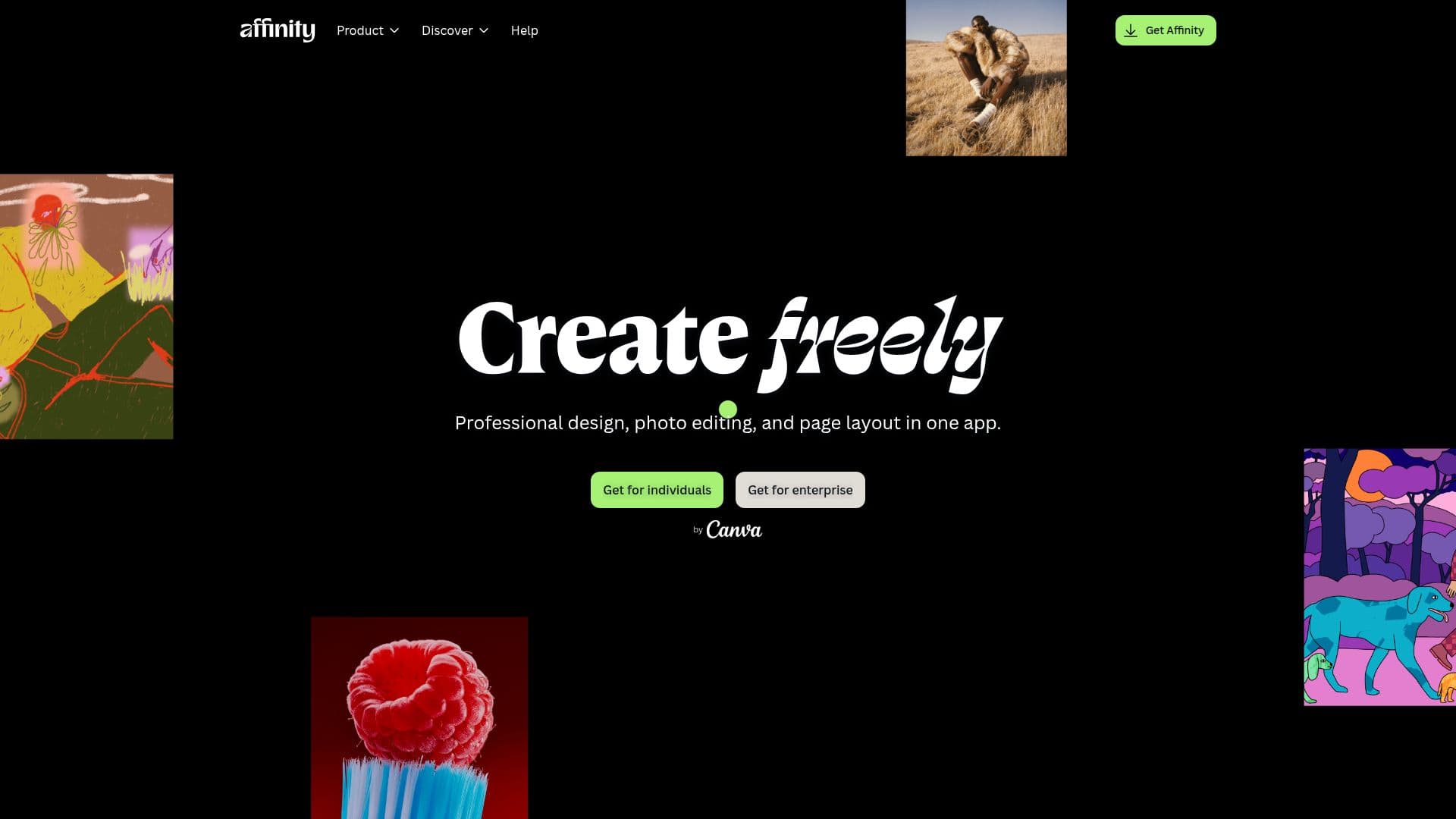
Affinity is a comprehensive creative software suite that combines professional design, photo editing, and page layout capabilities into a single application. This eliminates the need for app switching, allowing users to design, edit, and layout without leaving their .af file. Affinity supports a wide range of file formats, including PSD, AI, IDML, and DWG, ensuring compatibility and ease of collaboration.
The software is designed for creatives who value precision and speed. It offers non-destructive editing, allowing users to experiment freely while preserving the original file. With the ability to handle thousands of layers and detailed edits at 1,000,000% zoom, Affinity meets the demands of professional designers.
Affinity integrates with popular apps like DaVinci Resolve and Capture One, facilitating seamless workflows from photo editing to video production. The optional AI tools available through Canva premium plans enhance the creative process without cluttering the workspace.
Affinity is free for individuals, making it accessible to a wide audience. It supports macOS, Windows, and is in development for iPad. Organizations can access additional features through Canva Enterprise or Canva Education. Affinity is designed for creatives by creatives, offering true creative freedom without compromise.
Affinity Creative Software's Core Features
Professional design, photo editing, and page layout
File compatibility with PSD, AI, IDML, DWG
Non-destructive editing
Integration with DaVinci Resolve and Capture One
Optional AI tools with Canva premium
Free for individuals
Optimized for macOS, Windows, and iPad
Cross-collaboration with Canva
How to use Affinity Creative Software?
Configure: Set up your workspace
Use: Design, edit, and layout in one app
Integrate: Connect with DaVinci Resolve and Capture One
Optimize: Use AI tools for enhanced workflows
Affinity Creative Software's Use Cases
- Graphic Design
- Photo Editing
- Page Layout
- Video Production
- Creative Collaboration