Description
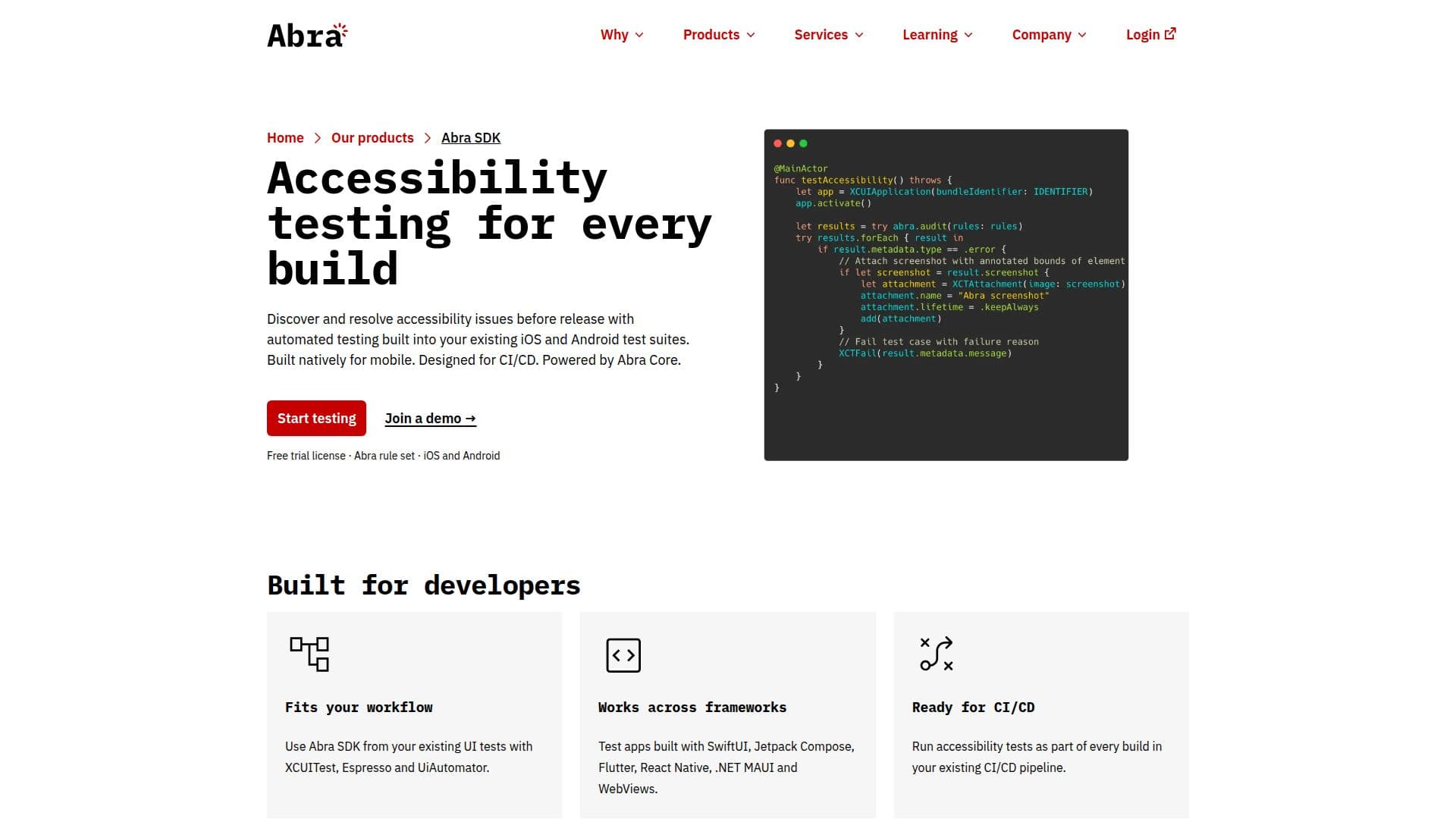
Abra SDK is a comprehensive mobile accessibility testing tool designed for iOS and Android platforms. It allows developers to integrate automated accessibility testing into their existing test suites, ensuring that accessibility issues are identified and resolved before app release. The SDK is built natively for mobile and is designed to fit seamlessly into continuous integration and continuous deployment (CI/CD) workflows.
The SDK supports a wide range of frameworks including SwiftUI, Jetpack Compose, Flutter, React Native, and .NET MAUI, making it versatile for developers working with different technologies. It works with popular testing frameworks such as XCUITest for iOS and Espresso and UiAutomator for Android, allowing developers to run accessibility audits as part of their existing UI tests.
Abra SDK is powered by Abra Core, which includes 13 specific rules designed to detect common accessibility issues in mobile apps. These rules are based on years of expertise in mobile accessibility and are proven through real-world application audits. Each issue detected by the SDK is clearly explained, with guidance linked to solutions, enabling developers to fix problems without needing prior accessibility knowledge.
The SDK is part of the broader Abra ecosystem, which includes tools like Abra Dashboard and Abra Desktop, providing a comprehensive suite for managing and improving app accessibility. Abra's commitment to accessibility is further demonstrated by its involvement in initiatives such as the W3C Mobile Accessibility Task Force and the IAAP mobile accessibility course.
While the SDK automates many aspects of accessibility testing, it acknowledges the importance of manual testing for certain requirements that need human judgment or interaction with assistive technologies. Abra SDK is an essential tool for developers aiming to ensure their mobile apps are accessible to all users.
Abra SDK's Core Features
Automated accessibility testing
Supports iOS and Android
Integrates with CI/CD pipelines
Works with SwiftUI, Jetpack Compose, Flutter, React Native, .NET MAUI
13 specific accessibility rules
Clear issue explanations and solutions
Part of the Abra ecosystem
Supports XCUITest, Espresso, UiAutomator
How to use Abra SDK?
Install: Add the Abra SDK dependency to your test project
Configure: Initialize the SDK and select rules
Test: Run accessibility audits from existing tests
Fix: Review findings and resolve issues
Abra SDK's Use Cases
- Mobile app testing
- CI/CD integration
- Framework compatibility
- Issue resolution
- Accessibility audits