Description
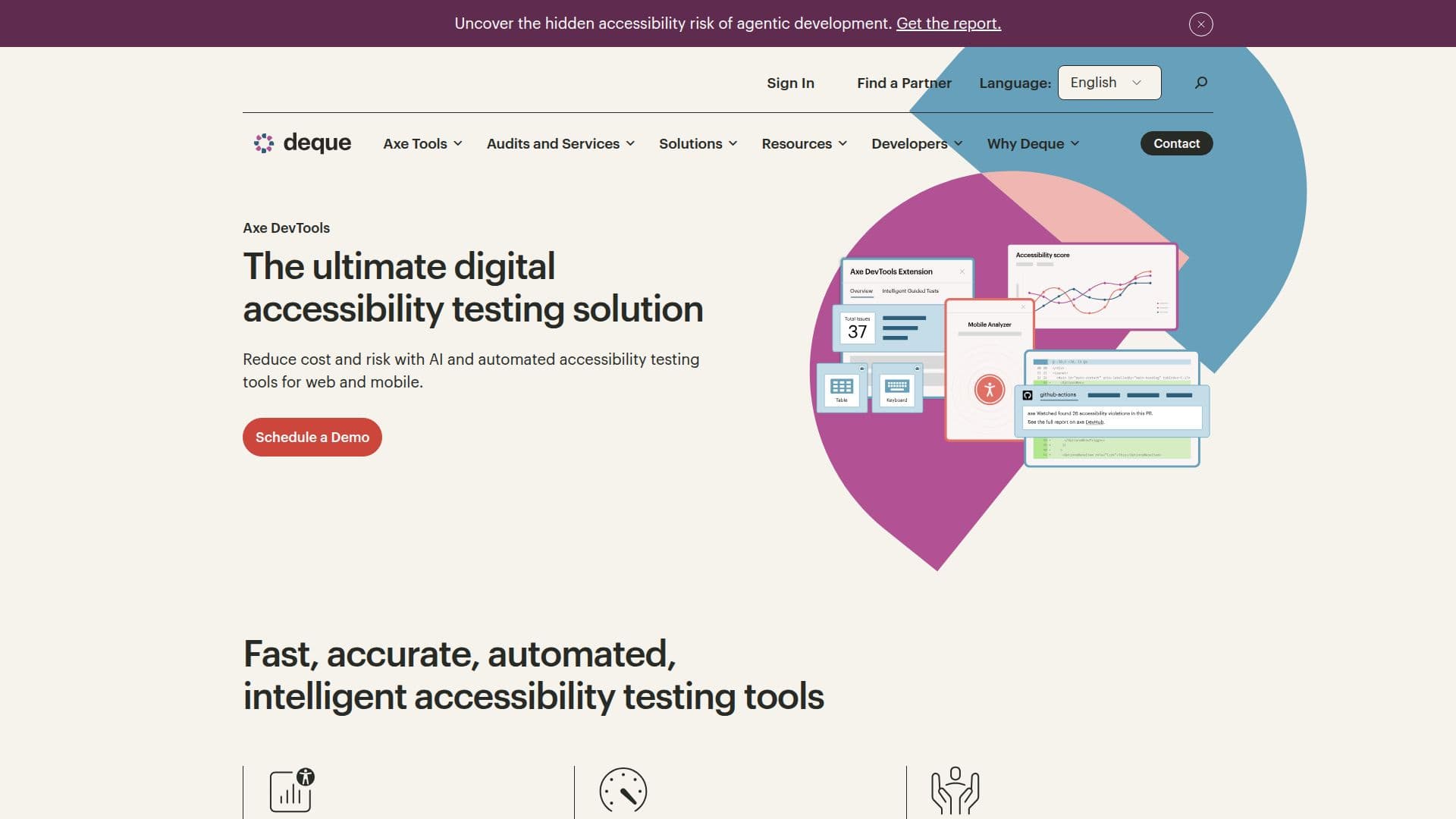
Axe DevTools is designed to integrate accessibility testing seamlessly into existing automated testing processes for web, iOS, and Android applications. This tool is essential for organizations aiming to create more accessible digital experiences, particularly for web development teams, mobile app developers, and test engineers. By utilizing Axe DevTools, teams can quickly identify a significant percentage of accessibility issues, allowing for faster remediation and compliance with accessibility standards.
Read More
The toolkits provided by Axe DevTools are comprehensive, covering a wide range of accessibility tests. They enable users to conduct automated testing that can identify up to 80% of potential issues, which can then be complemented by manual testing to address more complex problems that automation may not detect. This dual approach ensures that organizations can maintain high standards of accessibility while optimizing their testing processes.
Axe DevTools is particularly beneficial for web development teams and agencies that need to pinpoint accessibility issues within fully rendered pages. It also supports mobile app development teams by enabling automated testing as part of the release cycle, ensuring that accessibility is considered at every stage of development. The tool is built on the Axe-core engine, which has been downloaded over 5 billion times, making it a trusted choice in the accessibility community.
With features like the Axe DevTools Extension for interactive browser testing and the Axe DevTools Linter for static code analysis, users can start testing for accessibility issues quickly and effectively. The commitment to zero false positives means that teams can focus on fixing true accessibility issues without wasting time on misleading results. This reliability is crucial for maintaining credibility in accessibility efforts and ensuring that all users, including those with disabilities, can access digital content without barriers.
- CategoryAI Accessibility Tools
- Pricing ModelFreemium
- DeploymentCloud
- PlatformsWeb, iOS, Android
Axe DevTools's Core Features
Automated Testing
Manual Testing Support
Web and Mobile Testing
Zero False Positives
Integration with CI/CD
Interactive Browser Extension
Static Code Analysis
Intelligent Guided Tests
How to use Axe DevTools?
Integrate: Embed Axe DevTools into your existing testing framework.
Run Tests: Execute automated accessibility tests during your development process.
Analyze Results: Review the test results for identified accessibility issues.
Fix Issues: Address the reported accessibility problems based on the findings.
Conduct Manual Testing: Use manual testing methods for complex accessibility checks.
Monitor Progress: Track improvements in accessibility over time.
Train Teams: Educate your team on accessibility best practices using provided resources.
Axe DevTools's Use Cases
- Web Development
- Mobile App Testing
- Compliance Audits
- Training and Education
- Continuous Monitoring