Description
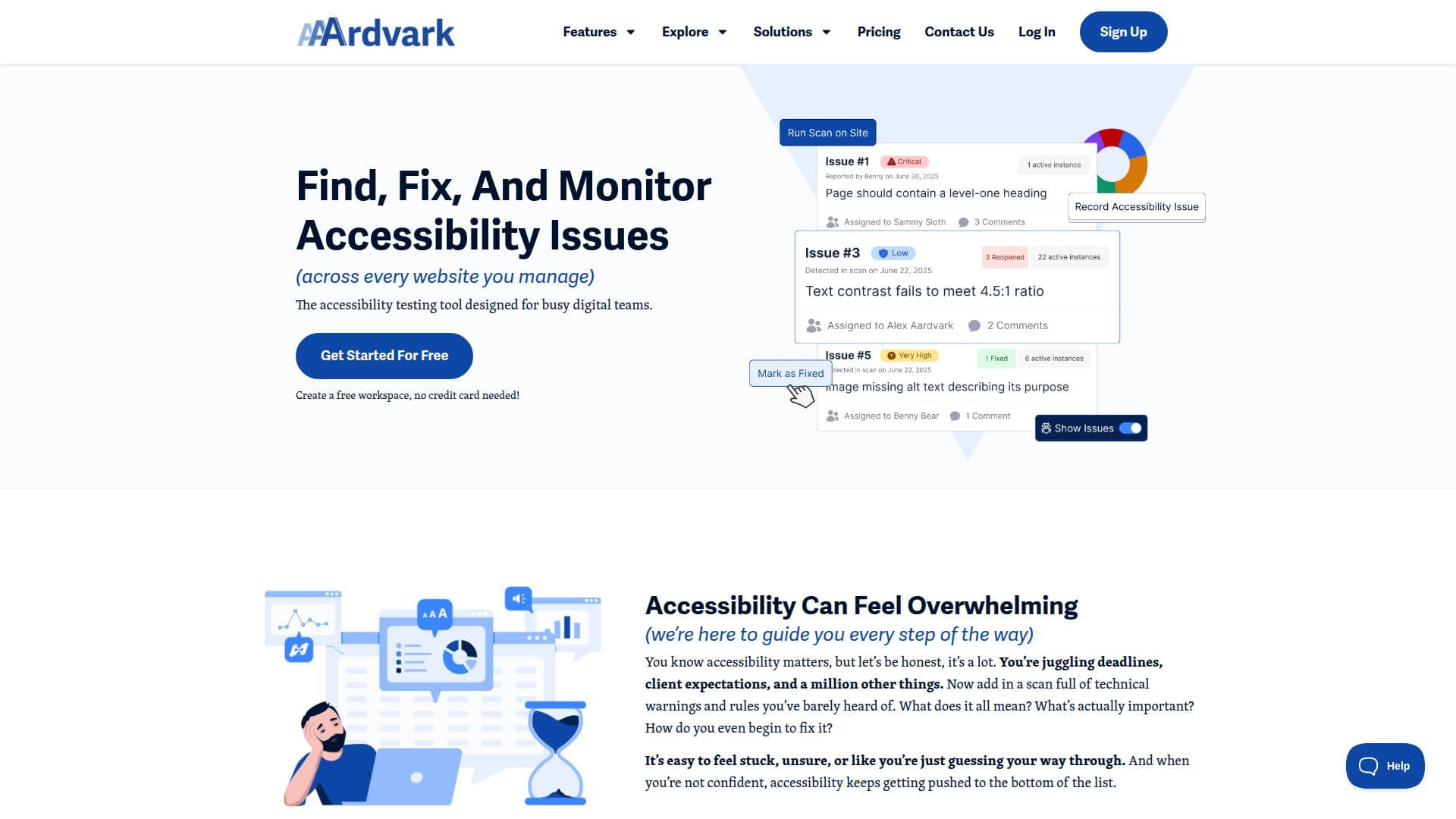
AAArdvark is a comprehensive accessibility testing tool designed to streamline the process of ensuring web compliance with WCAG standards. It offers a suite of features that cater to digital teams, agencies, and freelancers who manage multiple websites. The platform combines automated scanning with manual testing tools to identify, track, and fix accessibility issues efficiently.
The tool is built to simplify complex accessibility challenges by providing clear, actionable guidance. Users can see issues directly on their live sites through Visual Mode, which highlights both automated and manual findings. This feature allows teams to pinpoint problems quickly and assign tasks for remediation.
AAArdvark supports unlimited users, making it ideal for collaborative environments. Teams can track remediation efforts, verify fixes, and close the loop on accessibility issues all within the platform. The tool also offers ongoing monitoring capabilities, allowing users to run automated scans to catch regressions and generate compliance reports.
Pricing for AAArdvark is structured to accommodate different needs, with plans ranging from a free tier for single-site testing to more comprehensive options for larger teams managing multiple sites. The platform is designed to be approachable for users who may not be accessibility experts, providing human-readable guidance and support from real accessibility professionals.
AAArdvark is not just a tool but a commitment to inclusivity, built by experts with decades of experience in digital accessibility. It empowers users to make meaningful progress in creating a more accessible web, offering both the tools and the support needed to achieve compliance and improve user experience.
AAArdvark Accessibility Tool's Core Features
Audit Management
Visual Mode
Remediation Manager
Scan and Monitor
AI-Powered Color Contrast Checker
Unlimited Users
Custom Branded Reports
CMS Integrations
Dedicated Support
Ongoing Automated Testing
Manual and Automatic Testing
Tailored Issue Tracking
Flexible Site Testing
Beginner-Friendly Interface
How to use AAArdvark Accessibility Tool?
Create workspace: Sign up and add your first site
Run scan: Use automated tools to identify issues
Visual Mode: View issues directly on your site
Remediation: Assign and track fixes with your team
Monitor: Schedule scans to catch new issues
Report: Generate compliance reports for stakeholders
AAArdvark Accessibility Tool's Use Cases
- Website Audits
- Remediation Tracking
- Automated Monitoring
- Team Collaboration
- Client Reporting