
Description
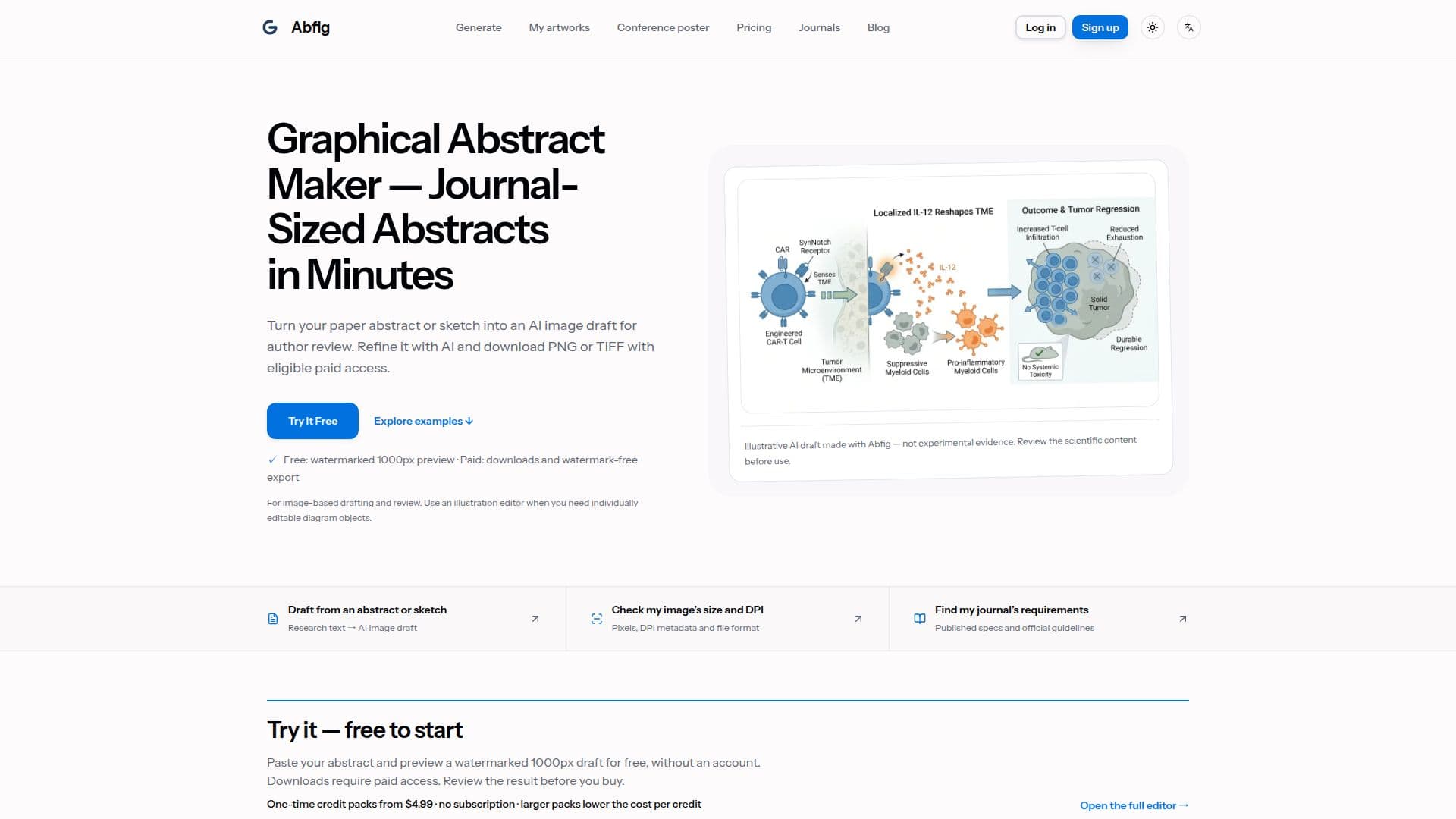
Abfig is an AI graphical abstract maker specifically developed to assist researchers in creating conceptual scientific figures. It streamlines the process of turning a paper abstract or a rough sketch into a visual summary suitable for academic publications, presentations, and posters. The platform is entirely browser-based, eliminating the need for design software like Illustrator or Photoshop, making it accessible to researchers without graphic design expertise.
Read More
The core functionality of Abfig involves pasting abstract text or uploading a sketch, which the AI then uses to generate a complete graphical abstract draft. This initial draft can be refined using AI-powered editing tools. The "Refine" feature allows users to re-render the entire figure based on new text instructions, useful for adjusting overall layout or colors. For more localized changes, "Inpaint" enables users to draw a mask over a specific region and describe what needs to be altered, with the AI redrawing within that masked area. This iterative editing process ensures the figure accurately represents the research.
Abfig supports various journal requirements by offering built-in presets for major publishers like Nature, Cell, Elsevier, and ACS. These presets automatically configure recommended dimensions and DPI settings, ensuring figures meet submission standards. Users can export their final artwork as high-resolution RGB PNG or TIFF files. While a limited free preview is available, downloads of new artwork and access to advanced editing features require paid access, typically through one-time credit packs or monthly plans.
The tool is ideal for conceptual diagrams such such as mechanisms, experimental workflows, system overviews, and high-level research comparisons. It is not designed for generating charts from datasets or reconstructing microscopy images. Abfig emphasizes the importance of scientific accuracy, advising users to thoroughly review every generated figure for correctness before use or submission, and to always verify their target journal's current AI-image policies.
- CategoryAI Graphic Design Tools
- Pricing ModelFreemium
- DeploymentCloud
- PlatformsWeb
Abfig's Core Features
AI Graphical Abstract Generation from Text
Sketch-to-Image AI Drafts
Journal-Sized Export Presets (Nature, Cell, Elsevier, ACS)
High-Resolution PNG and TIFF Export
AI Refine: Whole-Figure Re-rendering
AI Inpaint: Localized Region Redrawing
Browser-Based Interface (No Software Installation)
Free Watermarked Previews
One-Time Credit Packs for Paid Access
Monthly Credit Plans Available
DPI Checker for Export Verification
Conceptual Diagram Generation
Support for Experimental Workflows and Mechanisms
Abstract Text Input (50–8000 characters)
PDF Text Layer Import
How to use Abfig?
Pick Your Journal: Select from built-in journal presets to pre-configure output dimensions and DPI.
Paste Your Abstract: Input your paper abstract or upload a rough sketch for AI to draft a graphical abstract.
Edit & Polish: Use Refine to re-render the whole figure or Inpaint to redraw specific regions with a brush.
Export & Submit: Review the AI draft and export as TIFF or PNG at submission resolution, verifying against journal guidelines.
Abfig's Use Cases
- Drafting Graphical Abstracts
- Creating Conceptual Diagrams
- Journal Submission Preparation
- Research Presentation Visuals
- Refining AI-Generated Images
- Visualizing Research Summaries
- Exploring Visual Compositions
- Academic Publishing Support