Description
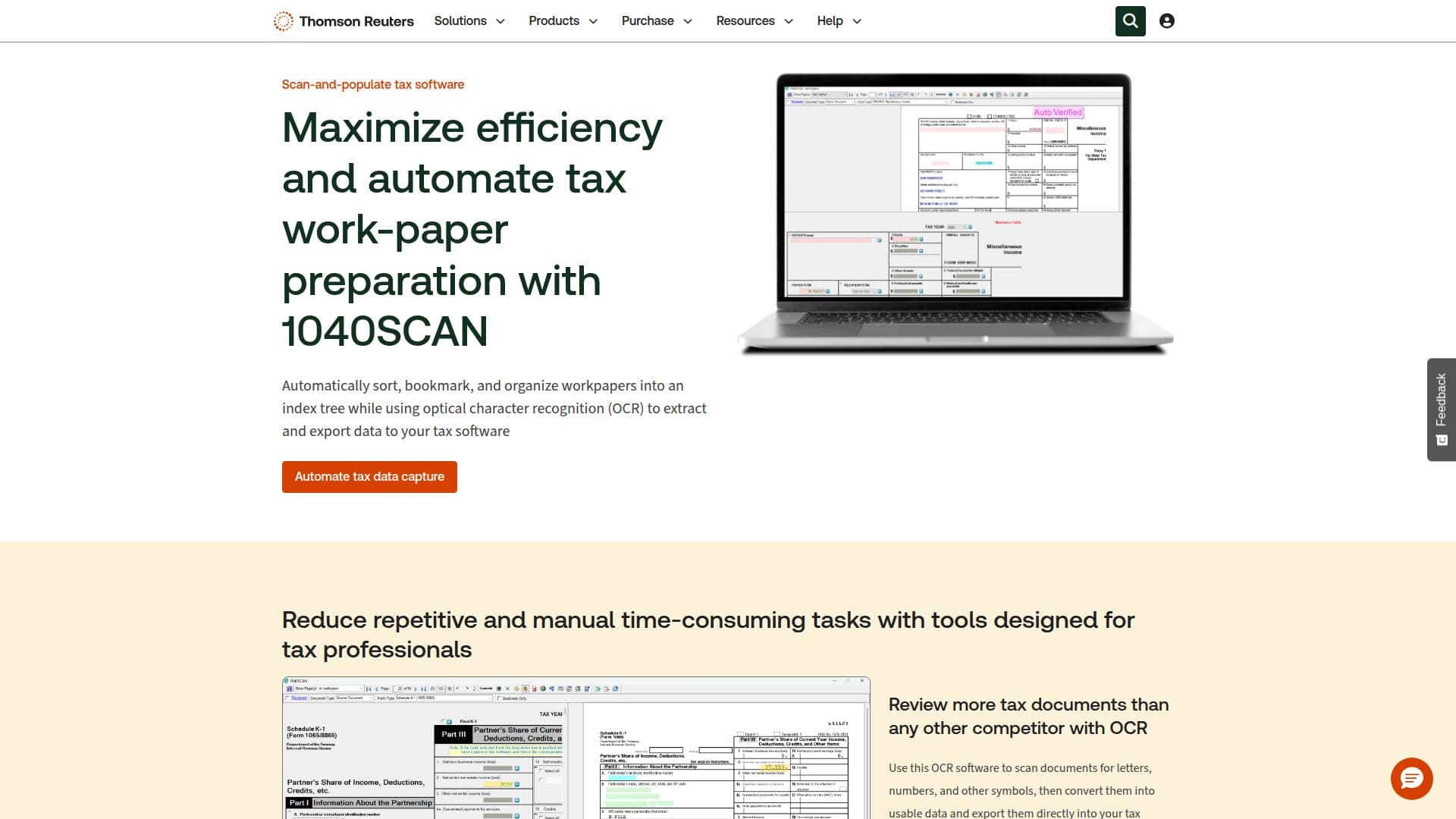
1040SCAN is a powerful tool designed to automate the preparation of tax workpapers, significantly reducing the time spent on manual data entry. Developed by Thomson Reuters, it utilizes advanced optical character recognition (OCR) technology to scan documents for letters, numbers, and symbols, converting them into usable data that can be directly exported into tax preparation software. This feature allows tax professionals to maximize efficiency and focus on more critical tasks.
Read More
The software automatically organizes and bookmarks workpapers into a standardized index tree, making it easier to manage and review documents. With its unique verification tools, 1040SCAN eliminates the need to verify OCR data for 65% of standard documents, using patented text-layer matching and AI to save time and boost productivity.
1040SCAN is known for its extensive document coverage, recognizing 4 to 7 times as many tax documents as competing solutions. It can verify data from Federal Organizer pages, grantor letters, and Schedules K-1, identifying fields often ignored by other tax software.
Integration with platforms like TaxCaddy, SPbinder, Ultratax CS, and GoSystem Tax RS ensures seamless workflow automation, allowing tax professionals to complete more returns in less time. The software is ideal for remote, hybrid, or multi-office workflows, providing flexibility and efficiency.
While pricing details are not explicitly mentioned, interested users can contact Thomson Reuters for more information. 1040SCAN is targeted at tax professionals seeking to streamline their processes and enhance productivity.
- CategoryAI Accounting Tools
- Pricing ModelContact sales
- DeploymentCloud
- PlatformsWeb
1040SCAN Tax Automation Tool's Core Features
Automates tax workpaper preparation
Utilizes OCR for data extraction
Exports data to tax software
Organizes workpapers into index tree
Unique verification tools
Extensive document coverage
Integration with TaxCaddy
Integration with SPbinder
Integration with Ultratax CS
Integration with GoSystem Tax RS
Patented text-layer matching
AI-driven data verification
Remote workflow support
Standardized document indexing
Reduces manual data entry
How to use 1040SCAN Tax Automation Tool?
Upload: Add documents to 1040SCAN
Scan: Use OCR to extract data
Verify: Utilize AI for data verification
Export: Send data to tax software
Organize: Index documents automatically
Integrate: Connect with other tax platforms
Review: Use Review Wizard for accuracy
1040SCAN Tax Automation Tool's Use Cases
- Tax Document Automation
- Remote Tax Processing
- Data Verification
- Workflow Integration
- Document Management
- Efficiency Boost
- Comprehensive Coverage
- Professional Tax Preparation
- Standardized Indexing
- AI-Driven Automation