Description
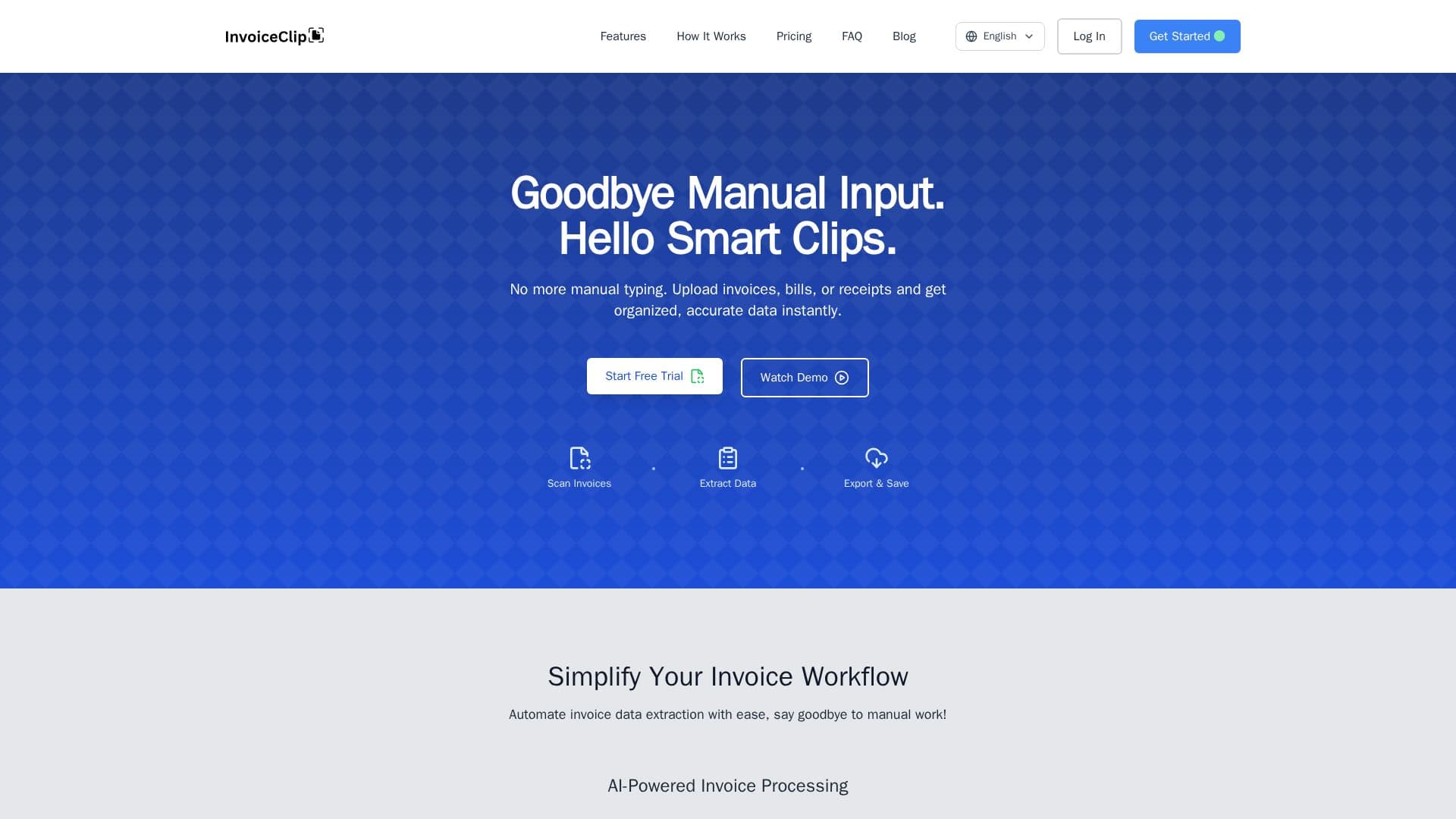
InvoiceClip is an AI-powered invoice and receipt scanner that automates data extraction so you never have to type invoice details by hand. Using AI OCR built on Google Gemini Vision (with OpenAI Vision as a fallback), it scans receipts, invoices, and utility bills and captures headers, taxes, line items, and utility metrics with 98% field accuracy, in English and Spanish.
Read More
The workflow is three steps: drag and drop PDFs, photos, or images, let the AI extract vendor, dates, amounts, and unlimited line items in under 30 seconds per page, then review and export. A side-by-side PDF and data editor with search and quick-edit lets you fix any field, and human-in-the-loop review is included on all plans. Extracted data can be exported to CSV or Excel with one click for QuickBooks, Xero, and other accounts-payable systems.
InvoiceClip also adds smart expense categorization across 21 categories, project-based organization for clear tracking, bulk batch uploads with real-time progress, and search by vendor, date, or project. It supports PDF, PNG, and JPG files up to 10MB.
Data privacy is a priority: invoices are encrypted at rest with AES-256 on Google Cloud Platform (ISO 27001 and GDPR compliant), only the account owner can access files, files are stored temporarily and auto-deleted based on plan retention, and data is never used to train third-party models. InvoiceClip offers a free tier of 10 lifetime pages with paid Starter, Growth, and Pro plans.
- CategoryAI Accounting Tools
- Pricing ModelFreemium
- DeploymentCloud
- PlatformsWeb
InvoiceClip's Core Features
AI OCR extraction from invoices, receipts, and utility bills at 98% accuracy
Powered by Google Gemini Vision with OpenAI Vision fallback
Bilingual support (English and Spanish)
Smart expense categorization across 21 categories
Unlimited line-item capture and project-based organization
Side-by-side PDF and data editor with human-in-the-loop review
Bulk batch uploads with real-time progress
One-click export to CSV and Excel for QuickBooks and Xero
How to use InvoiceClip?
Scan: Drag and drop PDF invoices, receipts, or images to upload them.
Extract: The AI automatically captures dates, amounts, vendor information, and line items in seconds.
Review and edit: Check the extracted data in the side-by-side PDF and data editor and fix any field.
Export and save: Download clean CSV or Excel, or integrate with your accounting software.
InvoiceClip's Use Cases
- Accounts payable automation
- Receipt and expense tracking
- Utility bill processing
- Project-based cost tracking
- Bulk invoice digitization