
Description
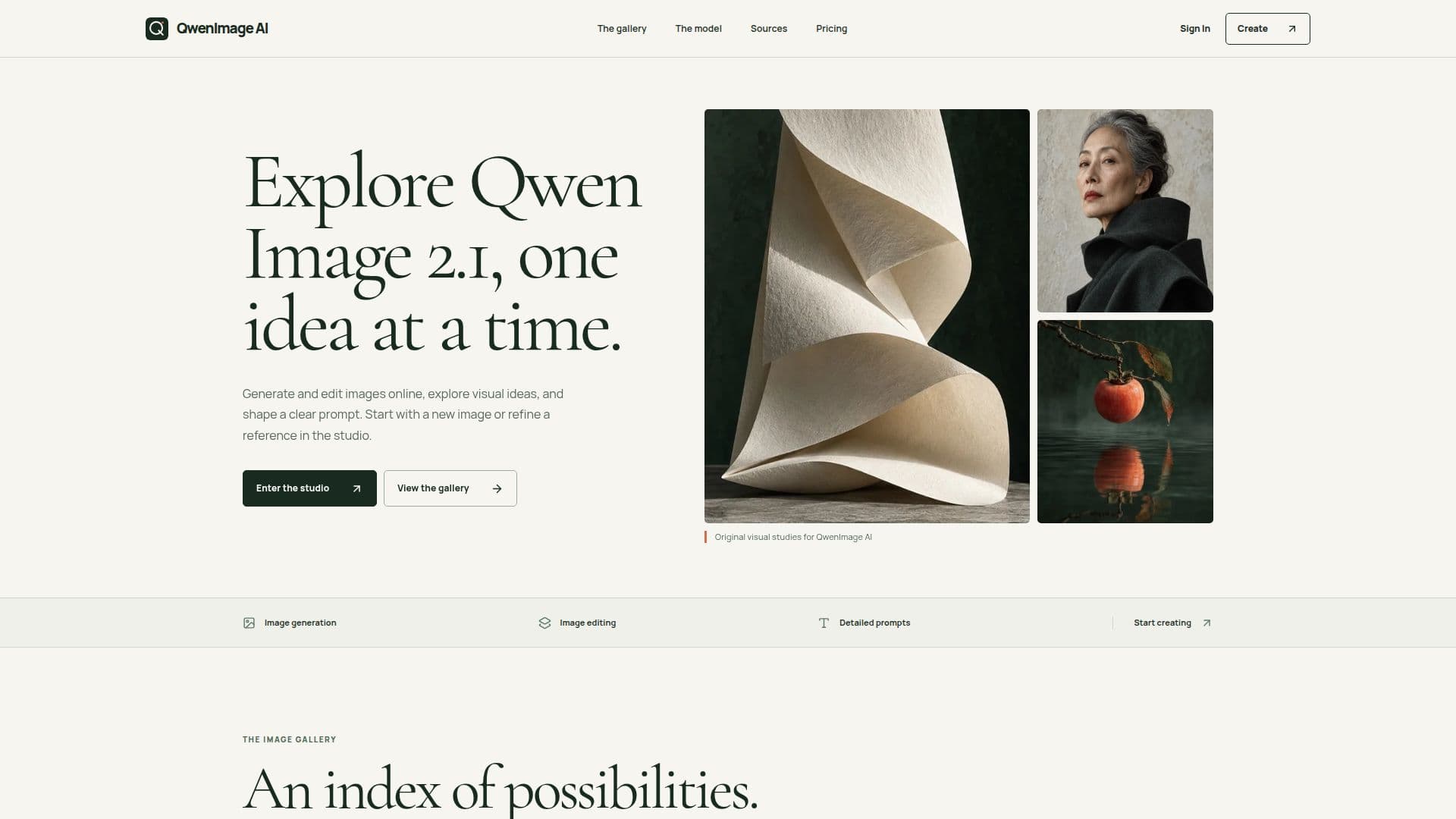
Qwen Image 2.1 Guide & Prompt Studio offers an independent online environment for users to interact with and explore the Qwen Image 2.1 model. This platform is designed to facilitate both text-to-image generation and comprehensive image editing, providing a versatile space for visual creation and refinement.
Read More
The core functionality revolves around the Qwen Image 2.1 model, developed by the Qwen team. This model is noted for its 7B visual generation component, native support for transparent RGBA images, the ability to incorporate multiple reference images, and enhanced detail in text and portrait generation. The studio acts as an interface, allowing signed-in users to submit text-to-image prompts to a configured Qwen Image service.
Users can begin their creative process by describing the desired subject, composition, lighting, and mood for a new image. The platform guides users in crafting clear and concise prompts, emphasizing that effective prompts resemble compact art direction rather than a collection of unrelated style tags. It also supports various aspect ratios, such as square for products, portrait for characters, and wide for landscapes, which are sent with the generation request.
For image editing, the studio allows users to specify changes while preserving existing elements. This includes naming the area or object to modify and listing details that must remain consistent, such as building structures, camera angles, or brand elements. While the studio supports local preview and drafting of edit instructions, the actual editing process for marked regions, masks, and multiple references is intended to be completed with a compatible external editing tool.
A distinctive feature highlighted is native transparency, enabling the creation or editing of RGBA images and the extraction of subjects as transparent layers. This capability is particularly useful for generating stickers, product cutouts, icons, and for compositing work. The platform advises users to explicitly request transparency and describe subject edges, materials, and poses for optimal results. Furthermore, the model supports up to ten reference images for multi-subject composition and editing, allowing users to assign specific roles to each reference to guide the model effectively.
The studio also emphasizes improved typography and detail in the Qwen Image 2.1 release. Users can specify exact text, placement, scale, and language for elements like posters or labels. The platform offers a credit-based pricing model for image generation and editing, with different subscription tiers providing varying credit allowances. Failed image generations are automatically refunded.
- CategoryAI Image Generators
- Pricing ModelFreemium
- DeploymentCloud
- PlatformsWeb
Qwen Image 2.1 Guide & Prompt Studio's Core Features
Text-to-image generation
Image editing capabilities
Native transparent RGBA image output
Support for multiple reference images
Refined text and portrait details
Prompt studio for crafting clear instructions
Aspect ratio selection for image generation
Guidance for editing specific regions or objects
Ability to extract subjects as transparent layers
Credit-based pricing model
Automatic refunds for failed image generations
Subscription plans for credit bundles
Online image generation and editing
Exploration of visual ideas
How to use Qwen Image 2.1 Guide & Prompt Studio?
Sign in: Access the studio by signing in to your account.
Describe the world: Write a clear text-to-image prompt detailing the subject, setting, viewpoint, composition, light, and mood.
Choose a frame: Select an aspect ratio (e.g., square, portrait, wide) for your image.
Submit prompt: Submit your text-to-image prompt to the configured Qwen Image service.
Refine with references: Bring a reference image into your draft and describe the changes you want to make.
Plan transparent assets: Request transparent RGBA images and describe subject edges, material, and pose if transparency is essential.
Use multiple references: Assign specific roles to up to ten reference images to guide multi-subject compositions or edits.
Review and revise: Check the generated image for spelling, details, and composition, then revise one constraint at a time.
Qwen Image 2.1 Guide & Prompt Studio's Use Cases
- New Image Generation
- Image Editing and Revision
- Transparent Asset Creation
- Multi-Image Composition
- Product Visualization
- Character Design
- Landscape Generation
- Art Direction Briefing
- Typography and Detail Enhancement