Description
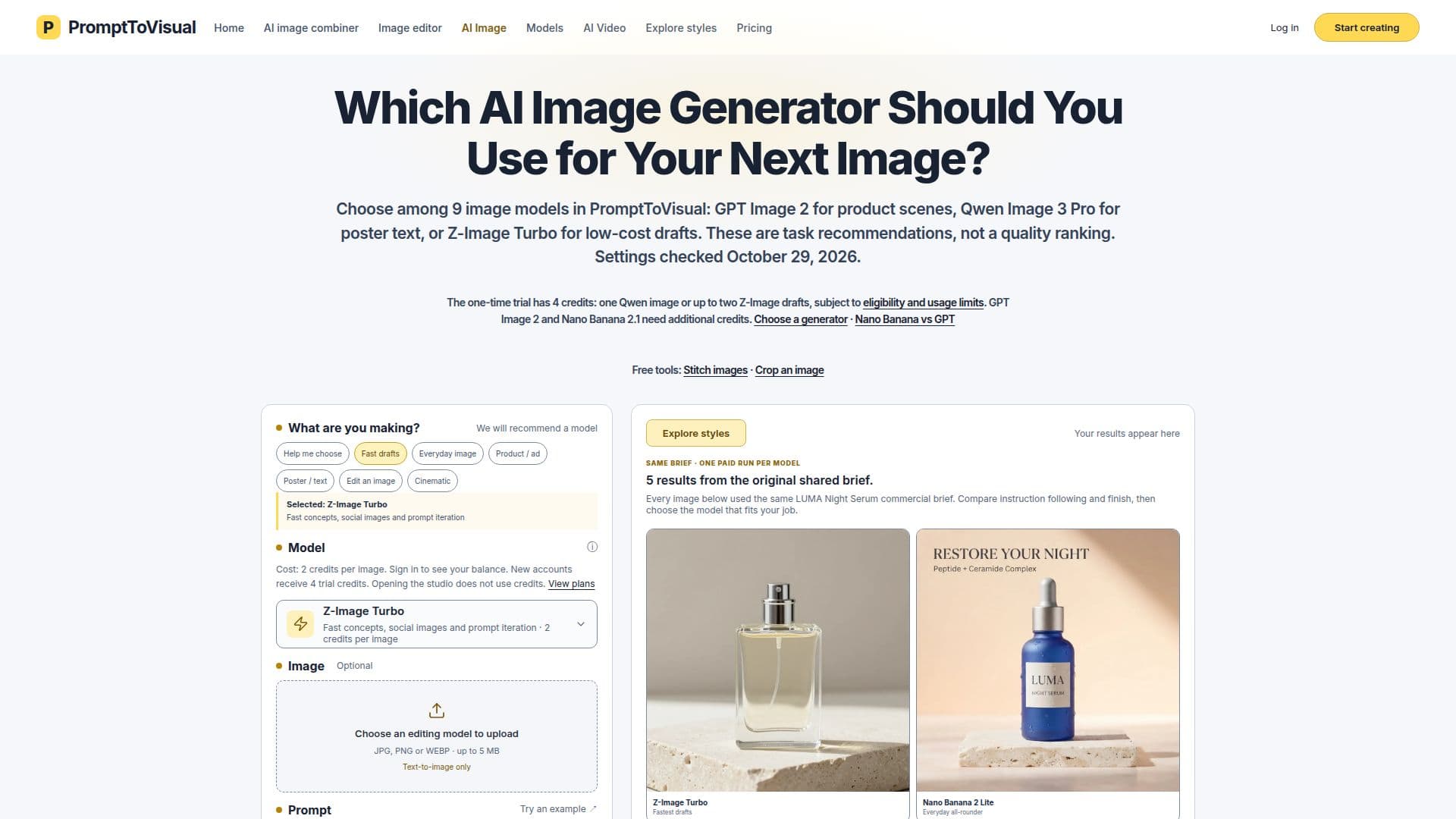
PromptToVisual provides a comprehensive image studio and browser-based image utilities, enabling users to generate and edit images using artificial intelligence. The platform supports text-to-image generation and reference photo editing, offering a selection of nine AI image models, including GPT Image 2, Qwen Image 3 Pro, and Z-Image Turbo, each recommended for specific tasks such as product scenes, poster text, or low-cost drafts.
Read More
Users can choose from various workflows, including generating images from text, editing existing photos, or combining two reference images into a new scene. The AI Image Editor allows for changing text within posters, while the AI Image Combiner uses Nano Banana 2.1 to merge a subject photo with a base scene. For simpler tasks, PromptToVisual also offers free browser-only tools like image stitching and cropping, which do not require an account or credits.
The platform operates on a freemium model, providing four trial credits upon sign-up, valid for 30 days. These credits can be used for specific models like Qwen Image 3 Pro or Z-Image Turbo. For more extensive use, PromptToVisual offers various paid credit packages and monthly subscriptions, with options for credit rollover on higher-tier plans. Pricing is credit-based, with different models consuming varying amounts of credits per generation.
PromptToVisual aims to simplify the creative process by offering a unified workspace where users can compare different AI models, understand their credit costs, and manage their generation history. It caters to creators looking to produce high-quality visuals for commercial use, with features like private creation history and commercial-use workflows. The platform emphasizes transparency regarding credit usage and output quality, advising users to review results carefully before publishing.
- CategoryAI Image Generators
- Pricing ModelFreemium
- DeploymentCloud
- PlatformsWeb
PromptToVisual's Core Features
Generate images from text prompts
Edit reference photos with AI models
Compare nine AI image models
Task-based model recommendations
Enhance prompts for image generation
Download generated and edited images
Image stitching and cropping tools
AI Image Editor for poster text changes
AI Image Combiner for two-reference scenes
Freemium pricing model with trial credits
Private creation history
Commercial-use workflow
Credit-based generation system
Monthly subscription plans with credit allowances
One-month credit rollover for Pro plan
How to use PromptToVisual?
Choose Workflow: Select an AI image generation or editing workflow, such as text-to-image, photo editing, or image combining.
Select Model: Pick from nine available AI image models based on task recommendations and credit cost.
Prepare Inputs: Enter text prompts, upload reference photos, or specify text changes for editing tasks.
Review Credits: Check the credit cost for the chosen model and generation before proceeding.
Generate Image: Submit your request to generate or edit the image using your account and sufficient credits.
Inspect & Download: Review the generated or edited image, then download the final result.
PromptToVisual's Use Cases
- Product Scene Creation
- Event Poster Design
- Fast Concept Generation
- Reference Image Editing
- Image Text Replacement
- Combining Two Images
- Cinematic Scene Generation
- Basic Image Manipulation
- Product Concept Development