
Description
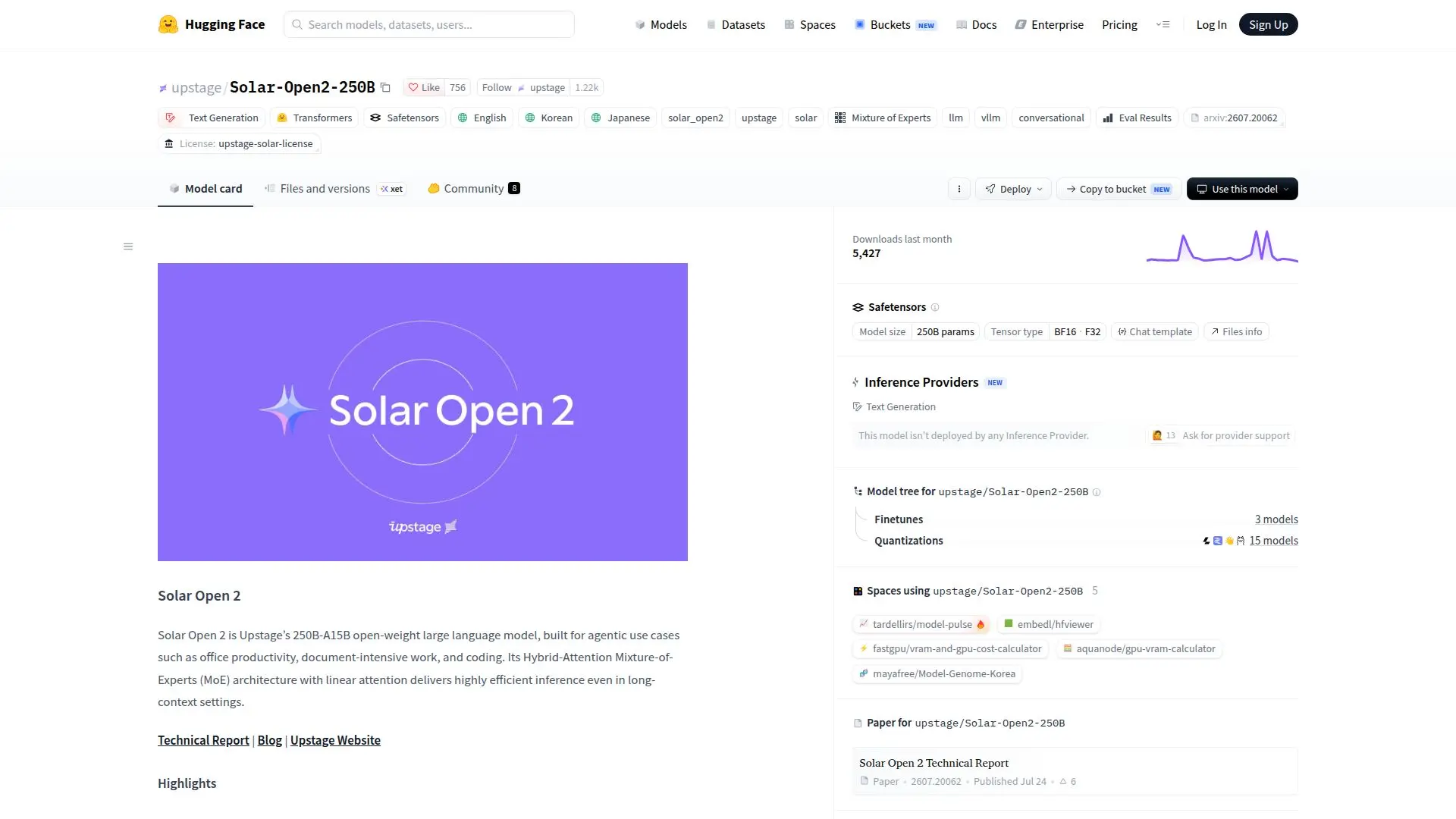
Solar Open 2 is a large language model developed by Upstage, specifically designed for agentic use cases such as office productivity, document-intensive work, and coding. It is built on a Hybrid-Attention Mixture-of-Experts (MoE) architecture, which combines linear and softmax attention layers to deliver efficient inference, even in long-context settings. The model boasts a 250 billion parameter capacity, with only 15 billion activated per token, ensuring minimal inference cost.
Read More
The model supports a 1 million token context length, thanks to its linear-attention layers that encode token order intrinsically, removing the need for positional encoding. This design choice allows Solar Open 2 to maintain long-context memory efficiently. The model is multilingual, supporting English, Korean, and Japanese, making it versatile for various applications.
Solar Open 2 was efficiently trained using NVIDIA B200 GPUs, with a total of 2 million GPU hours. It was initialized by selectively transferring weights from its predecessor, Solar Open 1, which accelerated its convergence at the 250 billion scale. The model's performance is competitive with the strongest open-weight models on agent benchmarks, excelling in tasks that require tool calling, multi-step reasoning, and end-to-end task execution.
For deployment, Solar Open 2 can be served using vLLM, with options for Docker or installation from source. It supports tool calling through the OpenAI function-calling interface and can be integrated with agents like Anthropic's Claude Code and Nous Research's Hermes Agent. The model is distributed under the Upstage Solar License, with specific requirements for derivative AI models.
- CategoryAI Models & LLMs
- DeploymentCloud, Self-hosted
- PlatformsWeb
Solar Open 2 Highlights
250B Parameters
15B Active Parameters
Hybrid-Attention MoE Architecture
1M Token Context Length
Multilingual Support
Efficient Inference
Tool Calling Interface
Upstage Solar License
Getting Started with Solar Open 2
Access model page: Visit the Hugging Face website
Authenticate: Log in to your Hugging Face account
Configure: Set up the model with desired parameters
Send prompts: Use the model for text generation
Fine-tune: Adjust the model for specific tasks
Solar Open 2's Use Cases
- Office Productivity
- Document Processing
- Coding Assistance
- Multilingual Applications
- Tool Integration