Description
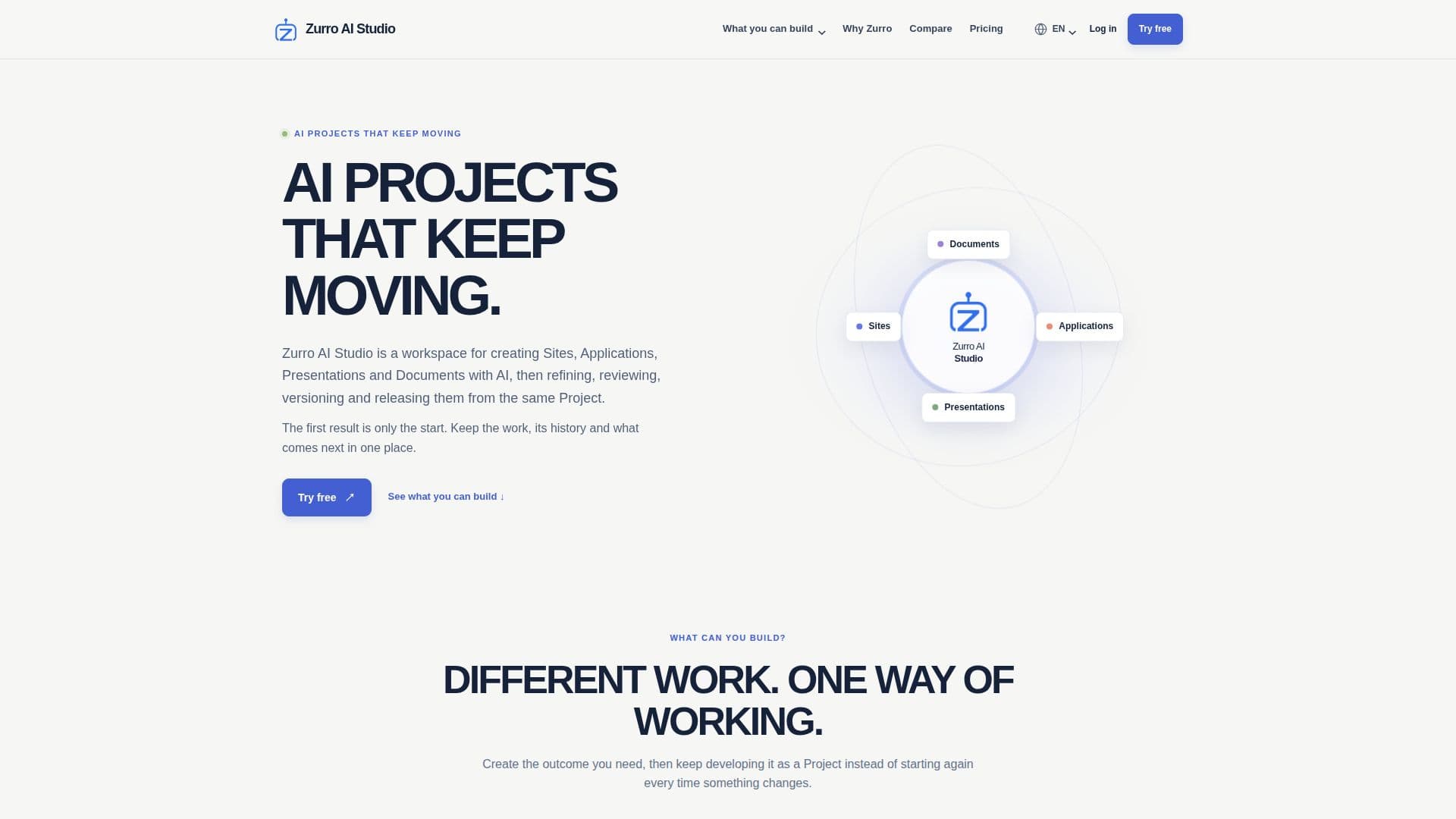
Zurro AI Studio provides a unified environment for developing and maintaining various digital projects, including sites, applications, presentations, and documents. It distinguishes itself by focusing on the entire project lifecycle, not just initial generation. Users can leverage AI to create foundational content and structures, then continue to refine, review, and version their work within the same studio.
Read More
The platform addresses common challenges in AI-assisted creation, such as managing project history and integrating changes without losing previous work. It centralizes the project, offering a current state, a complete history of versions, and a framework for future development. Every significant AI-generated result is saved as a project version, allowing users to inspect earlier work, revert to previous states, or branch off to explore new directions.
For larger projects, Zurro AI Studio incorporates Roadmaps, which help organize future work into phases, stages, and steps. This structured approach ensures that development is planned and executed systematically. The studio supports both direct manual edits and targeted AI-driven changes, enabling users to modify specific components like pages, slides, or sections while preserving the overall project context.
A key feature is the Independent Review process for substantive AI work. After the AI Builder creates a candidate, a separate reviewer checks the output against the authorized task and project evidence. This ensures quality and accuracy before a new version is delivered. The studio also manages development and production environments for applications, handling databases, files, and connectivity.
Zurro AI Studio supports publishing and deployment directly from the workspace. Sites can be published to live addresses or custom domains, presentations can be exported to PowerPoint and PDF, and documents to Word and PDF. Applications can be deployed to a managed Production environment, with Zurro handling ongoing management, upgrades, and recovery. This integrated approach ensures that projects can move from conception to release and beyond, all within a single, coherent workspace.
- CategoryAI App Builders
- Pricing ModelFreemium
- DeploymentCloud
- PlatformsWeb
Zurro AI Studio's Core Features
Create and continue Sites, Applications, Presentations, and Documents
Direct edits and targeted AI changes with project context
Save and manage project Versions
Independent Review of substantive AI work
Roadmaps for organizing future work into Phases, Stages, and Steps
Managed Development environment for Applications
Optional Production environment for Applications
Build responsive websites, landing pages, and microsites
Build executable software with interfaces, backend logic, and persistent data
Create story-led presentations with visual compositions
Create structured business documents with sections, tables, and charts
Publish Sites to live addresses or custom domains
Export Presentations to PowerPoint and PDF
Export Documents to Word and PDF
Managed PostgreSQL and persistent file storage for Applications
One-way snapshot publishing of Application source to GitHub
How to use Zurro AI Studio?
Create Project: Start by selecting a project type: Site, Application, Presentation, or Document.
Build First Version: Use AI assistance to generate the initial content and structure for your project.
Refine Content: Make direct edits or request AI to apply targeted changes to specific parts of your project.
Manage Versions: Save new versions after significant changes and revert to earlier versions or branch off as needed.
Review AI Work: Utilize the Independent Review process to check substantive AI outputs against project requirements.
Plan Future Work: Organize larger projects with Roadmaps, outlining phases, stages, and steps for ongoing development.
Publish/Deploy: Publish Sites, Presentations, and Documents directly, or deploy Applications to managed Development and Production environments.
Zurro AI Studio's Use Cases
- Website Creation
- Software Application Development
- Presentation Design
- Business Document Generation
- Project Version Control
- AI Work Review
- Future Work Planning
- Internal Tools Development
- Customer Portal Creation
- Data-Backed Product Building