
Description
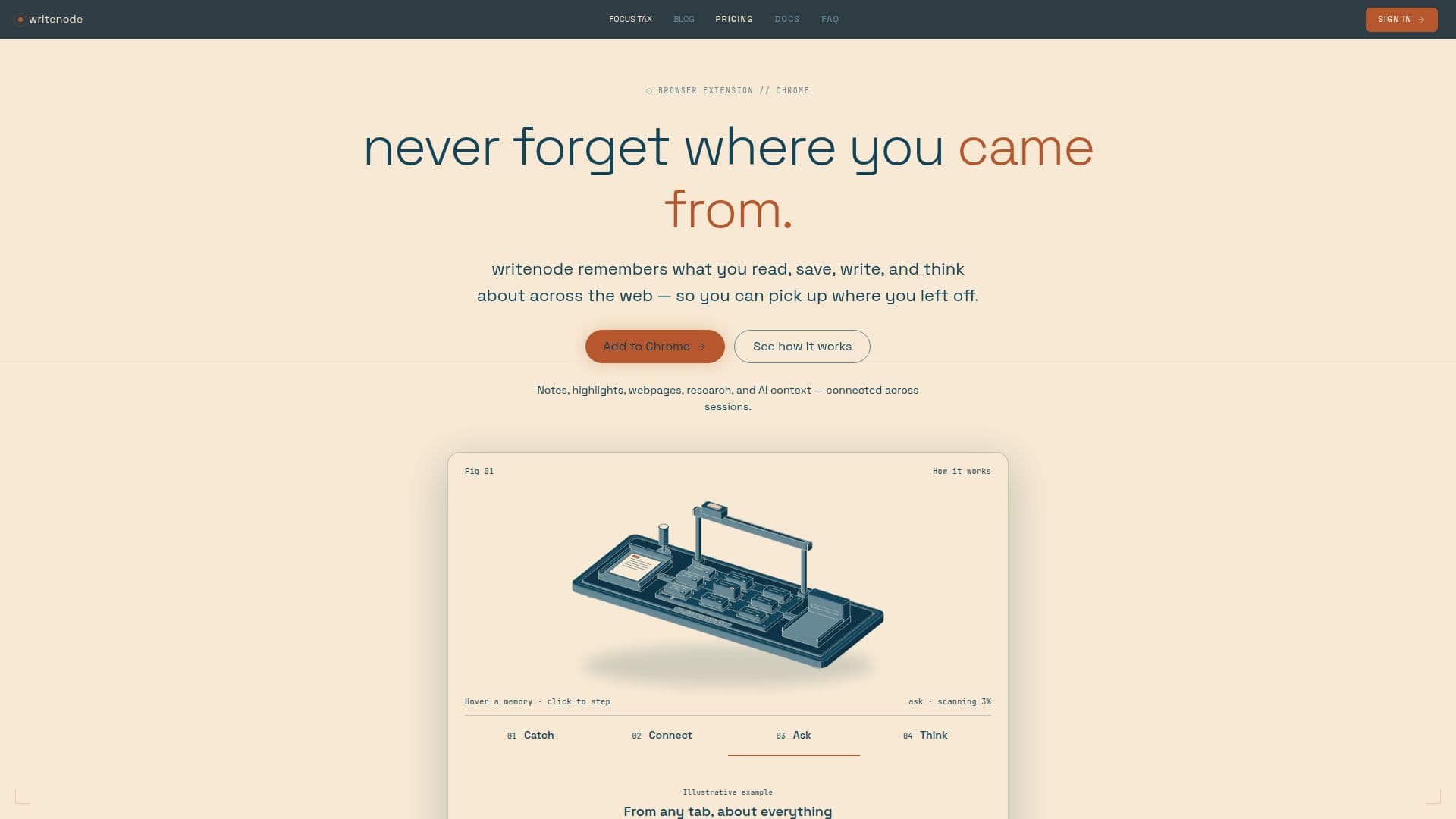
writenode is a browser extension designed to give your browser a persistent memory, helping users retain and connect information across their web activities. It acts as a comprehensive knowledge management system, remembering what you read, save, write, and think about online. This allows users to pick up where they left off, eliminating the need to constantly restart or reconstruct context.
Read More
The tool integrates notes, highlights, webpages, research, and AI conversations, connecting them across different browsing sessions. Unlike traditional browsing history that only shows where you went, writenode focuses on remembering *why* it mattered. It addresses common pain points such as keeping too many tabs open, struggling to find saved information, repeatedly researching the same topics, having notes scattered across multiple applications, and constantly re-explaining context to AI tools.
writenode offers a unique approach by connecting bookmarks (where something was), notes (what you wrote), and the underlying relationships between these pieces of information. Users can save notes, highlights, pages, and ideas directly while browsing, and writenode intelligently connects them over time, surfacing relevant context when needed. This includes browsing history, saved materials, personal notes, research, and past AI conversations.
The platform supports Chrome and other Chromium-based browsers. It features a floating note in every browser tab with a full multimedia canvas, auto-tagging, and a knowledge graph. Users can save AI chat answers alongside their notes and engage in AI conversations across their accumulated context. For advanced users, it offers semantic and web search, voice dictation, read-aloud capabilities, and advanced graph visualizations.
writenode provides several pricing plans, including a Free tier for capturing context, a Pro plan for unlimited AI conversations and persistent memory, and a Founding Member option for a lifetime Pro rate. A Local-First license is also available for users who prefer to bring their own AI keys and maintain greater control over their data, with direct AI requests using their chosen provider account. Supported AI providers for BYOK include Anthropic, OpenAI, Groq, Google Gemini, xAI Grok, and Hugging Face. The tool emphasizes privacy, allowing users to control page-aware memory and offering options for data export and account deletion.
- CategoryAI Knowledge Management
- Pricing ModelFreemium
- DeploymentBrowser extension
- PlatformsChrome (Chromium-based browsers)
writenode's Core Features
Persistent Browser Memory
Notes, Highlights, and Page Saving
AI Context Connection Across Sessions
Knowledge Graph and Auto-tagging
Save AI Chat Answers
AI Conversations Across Saved Context
Semantic and Web Search
Voice Dictation and Read-Aloud
Advanced Graph Visualizations
Page-Aware Memory for Related Context
Export Your Data (JSON)
BYOK (Bring Your Own Key) for AI Providers
Local-First License Option
Integration with External AI Tools (MCP)
Visual Workspace for Arranging Notes
How to use writenode?
Install Extension: Add the writenode extension from the Chrome Web Store to your browser.
Create Account: Sign up for a writenode account to begin capturing context.
Capture Content: Save notes, highlights, pages, and ideas directly while browsing.
Ask Questions: Query your accumulated notes, pages, and research across sessions.
Connect AI: Engage in AI conversations that draw on your saved context.
Visualize Connections: Use the knowledge graph and visual workspace to explore related ideas.
Manage Data: Export your data or delete your account as needed.
writenode's Use Cases
- Research and Learning
- Content Creation
- Knowledge Management
- Project Continuity
- AI Interaction Context
- Idea Exploration
- Personal Memory Augmentation