Description
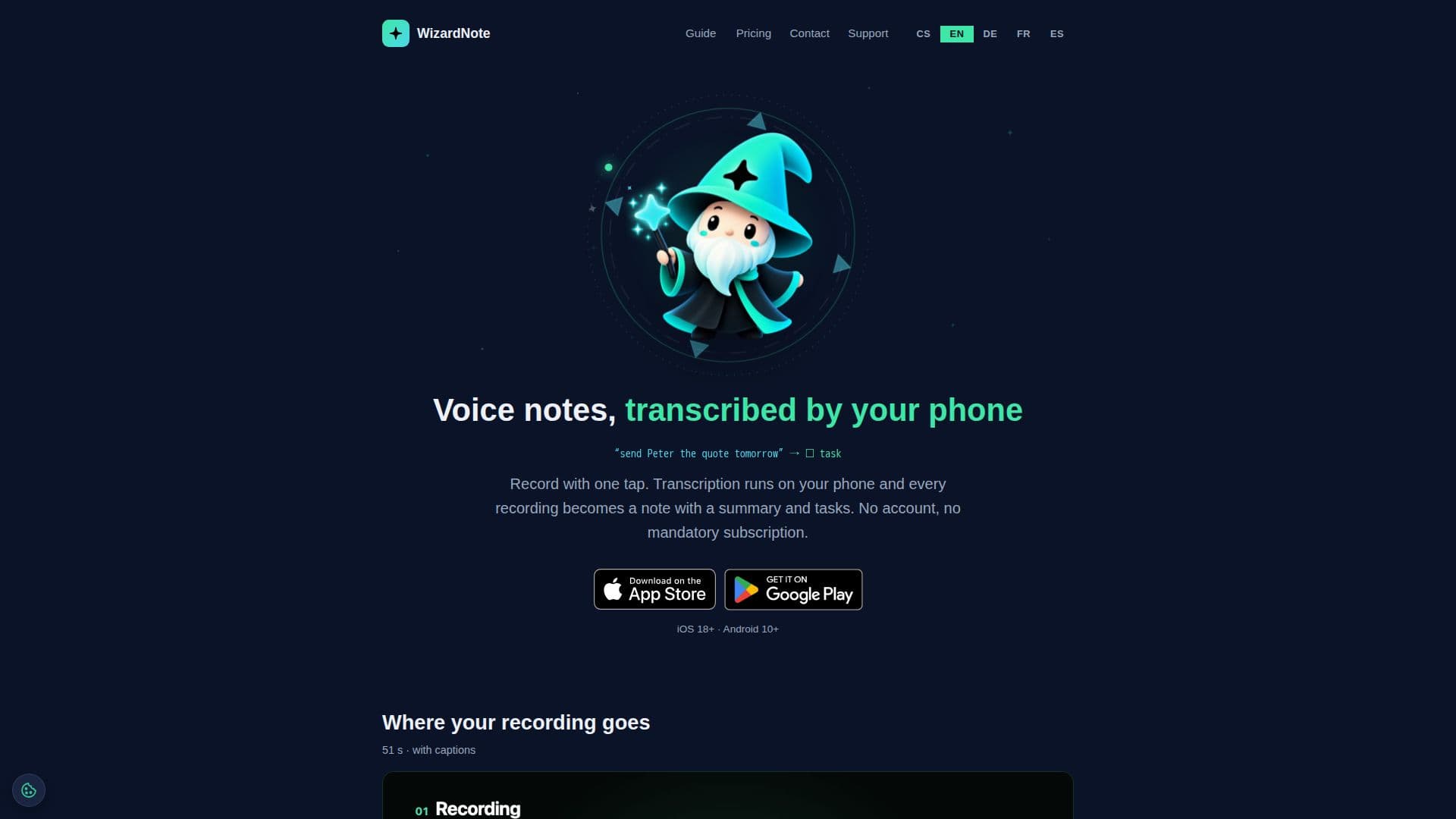
WizardNote is a mobile application designed for iPhone and Android users, offering seamless voice note recording and transcription directly on the device. The core functionality allows users to record audio with a single tap, and the app processes the transcription offline, ensuring privacy as recordings never leave the phone. Each recording is automatically transformed into a structured markdown note, complete with a summary and a list of actionable tasks.
Read More
The app supports various methods for initiating recordings, including the iPhone's Action Button, widgets, Siri, and Android's Quick Settings tiles. It continues recording even when the screen is locked and can transcribe existing audio files imported from other applications like call recordings or exports from Teams and Zoom. This flexibility makes it a versatile tool for capturing thoughts, meetings, and conversations.
WizardNote emphasizes user privacy and data security. Transcription models run locally on the device, eliminating the need for an account or mandatory subscription. User recordings, transcripts, and API keys remain on the phone. For AI summaries, the app explicitly requests consent before sending only the text (never audio) to external providers, with an option for an EU-based server for Cloud subscribers.
Beyond basic transcription, WizardNote offers advanced features through its Pro and Cloud tiers. Pro, a one-time purchase, unlocks capabilities like adding tasks to Reminders and Calendar, speaker recognition, customizable summary templates, and integration with Obsidian, Apple Notes, and Shortcuts. It also allows for AI summaries using the user's own API keys or server. The Cloud subscription provides all Pro features, plus AI summaries without requiring personal API keys, utilizing a WizardNote server in the EU, and includes 30 hours of summaries per month.
The generated markdown notes are plain text files containing the summary, tasks, and full transcript, making them easily shareable and compatible with various text editors and note-taking applications like Obsidian. The app supports transcription in multiple languages, including Czech, English, German, French, and Spanish, with automatic language detection. WizardNote is ideal for professionals, students, and anyone needing an efficient and private way to convert spoken words into organized, actionable text.
- CategoryAI Note-Taking Apps
- Pricing ModelFreemium
- DeploymentMobile app
- PlatformsiOS, Android
WizardNote's Core Features
One-tap voice recording
Offline on-device transcription
Automatic markdown note creation
AI summaries with tasks
Speaker recognition
Customizable summary templates
Integration with Obsidian and Apple Notes
Export tasks to Reminders and Calendar
Transcribe imported audio files (calls, Zoom, Teams)
No account or mandatory subscription required
Data privacy: recordings and transcripts stay on device
Supports iOS 18+ and Android 10+
Multilingual transcription (Czech, English, German, French, Spanish)
Free basic recording and transcription
Optional Pro one-time purchase for advanced features
How to use WizardNote?
Start Recording: Tap the red button to begin recording; tap again to stop. Recordings continue with the screen locked.
Import Audio: Use the 'Import audio' option or share files from other apps to transcribe existing recordings.
Access Notes: View recordings, summaries, tasks, and transcripts in the app's Recordings tab.
Configure Summaries: In Settings, add an AI summary endpoint (e.g., OpenAI, Anthropic, Custom, or WizardNote Cloud) and provide necessary keys or server addresses.
Customize Notes: Set up summary templates, enable speaker recognition, and choose a save location like Obsidian or Apple Notes.
Manage Tasks: Add tasks to Reminders or Calendar, check them off, or edit them directly within the app.
Unlock Pro Features: Purchase WizardNote Pro for a one-time fee or subscribe to WizardNote Cloud for all advanced functionalities.
WizardNote's Use Cases
- Meeting Notes & Summaries
- Personal Voice Memos
- Interview Transcription
- Lecture & Class Notes
- Podcast & Call Transcription
- Task Management
- Journaling & Reflection
- Content Creation