Description
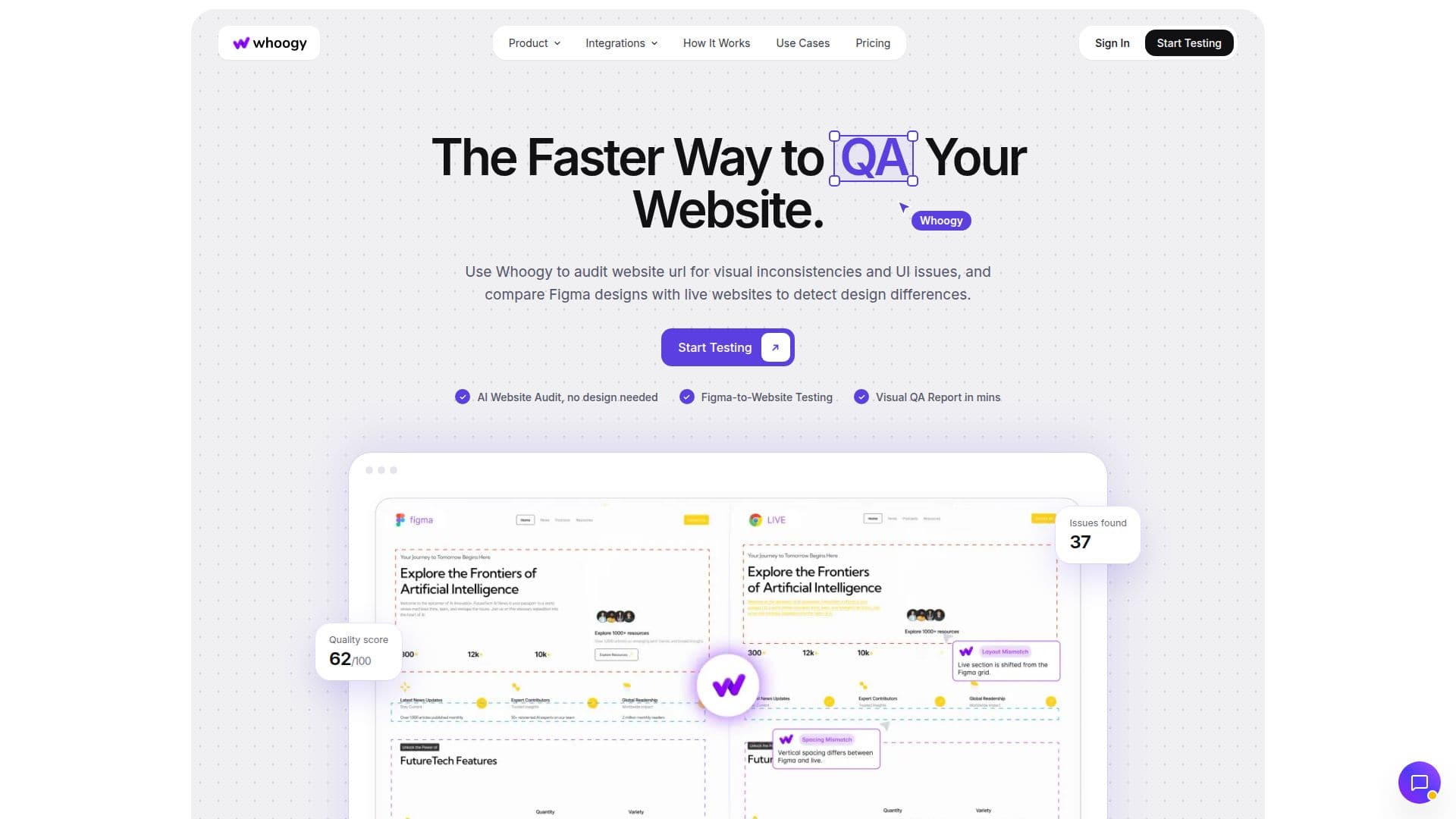
Whoogy offers a comprehensive solution for website quality assurance, enabling teams to audit live websites and compare Figma designs with live implementations. This platform is built to streamline the QA process, helping developers, designers, and agencies identify visual bugs, UI issues, and design inconsistencies before they impact users or clients.
Read More
The tool provides two primary workflows: AI Website Audit and Figma-to-Website Testing. The AI Website Audit allows users to enter a website URL, and Whoogy automatically discovers available pages. It then performs AI-powered testing to detect visual inconsistencies, layout issues, UI defects, SEO problems, accessibility barriers, and usability concerns across desktop and mobile layouts. This audit generates a detailed report with actionable insights and copy-ready AI fix prompts, which can be used with AI coding assistants to address identified issues.
For design validation, the Figma-to-Website Testing feature enables users to compare their Figma designs directly against live website pages. This helps in catching visual differences, spacing and typography discrepancies, and layout inconsistencies that may arise during the development process. The platform generates pixel-perfect downloadable reports, ensuring that the developed website accurately reflects the approved design.
Whoogy is designed for various professionals, including web development agencies, UI/UX design agencies, frontend developers, QA engineers, and freelance developers. It helps agencies reduce revisions by catching issues before client delivery, allows designers to verify live websites against approved designs, and assists developers in finding visual bugs pre-launch. The platform also supports multi-page testing and provides shareable QA reports in PDF or CSV formats, facilitating collaboration within teams and with clients.
One of Whoogy's key advantages is its flexible, credit-based pricing model, eliminating the need for recurring subscriptions. Users purchase testing credits as needed, and these credits never expire. This approach makes it suitable for both quick sanity checks and extensive client projects. Whoogy aims to make software quality faster, smarter, and simpler, ensuring teams can move quickly without compromising on quality.
- CategoryAI Code Review & Testing
- Pricing ModelCredit-Based
- DeploymentCloud
- PlatformsWeb App, Figma Plugin, Claude MCP
Whoogy's Core Features
AI Website Audit: Analyze live websites for visual, UI, SEO, accessibility, and usability issues.
Figma-to-Website Testing: Compare Figma designs with live website pages to detect visual differences.
Visual Issue Detection: Catch spacing, typography, color, and layout inconsistencies.
Design-to-Development Gap Analysis: Identify discrepancies between Figma designs and live implementations.
Missed UI Issue Identification: Detect broken layouts and responsive design problems.
Multi-Page Testing: Audit individual pages or automatically discover and test multiple website pages.
Desktop & Mobile Testing: Review layouts and responsiveness across various screen sizes.
Shareable QA Reports: Generate downloadable reports in PDF or CSV format for teams and clients.
AI Fix Prompts: Receive copy-ready AI recommendations for detected issues.
Automatic Page Discovery: Whoogy automatically finds available pages on a website for comprehensive audits.
Credit-Based Pricing: Pay only for what you test with non-expiring credits, no subscriptions.
Team Collaboration: Invite teammates to collaborate on projects and review findings together.
Accessibility Testing: Discover potential accessibility barriers and violations.
Usability Analysis: Identify navigation, interface, and user experience issues.
SEO Audit: Pinpoint SEO issues and optimization opportunities.
How to use Whoogy?
Enter URL: Provide your website URL for an AI audit or your Figma design URL and live website URL for comparison.
Run Audit: Whoogy analyzes your website or compares your Figma design with the live site, detecting visual and UI issues.
Review Report: Explore findings in list or grid view, with detailed descriptions and visual evidence.
Copy Fix Prompts: Utilize AI-generated, copy-ready prompts to guide fixes with your AI coding assistant.
Share Findings: Download audit reports as PDF or CSV, or share them directly with your team and clients.
Verify Improvements: Run another test after implementing fixes to review improvements and ensure quality.
Whoogy's Use Cases
- Client Website Delivery
- Design Validation
- UI Bug Detection
- AI-Built Website QA
- Frontend Development QA
- QA Engineering Efficiency
- Freelance Developer Quality
- Product Website Readiness
- Accessibility & SEO Checks
- Post-Development Review