Description
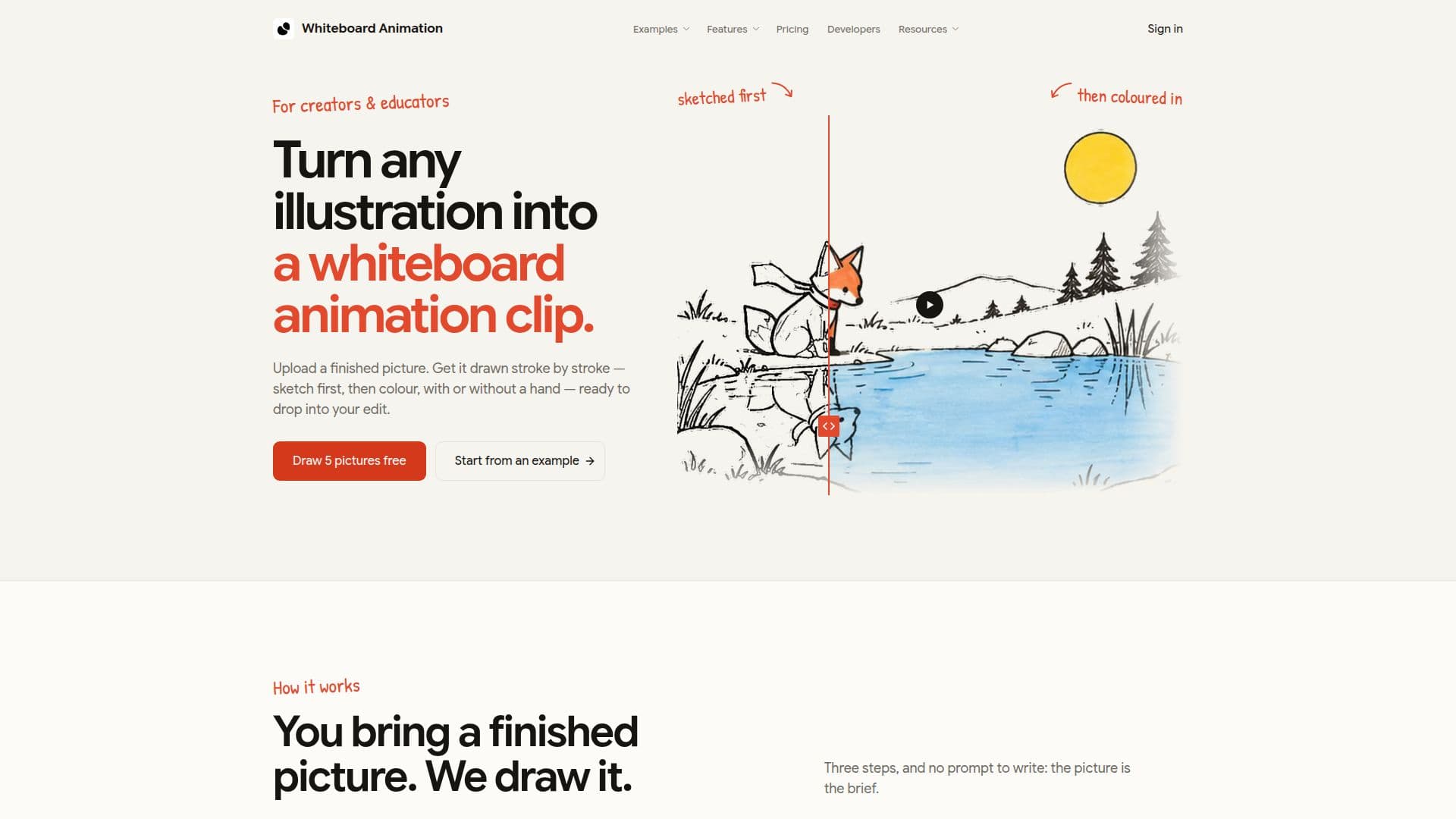
Whiteboard Animation Maker is a tool designed to convert any illustration into a whiteboard animation clip. Users can upload a finished picture in PNG, JPEG, or WebP format, up to 10 MB, and watch it drawn stroke by stroke, first as a sketch and then in color. The platform is ideal for creators and educators looking to enhance their content with hand-drawn animations. The tool supports exporting in MP4 or WebM formats, with options for transparent backgrounds and layered exports available in the Pro plan.
Read More
The service offers a free tier where users start with 5 credits, each allowing the creation of one animation. Free exports are limited to 720p and include a watermark. Paid plans remove these limitations, offering higher resolution exports and additional features such as commercial licenses and API access. The Pro plan includes a commercial license, allowing users to utilize their animations in client work, explainer videos, and more.
Whiteboard Animation Maker is accessible via desktop browsers like Chrome, Edge, and Safari, with no installation required. The platform also provides an API for developers, enabling integration with AI agents like Claude Code, Codex, and Cursor to automate the animation process. This feature is particularly useful for teams and businesses looking to streamline their content creation workflows.
The tool is not designed to create animations from text or scripts; users must provide a finished image. It also does not produce complete explainer videos, focusing solely on the animation clip, which can be integrated into larger projects using video editing software like Premiere, Final Cut, or DaVinci Resolve.
- CategoryAI Animation Tools
- Pricing ModelFreemium
- DeploymentCloud
- PlatformsDesktop Browser
Whiteboard Animation Maker's Core Features
Transforms illustrations into animations
Supports PNG, JPEG, WebP formats
Exports in MP4 or WebM
Free tier with 5 credits
Commercial license in Pro plan
API access for automation
No installation required
Desktop browser compatibility
How to use Whiteboard Animation Maker?
Upload: Bring a finished picture in PNG, JPEG, or WebP format
Select: Choose hand style, drawing length, and color order
Export: Save the animation as MP4 or WebM
Integrate: Use in video editing software
Whiteboard Animation Maker's Use Cases
- Educational Content
- Marketing Videos
- Training Modules
- Explainer Videos
- Social Media Content