Description
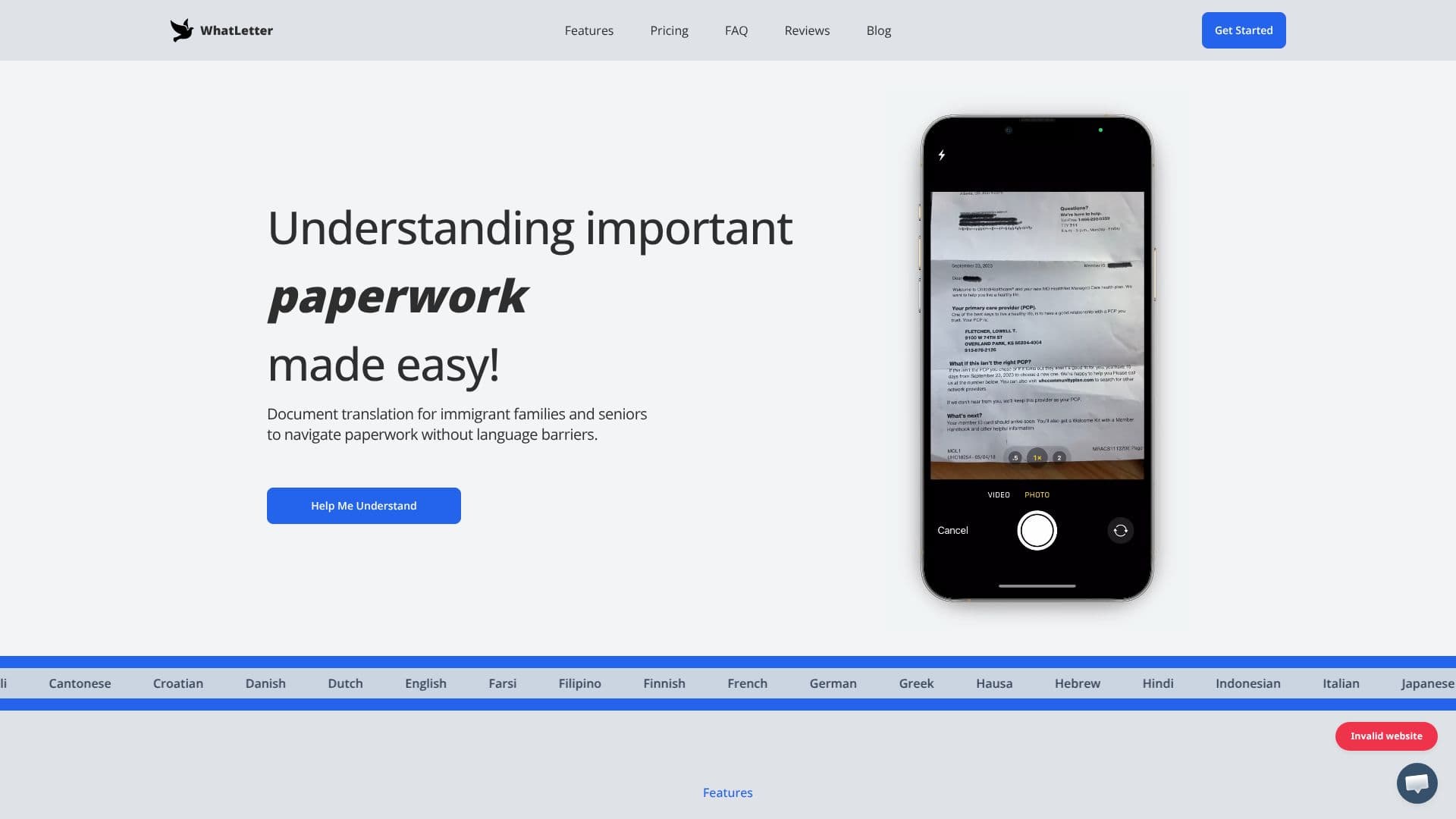
Understanding important paperwork is made easy with WhatLetter, an AI-powered application designed to break down language barriers for immigrant families, seniors, and anyone dealing with multilingual documents. The core functionality allows users to simply capture a photo of any document, whether it's a menu, a letter, or official paperwork, and receive instant insights and translations.
Read More
WhatLetter supports over 30 languages, ensuring a truly global experience for its users. After snapping and translating a document, users can engage in natural conversations with an AI chatbot. This chatbot can guide users, provide tailored explanations, and answer specific questions about the document's content, making complex information accessible and understandable.
The application is particularly beneficial for various use cases, including personal documents like medical records and legal forms, travel abroad by translating menus and signs, business communication for global clients, and simplifying complex technical documents such as research papers and financial reports. The goal is to empower individuals by providing clarity and confidence when interacting with documents in unfamiliar languages.
Privacy is a key consideration, with WhatLetter assuring users that provided images are not saved on their servers, and chat history is retained solely for user reference and is not shared with third parties. The platform is currently web-based, accessible on both desktop and mobile browsers, with future plans for WhatsApp and Telegram integration, as well as voice typing.
WhatLetter offers a freemium pricing model. The 'Included' free tier allows users to translate up to 3 documents monthly and engage in up to 3 chat sessions at no cost. For regular users needing unlimited access, 'WhatLetter Plus' is available for $1.99 USD per month, offering unlimited document translations and chat sessions, along with access to all supported languages.
- CategoryAI Translators
- Pricing ModelFreemium
- DeploymentWeb-based
- PlatformsWeb
WhatLetter's Core Features
AI-powered document translation
Snap and translate documents via photo
AI chatbot for document discussion and explanation
Supports over 30 languages
Privacy-focused: no image saving, private chat history
Web-based accessibility on desktop and mobile browsers
Free tier for limited usage
Premium subscription for unlimited access
Future integrations planned (WhatsApp, Telegram, voice typing)
How to use WhatLetter?
Capture Document: Snap a photo of any document using your device.
Select Language: Choose your preferred language for translation.
Get Insights: Receive instant translation and AI-generated explanations.
Discuss Document: Ask the AI chatbot questions for further clarification.
WhatLetter's Use Cases
- Personal Document Clarity
- International Travel Aid
- Global Business Communication
- Academic & Technical Study
- Immigrant & Senior Support