
Description
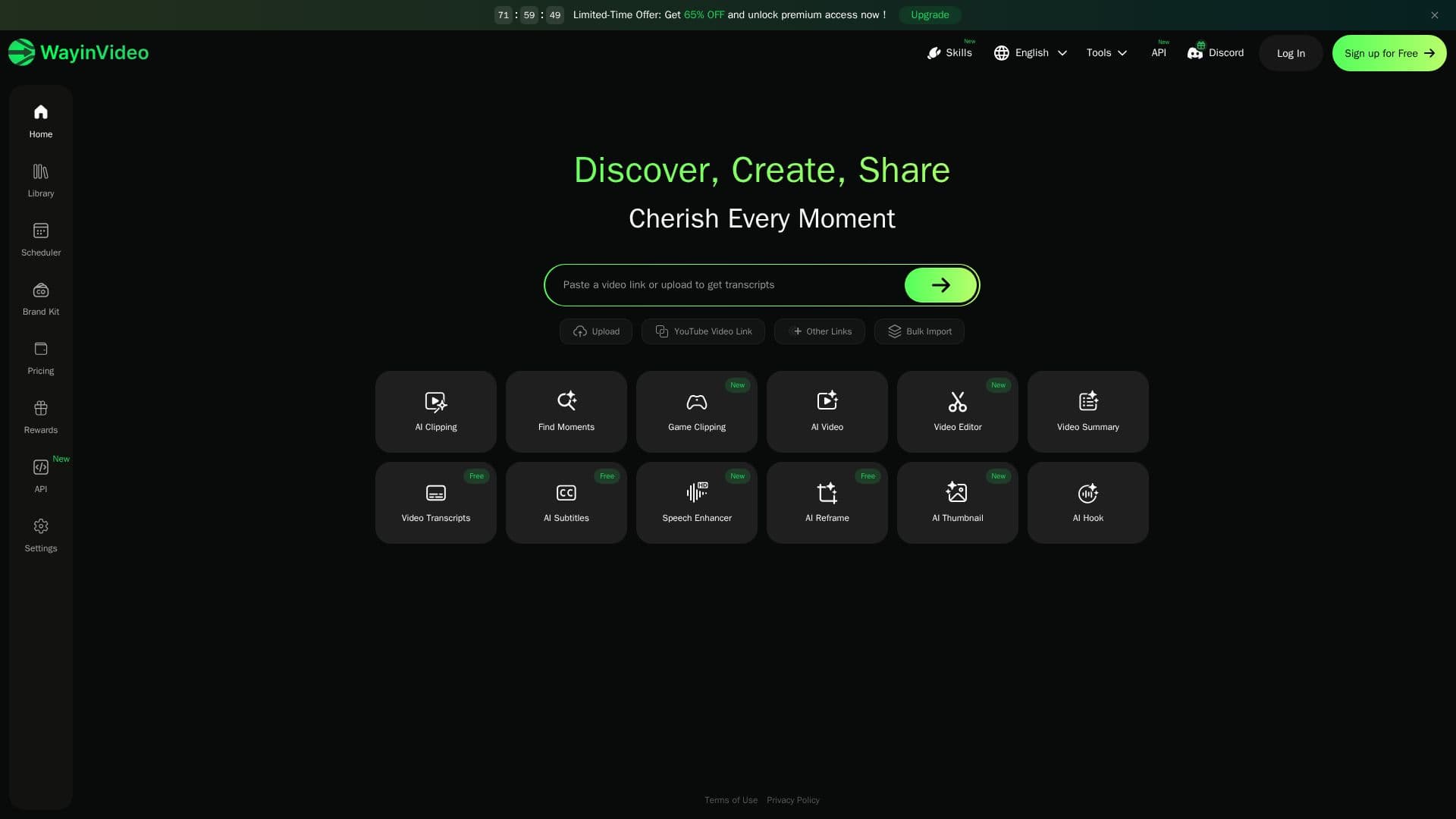
WayinVideo is an all-in-one AI video editor and platform that helps you clip highlights, search inside videos, generate summaries and transcripts, add animated captions, and reframe videos for every channel. It is built to help users understand long videos faster and repurpose content into short-form clips in minutes.
Read More
The AI video clipper detects highlights, speaker switches, and engagement peaks, then cuts a long video into multiple short clips and automatically applies 9:16, 1:1, or 16:9 aspect ratios for Shorts, Reels, TikTok, and YouTube. AI Video Search analyzes the full video and transcript so you can type a keyword or question and jump to the exact moment, while the summarizer produces a one-paragraph overview plus a timestamped outline in 100+ languages.
Additional tools include accurate transcription with punctuation, timestamps, and speaker labels, an auto caption generator that creates multilingual animated subtitles, a video translator, and AI Reframe that tracks faces and key objects to keep the subject centered across formats. You can start from a link on YouTube, TikTok, Twitch, Vimeo, Facebook, and more, or upload MP4, MOV, or WebM files.
WayinVideo offers a free plan with daily credits, keeps uploaded and generated videos private to your account, and provides an API so you can trigger clipping, transcription, summarization, and moment search programmatically.
- CategoryAI Video Editors
- Pricing ModelFreemium
- DeploymentCloud
- PlatformsWeb
WayinVideo's Core Features
AI video clipper that turns long videos into share-ready shorts
AI video search to jump to any moment by keyword or question
AI video summarizer with timestamped outline in 100+ languages
Transcription with punctuation, timestamps, and speaker labels
Auto caption generator with multilingual animated subtitles
AI reframe that keeps the subject centered in 9:16, 1:1, or 16:9
Import from YouTube, TikTok, Twitch, Vimeo, and file uploads
API for programmatic clipping, transcription, and summarization
How to use WayinVideo?
Add a video: Paste a link from YouTube, TikTok, Vimeo, and more, or upload a file.
Generate: Click Generate to start clipping, summarizing, transcribing, and reframing.
Choose a tool: Use the clipper, search, summarizer, captions, or reframe.
Refine: Adjust clips, captions, and aspect ratios as needed.
Export: Download ready-to-post shorts or copy transcripts and summaries.
WayinVideo's Use Cases
- Repurpose long videos
- Video research and study
- Meeting and interview notes
- Social captions
- Automated video pipelines