Description
Voice Dream Reader is a versatile text-to-speech application designed to transform the way you consume written content. It allows users to listen to PDFs, web pages, and books, making it an excellent tool for auditory learners and individuals with reading difficulties. The app supports a wide range of file formats, including PDFs, EPUBs, Word documents, and PowerPoint files, ensuring that you can listen to almost any document you encounter.
One of the standout features of Voice Dream Reader is its ability to let users customize their listening experience. You can choose from a variety of voices and adjust the speed, pronunciation, and playback settings to suit your preferences. This flexibility makes it easier to absorb information in a way that feels natural and comfortable.
Voice Dream Reader is also designed with accessibility in mind. It offers full VoiceOver support, allowing users to navigate the app without needing to look at the screen. The app is compatible with dynamic type, ensuring that text scales to a comfortable size across the entire application. Additionally, it supports braille displays, enabling users to read along in braille while listening.
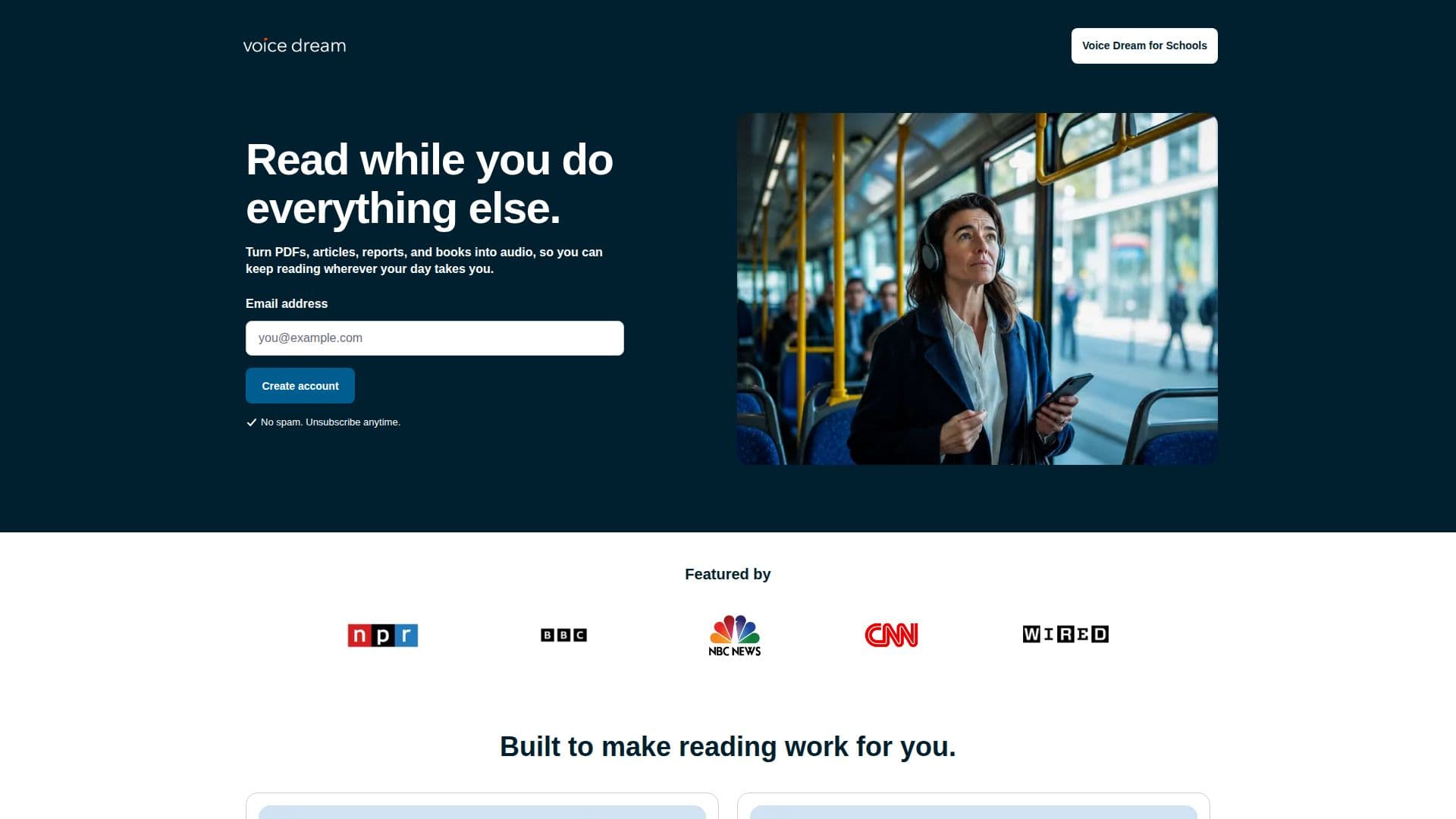
The app is particularly beneficial for busy professionals, students, and individuals who need to multitask. Whether you're commuting, exercising, or simply prefer listening over reading, Voice Dream Reader allows you to consume content on the go. It also offers offline listening, so you can continue your reading journey even without an internet connection.
Voice Dream Reader has been recognized by Apple as a Best New App and App of the Day in 81 countries, highlighting its impact and popularity among users worldwide. It is a valuable tool for anyone looking to enhance their reading experience through auditory means.
Voice Dream Reader's Core Features
Text-to-speech conversion
Supports PDFs, EPUBs, Word, and PowerPoint
Customizable voice and playback settings
Full VoiceOver support
Dynamic type compatibility
Braille display support
Offline listening capability
Cross-device functionality on iPhone, iPad, and Mac
How to use Voice Dream Reader?
Import: Add PDFs, EPUBs, and other documents
Customize: Choose voice and adjust settings
Listen: Play content in audio format
Export: Save highlights and notes
Voice Dream Reader's Use Cases
- Auditory Learning
- Accessibility Support
- Multitasking
- Offline Reading
- Cross-Device Use