
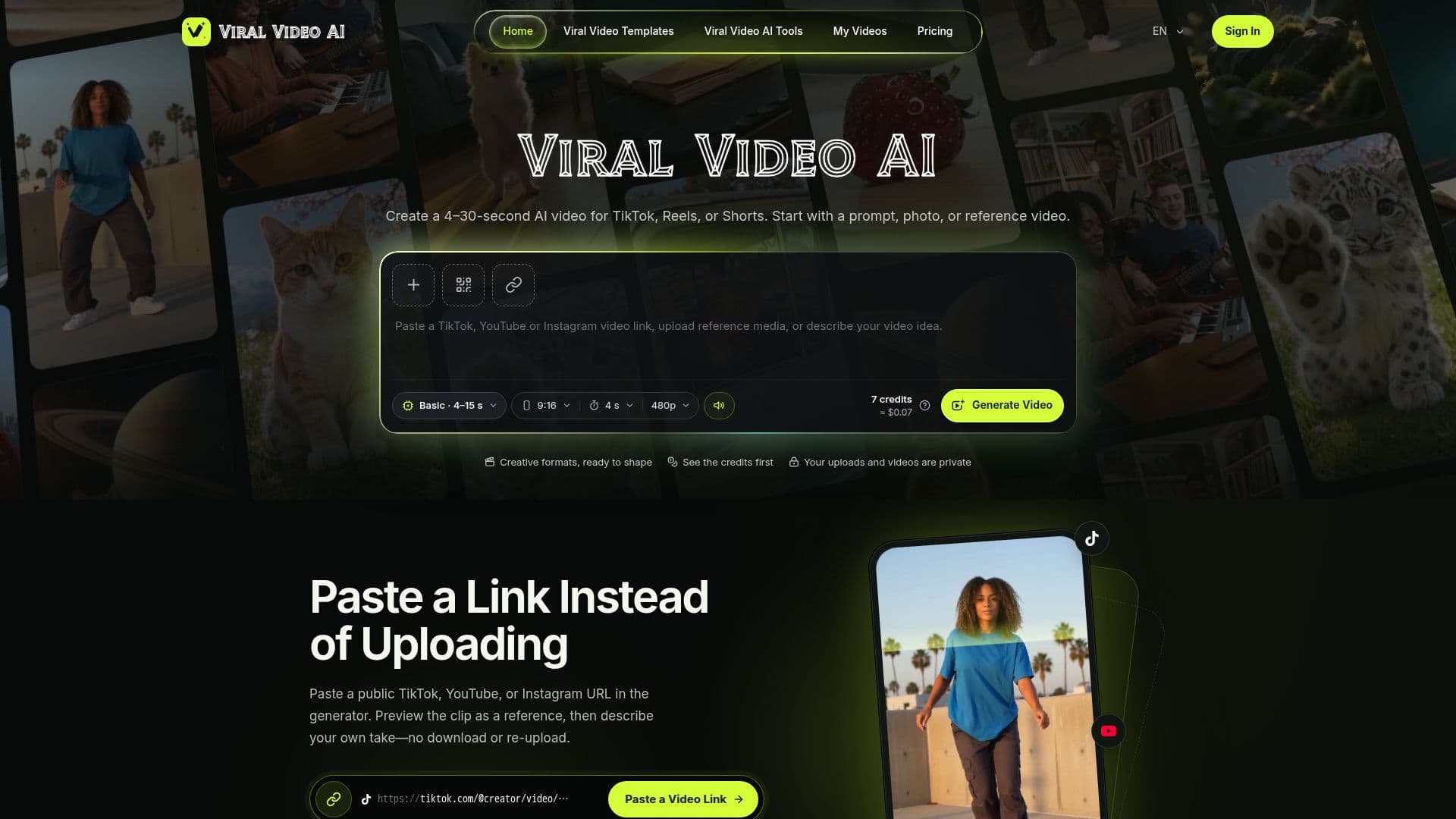
Description
Viral Video AI is a specialized AI video generator designed to simplify the creation of short-form video content for popular social media platforms such as TikTok, Instagram Reels, and YouTube Shorts. The platform caters to content creators, social media teams, and small businesses looking to produce engaging video clips efficiently.
Read More
Users can initiate video generation from various starting points, including a text prompt describing a scene, a reference photo to guide the first frame, or an existing video to influence motion. This flexibility allows for diverse creative approaches, from inventing compositions to adapting existing visual styles. The tool also provides a selection of creative templates, offering pre-designed scenes and actions to kickstart the creation process.
A key feature of Viral Video AI is its transparent credit system, which provides a live credit estimate before generation. This allows users to understand the cost implications of their chosen settings, including duration, resolution, and reference media. The platform operates on a credit-based model, with options for monthly, yearly, or one-time credit packs. Users can choose between Basic and Pro tiers, which offer different video durations (4–15 seconds for Basic, 4–30 seconds for Pro) and resolutions (480p/720p for Basic, 1080p added for Pro).
The workflow is designed to be straightforward: users select an idea or template, choose their input media (text, photos, or video), configure output settings like duration and resolution, and then generate and review their video. All uploads and generated videos are kept private and accessible through the user's account. The platform also supports pasting public TikTok, YouTube, or Instagram URLs as references, eliminating the need for manual downloads and re-uploads.
Viral Video AI emphasizes the creation of original, focused clips, allowing users to adapt prompts and compare inputs with results. While it generates realistic AI video, the platform advises users to follow disclosure guidelines for TikTok, Instagram Reels, and YouTube Shorts when posting AI-generated content. It's important to note that the tool focuses on generating the video clip itself and does not include advanced editing features like timeline editing, captioning, or precise audio mixing, which would need to be done in a separate editor after download. The tool does not guarantee views, followers, engagement, or sales.
- CategoryAI Short Video Makers
- Pricing ModelCredit-based
- DeploymentCloud
- PlatformsWeb
Viral Video AI's Core Features
AI video generation from text, image, or video reference
Creative formats and editable briefs for short social videos
Live credit estimate before video generation
Preview and download generated videos
Account access for private uploads and videos
Support for TikTok, Reels, and Shorts video formats
Ability to paste public social media links as references
Pre-built trending templates for various video styles
Photo-guided pet movement generation
Reference-guided video creation
Customizable duration and resolution settings
Native audio generation option
Credit return for confirmed failed tasks
Support for up to 30 images with Pro plan
Adaptive aspect ratio for single image inputs
How to use Viral Video AI?
Pick an Idea: Describe your subject, action, and setting, or adapt a sample AI video prompt. Add your photo or video reference using 'Add Media'.
Choose Your Input: Select the model, desired duration (4-30 seconds), resolution (480p to 1080p), and audio settings. The credit estimate will update.
Generate and Review: Review the displayed credits, then select 'Generate Video'. Sign in if prompted. Wait for completion, then play the full AI video.
Inspect and Download: Check motion, subject details, and sound. If satisfied, use the 'Download' option to save your MP4 file for later editing or posting.
Viral Video AI's Use Cases
- Social Media Content Creation
- Product Showcases
- Dance Videos
- Pet Videos
- Animated Scenes
- Visual Comedy
- Marketing & Promotion
- Creative Storytelling
- Content Adaptation