
Description
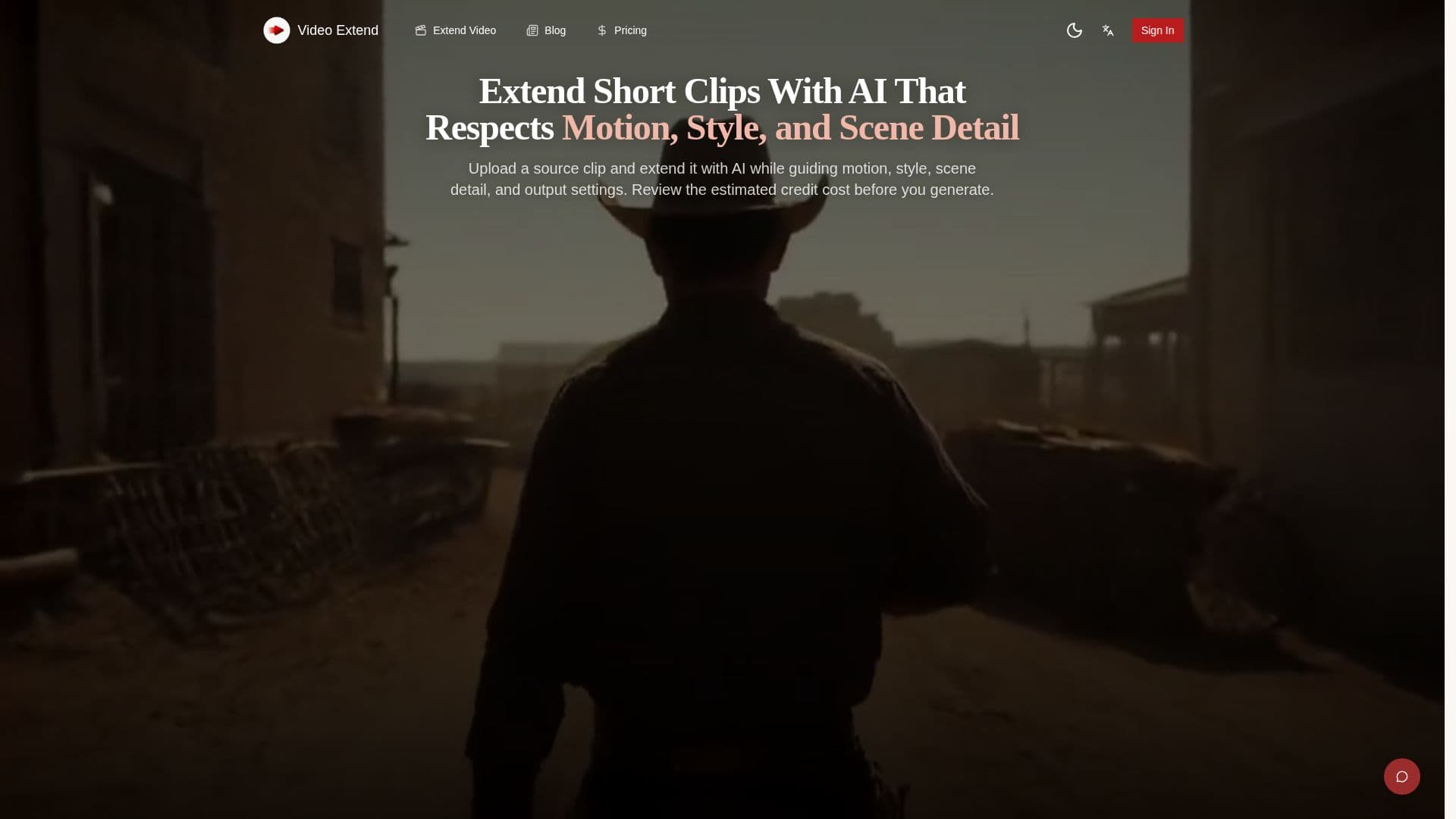
Video Extend is an online AI video extender designed to help creators, marketers, and designers seamlessly continue and lengthen short video clips. Unlike general AI video generators that create entirely new clips from text prompts, Video Extend focuses on continuation. It takes an existing video or image as the primary input and uses its visual context—motion, lighting, subject position, and style—to generate new frames that naturally extend the scene.
Read More
The platform supports a multi-model approach, integrating various third-party AI video models such as Kling, Veo 3.1 Fast, Wan, Pixverse, Luma, and Hailuo. This allows users to choose a model that best fits their desired extension style, motion quality, generation speed, and credit cost. The tool offers text-to-video and image-to-video workflows, supporting multiple aspect ratios like 16:9, 9:16, and 1:1, making it versatile for different publishing destinations, including social media.
To start an extension, users upload their source clip or image, write a short prompt describing the desired continuation (e.g., motion, subject behavior, scene development), choose an AI model and output settings, and then review the estimated credit cost before generating. The process is asynchronous, meaning users don't need to stay on the page while the job runs. Completed outputs are saved to an activity history for easy access, preview, and download. The platform also offers optional AI-generated ambient audio for models that support it.
Video Extend provides commercial rights and no watermarks on generated content. Pricing includes monthly paid plans starting with Lite at $14/month, which offers 800 credits, and credit packs for additional capacity. New users receive 5 free credits upon signup, with an additional 5 credits available the next day. The credit cost for each generation varies by model and settings, with examples provided for Kling, Wan, Veo 3.1 Fast, Pixverse, and Luma. The tool is built for faster clip finishing, helping creators produce longer, more usable footage for various projects without complex editing or reshoots.
- CategoryAI Video Editors
- Pricing ModelFreemium
- DeploymentCloud
- PlatformsWeb
Video Extend's Core Features
AI Video Extension
Multi-Model Support (Kling, Veo 3.1 Fast, Wan, Pixverse, Luma, Hailuo)
Text-to-Video Workflow
Image-to-Video Workflow
Multiple Aspect Ratios (16:9, 9:16, 1:1)
Audio Generation (model-dependent)
No Watermarks
Full Commercial Rights
Source-Video Continuation
Motion and Scene Consistency
Flexible Output Ratios
Credit-Based Generation Cost
Asynchronous Processing
Activity History for Generations
Prompt Library Examples
How to use Video Extend?
Upload Source: Go to the AI Video Generator page and upload the short clip or still image you want to continue.
Describe Continuation: Write a short prompt detailing the desired motion, subject behavior, pacing, or scene development.
Configure Settings: Choose an AI model, set duration, aspect ratio, and enable audio generation if supported.
Review Cost: Check the estimated credit cost for the generation before proceeding.
Generate Video: Click "Generate" to process the job in the background.
Download Output: Preview the completed clip in the generator or activity history, then download the finished video.
Video Extend's Use Cases
- Extend Short Clips
- Complete Abrupt Endings
- Prepare Social Video Edits
- Develop Longer Sequences
- Cinematic Scene Continuation
- Product and Lifestyle Content
- Social Media Content