Description
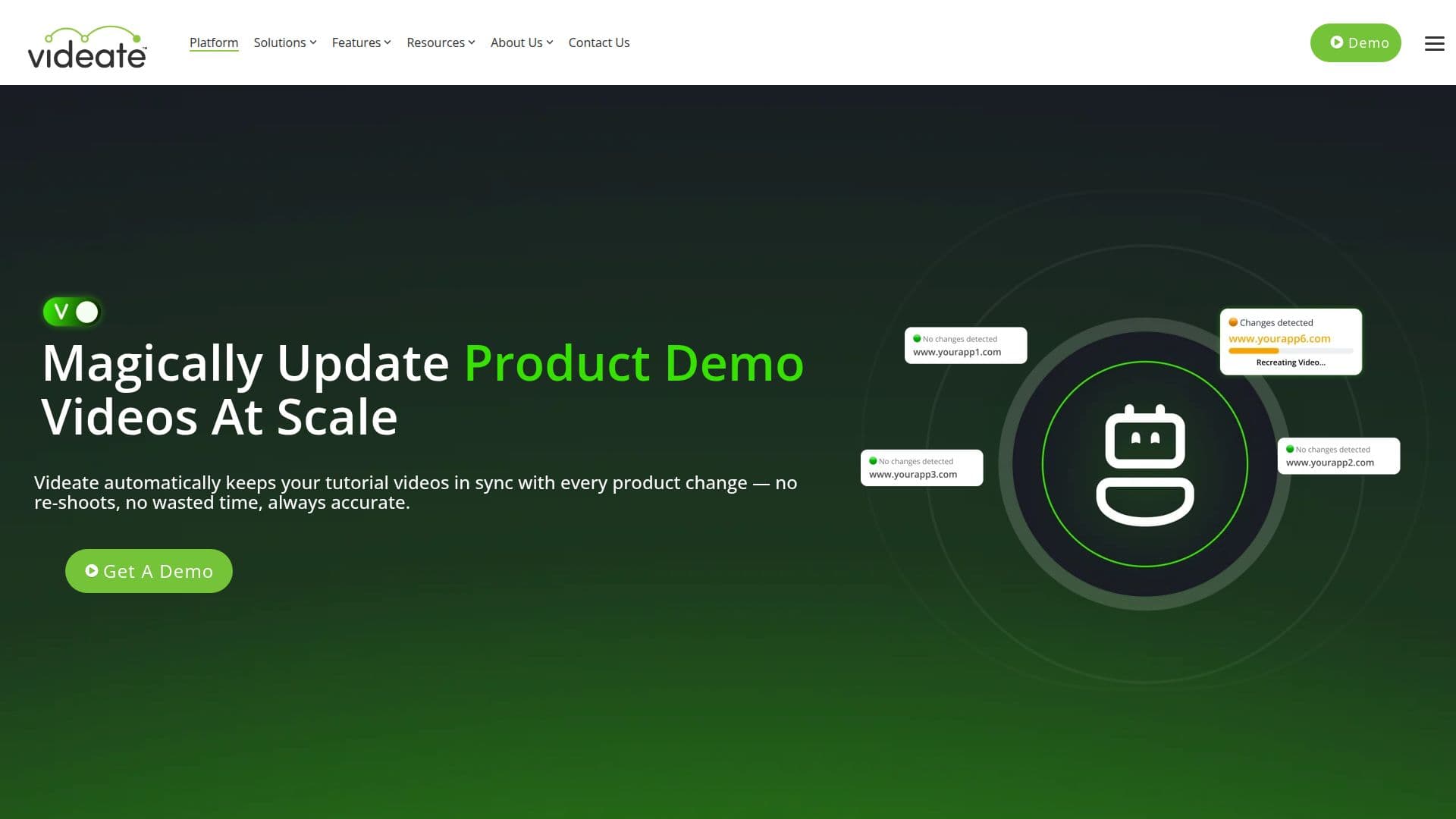
Videate is a cutting-edge platform designed to streamline the creation and maintenance of product tutorial videos. Utilizing AI technology, Videate automatically updates videos to reflect changes in software, ensuring that content remains accurate and relevant without the need for manual re-recording. This capability is particularly beneficial for SaaS companies, where frequent updates can render traditional video content obsolete.
Videate's Studio offers a unique software recording engine that detects UI changes and applies them to existing videos. This feature is complemented by automatic change detection at the code level, which ensures that videos are always in sync with the latest product updates. The platform supports multi-application environments, making it suitable for complex product ecosystems.
The Smart Updates feature allows users to refresh visuals, scripts, and voiceovers with a single click, significantly reducing the time and effort required for video production. Videate also offers seamless integration with knowledge bases, LMS, and customer portals, backed by SOC2-compliant infrastructure for enhanced security.
Videate's capabilities extend to generating narration scripts in sync with user actions, adding special effects, and publishing videos in multiple languages. This automation leads to transformative results in customer success and education, improving onboarding efficiency, reducing support tickets, and increasing team productivity.
Overall, Videate empowers organizations to maintain large-scale, up-to-date video libraries with minimal stress, supporting roles such as customer success, education, product marketing, and technical documentation. Its AI-driven automation ensures that videos are always accurate, engaging, and effortlessly up-to-date.
Videate's Core Features
Automatic video updates with software changes
AI-driven software recording engine
Code-level change detection
One-click video re-creation
Multi-application support
Seamless integration with knowledge bases
SOC2-compliant security
Narration script generation
Special effects addition
Multi-language video publishing
Batch video updates
Flexible timeline editing
Script building automation
Custom macros for effects
Text-to-speech in multiple languages
How to use Videate?
Configure: Launch Videate Studio
Use: Capture actions and generate scripts
Optimise: Add effects and refine timing
Publish: Distribute videos in multiple languages
Videate's Use Cases
- Customer Onboarding
- Customer Education
- Sales Enablement
- Product Marketing
- Technical Documentation