Description
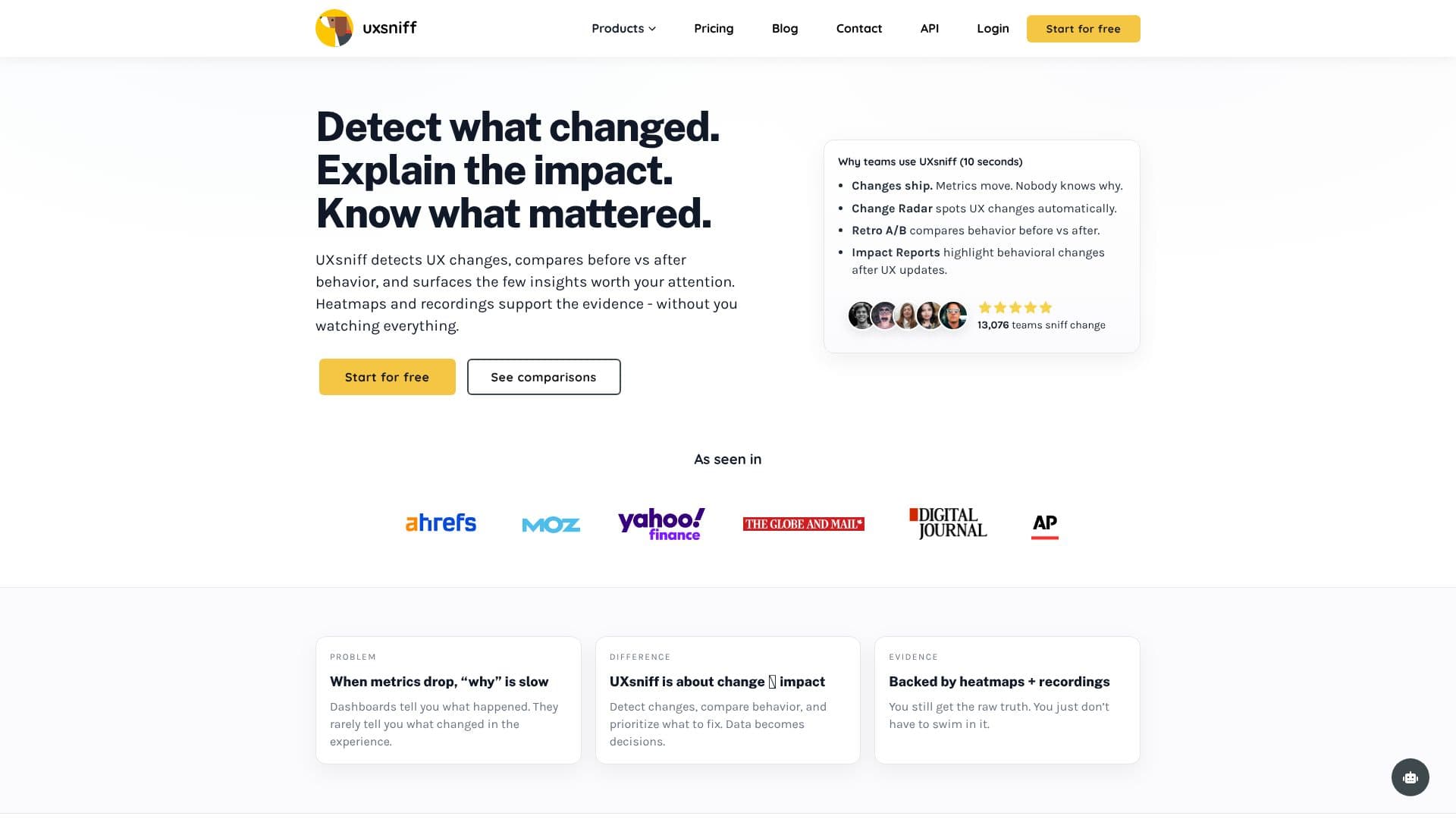
UXsniff addresses the common problem of slow root-cause analysis when website metrics drop. Traditional dashboards show what happened but rarely explain why, especially when changes are deployed without deliberate A/B testing. UXsniff bridges this gap by focusing on change and its impact on user behavior.
Read More
Unlike traditional A/B testing, which requires advance planning and traffic splitting for deliberate experiments, UXsniff is designed for situations where changes ship without a test. It allows teams to reduce the time spent guessing when metrics fluctuate and focus on what actually mattered, rather than what is loudest. This provides an A/B testing-like outcome for intent, but UXsniff covers the gaps when changes are deployed without a planned test.
For situations where no test was set up, UXsniff offers a 'Retro A/B' or 'Time-Travel A/B' capability. This allows teams to compare user behavior before and after a change using real historical data, eliminating the need for experiment setup or traffic splitting. It provides a clear understanding of what moved after a quiet release.
UXsniff's 'Change Radar' feature continuously detects UX changes, flagging those that align with shifts in user behavior. This helps teams spot what mattered sooner, reducing surprises and enabling earlier detection of regressions. When combined with evidence from heatmaps and recordings, UXsniff generates 'Impact Reports' that summarize what changed, where, and connect these changes to user behavior signals. These reports highlight what likely mattered most, providing actionable insights and reducing the need for lengthy manual investigations.
The tool is ideal for teams that need fast answers when numbers move, automatic detection of UX changes, and clear summaries of what changed and its impact. It offers a calmer way to respond to metric shifts. UXsniff collects behavioral data and watches for changes, prioritizing them by impact signals. Its Retro A/B feature is particularly useful when no experiment was set up, and it's built to significantly reduce the time spent answering "why did metrics move?"
Installation is simple, involving the addition of a lightweight tracking script to your site. UXsniff then tracks behavior signals, detects UX changes, compares behavior before and after, and summarizes findings in Impact Reports. This leads to fewer surprises after deployments, less time watching random recordings, faster prioritization when KPIs shift, and more confidence in what to fix next.
- CategoryAI Data Analysis
- Pricing ModelFree Tier
- DeploymentCloud
- PlatformsWeb
UXsniff AI UX Changes's Core Features
Automatic detection of UX changes
Impact analysis of UX changes on user behavior
Retro A/B testing for changes shipped without experiments
Change Radar for continuous UX change monitoring
Impact Reports summarizing changes and their effects
Rage Alerts for unusual user behavior patterns
Heatmaps and session recordings as supporting evidence
Lightweight tracking script for easy installation
Minimal impact on page performance
Focus on user-visible changes
Before/after comparisons without experiment setup
Prioritization of changes by impact signals
How to use UXsniff AI UX Changes?
Install: Add the lightweight UXsniff tracking script to your website.
Monitor: UXsniff automatically tracks behavior signals and detects UX changes.
Analyze: Review Change Radar alerts and Impact Reports to understand what changed and its effect.
Investigate: Use heatmaps and recordings as supporting evidence for detected changes.
Prioritize: Focus on the changes that most likely impacted user behavior.
Act: Implement fixes based on clear, data-backed insights.
UXsniff AI UX Changes's Use Cases
- Post-deployment analysis
- Investigating metric drops
- Validating quiet releases
- Prioritizing bug fixes
- Reducing guesswork
- Proactive issue detection
- Improving conversion rates