
Description
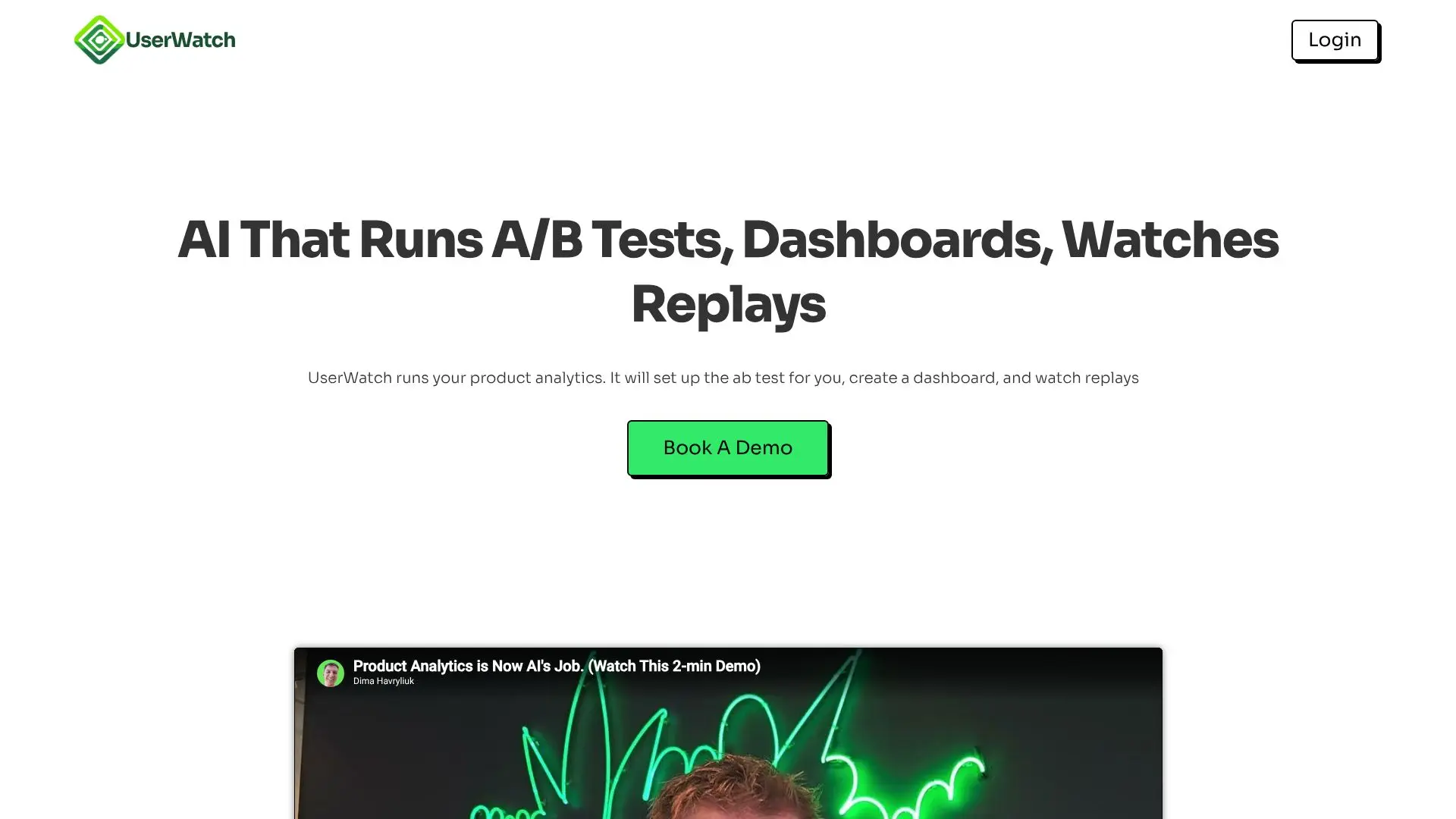
UserWatch positions itself as an AI-powered product analyst designed to streamline and automate the complex process of product analytics. Instead of manual data crunching and report generation, users can interact with UserWatch using natural language prompts to achieve their analytical goals. The platform aims to democratize product analytics, making it accessible and efficient for teams.
Read More
At its core, UserWatch leverages AI to understand user behavior within a product. Users can simply describe the funnel, A/B test, or survey they need to set up, and the AI will handle the configuration. This includes the ability to set up A/B tests and feature flags with ease, eliminating the manual effort typically involved in cohort creation and rollout percentages. The tool also excels at creating custom dashboards. By specifying the desired metric or funnel, UserWatch can identify relevant events and cohorts, generating a comprehensive dashboard in mere seconds.
Beyond setup and dashboards, UserWatch offers advanced session replay analysis. Users can direct the AI to investigate specific funnel steps where users are dropping off. UserWatch will then analyze session replays to pinpoint the exact reasons for these drop-offs and can even generate Jira tickets for proposed fixes. This capability directly ties UX insights to revenue impact, allowing product teams to prioritize UX improvements that will have the most significant effect on key business metrics. The platform promises to identify UX issues that block core product value and provide actionable stories for the next development sprint, ultimately helping to improve activation and reduce drop-off rates.
UserWatch is targeted at product managers, UX designers, and growth teams who are looking to gain deeper insights into user behavior without the steep learning curve or time commitment of traditional analytics tools. The promise of "Analytics Done For You" suggests a focus on delivering actionable intelligence quickly and efficiently. By automating time-consuming tasks like replay analysis and dashboard creation, UserWatch frees up teams to focus on strategy and implementation, driving product growth and user satisfaction.
- CategoryAI Data Analysis
- Pricing ModelTry For Free
- DeploymentCloud
- PlatformsWeb
AI Product Analyst's Core Features
Automated A/B test setup
Prompt-based dashboard creation
AI-driven session replay analysis
Identification of user drop-off points
Generation of Jira tickets for fixes
Tie UX insights to revenue impact
Automated feature flag management
Cohort and funnel analysis
Survey setup capabilities
Actionable UX fix recommendations
Improvement of activation rates
Reduction of user drop-off rates
How to use AI Product Analyst?
Prompt UserWatch: Describe the dashboard, A/B test, or survey you need.
Configure A/B Tests: Prompt UserWatch to set up feature flags and rollout percentages.
Create Dashboards: Tell UserWatch the metric or funnel, and it builds the dashboard.
Analyze Replays: Ask UserWatch to investigate specific drop-off points in session replays.
Receive Insights: Get exact reasons for drop-offs and Jira tickets for fixes.
Plan Fixes: Use AI-generated stories to plan UX improvements in your next sprint.
AI Product Analyst's Use Cases
- Automated Dashboard Creation
- A/B Test Configuration
- Session Replay Analysis
- UX Issue Identification
- Actionable Development Planning
- Conversion Rate Optimization
- Prompt-Based Analytics