
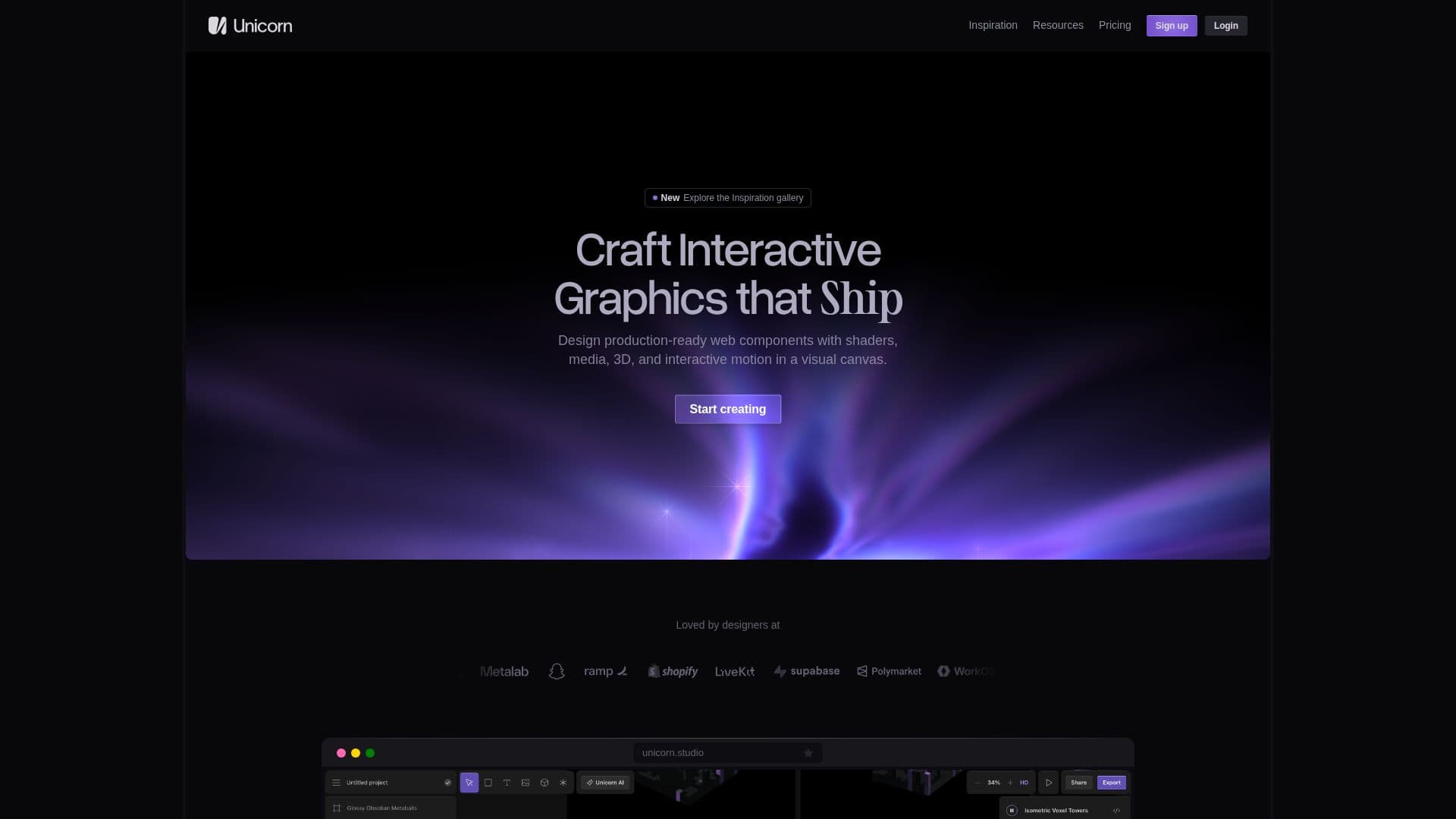
Description
Unicorn Studio is a comprehensive visual design tool tailored for creating production-ready interactive graphics. It provides a spatial, layer-based canvas that allows users to combine shaders, media, 3D models, and interactive motion seamlessly. The platform is designed to be intuitive, enabling users to work visually without needing to build the underlying WebGL system. With over 75 configurable WebGL effects, users can mix, match, and stack endless combinations to achieve unique results.
Read More
The tool is equipped with Unicorn Agent, an AI-assisted feature that aids in effect creation and editing, allowing users to stay in the creative flow. Unicorn Studio supports embedding creations in platforms like Framer, Webflow, Figma Sites, React, and plain HTML, making it versatile for various web applications. It also offers image, video, and JSON exports, ensuring that creations can be shared and utilized across different mediums.
Pricing for Unicorn Studio includes a free plan with access to all effects and limited publishing capabilities, while the Legend plan offers unlimited publishing, commercial licenses, and advanced features like high-quality video exports and custom 3D models. The platform is designed for designers and creative developers who want to bridge the gap between concept and production, making it easier to sell ideas to clients and explore creative possibilities.
Unicorn Studio is built for speed, featuring a lightweight production runtime and asset optimization to ensure smooth performance. It is approachable for beginners yet powerful for professionals, offering a code editor for custom shader creation and a Javascript SDK for maximum performance. The tool is cloud-based, requiring no downloads, and is compatible with modern browsers supporting WebGL 2.0.
- CategoryAI Graphic Design Tools
- Pricing ModelFreemium
- DeploymentCloud
- PlatformsWeb
Unicorn Studio's Core Features
Spatial layer-based canvas
75+ configurable WebGL effects
AI-assisted effect creation
Image, video, and JSON exports
Live website embeds
Custom 3D models and fonts
CDN and asset optimization
Automatic backups
How to use Unicorn Studio?
Configure: Set up your canvas and layers
Use: Apply effects and motion
Optimise: Enhance performance with asset optimization
Export: Share your creations via image, video, or code
Unicorn Studio's Use Cases
- Interactive Web Graphics
- 3D Model Integration
- Shader Creation
- Responsive Design
- Video Export