
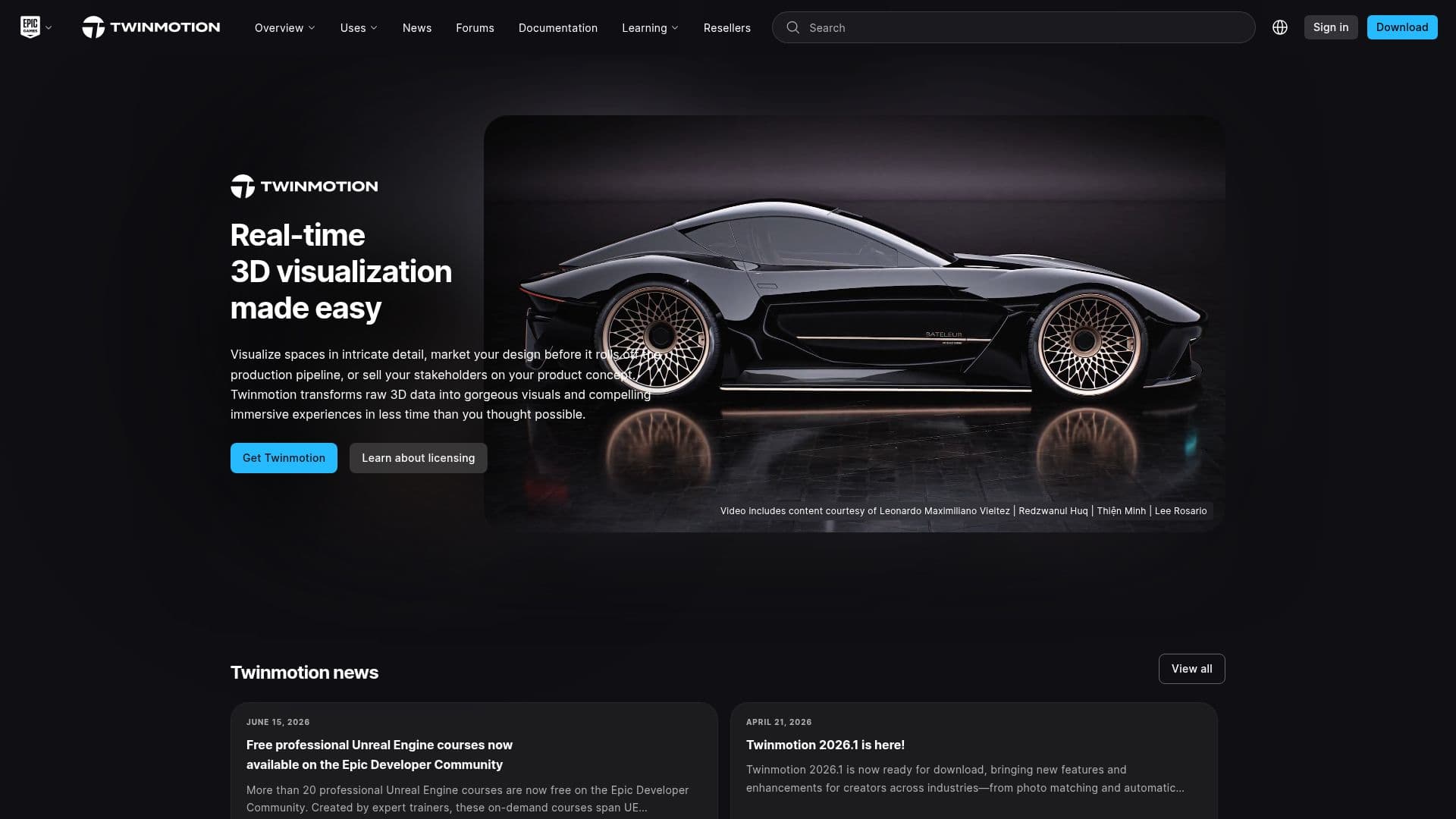
Description
Twinmotion is a cutting-edge real-time visualization tool designed to make the creation of high-quality 3D visualizations accessible and efficient. Powered by Unreal Engine, Twinmotion offers an intuitive user interface that allows users to produce stunning images, panoramas, VR videos, and interactive presentations from 3D data. It is widely used across various industries, including architecture, consumer products, transportation, and fashion.
The tool is designed for a broad audience, from professional studios to independent freelancers, hobbyists, students, and educators. Twinmotion is free for individuals and companies with annual gross revenue under $1 million USD. For those exceeding this threshold, Twinmotion seats are available for purchase at $445 USD per seat per year, which includes access to Twinmotion Cloud and all updates during the subscription period.
Twinmotion supports seamless interoperability with a wide range of software packages and 3D file formats. It offers direct one-click synchronization with popular design and modeling software such as 3ds Max, Archicad, Revit, Rhino, and SketchUp Pro. Additionally, it allows for the import of entire scenes from applications like CityEngine and Navisworks using the uDatasmith format.
The platform provides extensive learning resources, including tutorials, a knowledge base, and community forums, to help users get started and optimize their use of Twinmotion. Users can also access free professional Unreal Engine courses through the Epic Developer Community.
Twinmotion's pricing model is straightforward, with a free tier for eligible users and a paid subscription for larger businesses. The tool is available for both Windows and macOS, and it can be run in offline mode if necessary. Twinmotion's flexibility and powerful features make it an ideal choice for anyone looking to create high-quality real-time visualizations.
Twinmotion's Core Features
Real-time 3D visualization
Powered by Unreal Engine
Intuitive user interface
High-quality images and VR videos
Interactive presentations
Seamless interoperability with design software
Free for revenue under $1M
Paid seats for larger businesses
Extensive learning resources
Offline mode available
Supports Windows and macOS
Direct synchronization with design tools
Import from various 3D formats
Community forums and support
Access to Twinmotion Cloud
How to use Twinmotion?
Download: Visit the Twinmotion website to download the software.
Install: Follow the installation instructions provided.
Explore: Familiarize yourself with the user interface and features.
Create: Start creating visualizations using your 3D data.
Optimize: Use learning resources to enhance your skills.
Twinmotion's Use Cases
- Architectural Visualization
- Product Design
- Transportation Design
- Film and TV Production
- Fashion Design
- Educational Use
- Interactive Presentations
- VR Experiences
- Urban Planning
- Interior Design