Description
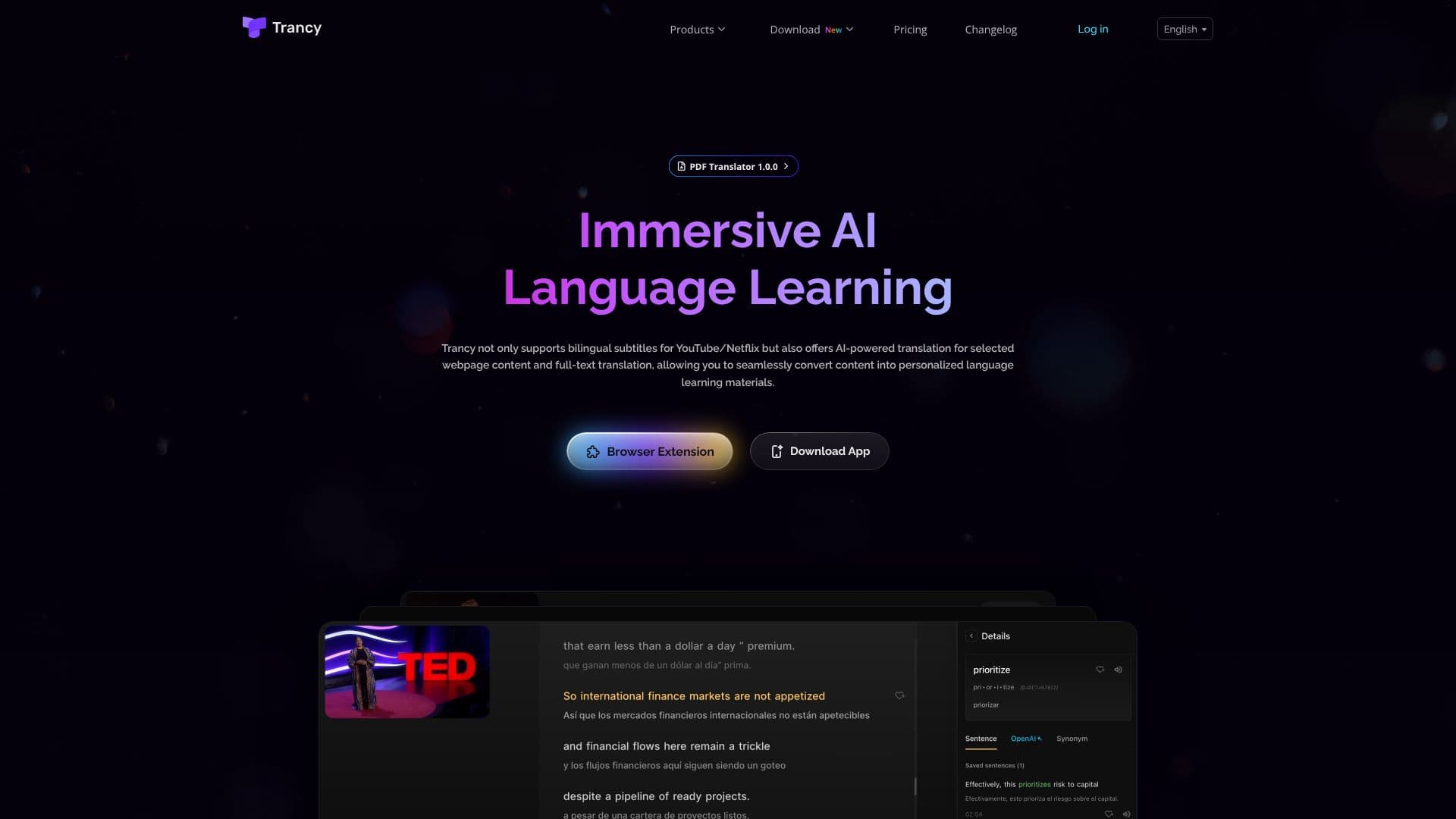
Trancy is an AI-driven language learning assistant designed to enhance comprehension and practice across various online platforms. It provides accurate bilingual subtitles for popular video streaming services such as YouTube, Netflix, HBO Max, TED, edX, and Coursera. This feature allows users to follow along with content in two languages simultaneously, aiding in both listening and speaking practice.
Read More
Beyond video content, Trancy extends its capabilities to regular webpages. It offers AI-powered text selection translation, full-text translation, and immersive context comparative translation. This means users can translate articles, forum posts, and social media content without leaving the current page, facilitating a deeper understanding of foreign language materials. The tool supports multiple translation engines, including Google, DeepL, Microsoft, and OpenAI, allowing users to choose their preferred service.
Key AI-powered features include intelligent sentence segmentation to organize disordered subtitles, AI word lookup with definitions powered by OpenAI, and AI grammar analysis to break down complex sentence structures. It also provides part-of-speech tagging for key words. For a more personalized learning experience, Trancy allows users to create custom learning decks, save favorite sentences, and organize videos for later review.
Trancy is ideal for language learners of all levels who want to make their online content consumption more educational. It caters to individuals looking to improve their vocabulary, grammar, listening skills, and overall fluency. The browser extension is compatible with numerous websites, ensuring a consistent learning experience across the web. The platform aims to make language acquisition fun, efficient, and accessible anytime, anywhere through its web-based learning center.
- CategoryLanguage Learning Apps
- Pricing ModelFreemium
- DeploymentBrowser extension, Cloud
- PlatformsBrowser Extension, Web App
Trancy's Core Features
AI-powered bilingual subtitles for YouTube, Netflix, and more
Immersive webpage translation with context comparison
AI word lookup and definition retrieval
AI grammar analysis for complex sentences
Intelligent sentence segmentation for subtitle accuracy
Subtitle reading mode with text display
Customizable learning decks and sentence saving
Full-text translation for articles and web content
Support for multiple translation engines (Google, DeepL, OpenAI, etc.)
Highlighting of unknown words on webpages
Adjustable subtitle fonts and sizes
Speed playback control for videos
Text-to-speech for pronunciation practice
Keyboard shortcuts for efficient use
How to use Trancy?
Install the Trancy browser extension
Navigate to a supported platform (e.g., YouTube, Netflix) or webpage
Enable bilingual subtitles or activate webpage translation
Utilize AI features like word lookup and grammar analysis
Save new vocabulary and sentences to your learning decks
Adjust settings for subtitle display and playback speed
Access the web-based learning center for continued study
Trancy's Use Cases
- Bilingual Subtitle Learning
- Webpage Content Translation
- Vocabulary Acquisition
- Grammar Comprehension
- Listening Practice
- Personalized Study
- Immersive Reading