Description
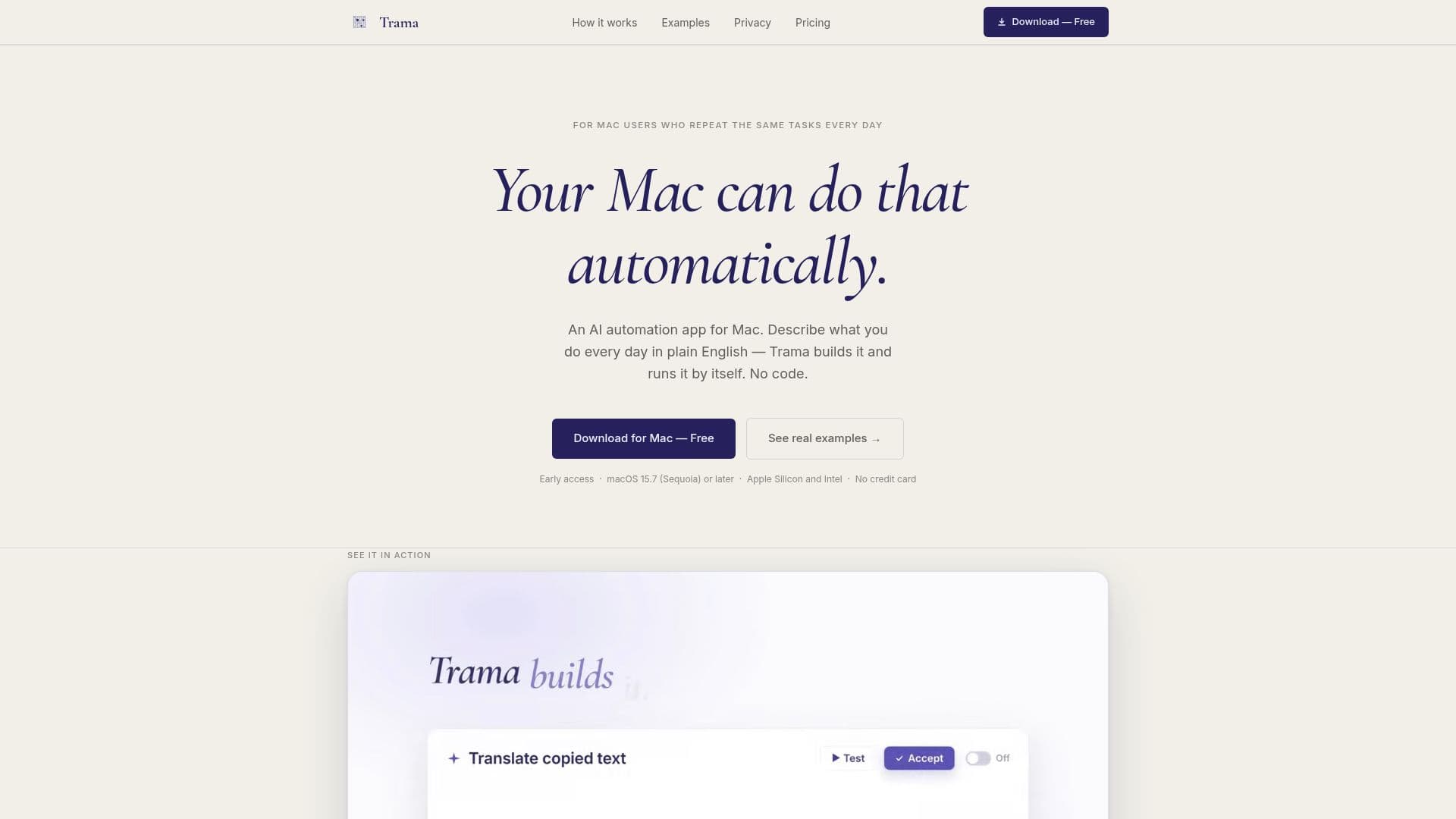
Trama is a macOS application designed to automate repetitive tasks by converting plain English descriptions into actionable automations. This tool is particularly beneficial for users who frequently perform the same tasks on their Mac, as it allows them to describe these tasks in simple sentences, which Trama then translates into automated processes. Users can trigger these automations through copying text, setting schedules, or using keyboard shortcuts.
Read More
The app is designed to be user-friendly, requiring no coding knowledge. Users simply type what they want to automate, such as 'Every morning, send me a summary of my emails,' and Trama builds the automation. Before any automation runs, users can review and approve each step, ensuring that the automation performs as intended. Additionally, users have the flexibility to modify automations by describing changes in plain English.
Trama operates as a lightweight background process on macOS, ensuring it does not slow down the system. It maintains user privacy by keeping all automation content on the user's device unless explicitly shared with external services. The app supports integration with various tools like Gmail, Slack, Notion, and more, allowing for seamless workflow automation.
The pricing model includes a free tier with basic features and paid plans offering more advanced capabilities. Users can utilize their existing AI accounts, such as Google Gemini, Anthropic, or OpenAI, to power their automations, ensuring cost-effective usage as they only pay their AI provider for what they use. Trama is compatible with macOS 15.7 (Sequoia) or later and supports both Apple Silicon and Intel processors.
- CategoryWorkflow Automation
- Pricing ModelFreemium
- DeploymentLocal
- PlatformsmacOS
Trama's Core Features
Automates tasks using plain English descriptions
No coding required
Runs on copy, schedule, or shortcut
User reviews automations before activation
Lightweight background process
Data privacy maintained on device
Integrates with Gmail, Slack, Notion, etc.
Supports user-provided AI accounts
How to use Trama?
Download: Install Trama from the website
Set Up: Sign in with Google or GitHub
Create: Press Cmd+Option+X and describe your automation
Review: Check and approve automation steps
Trama's Use Cases
- Email Summarization
- Calendar Management
- Task Updates
- Language Translation
- Data Extraction