
Description
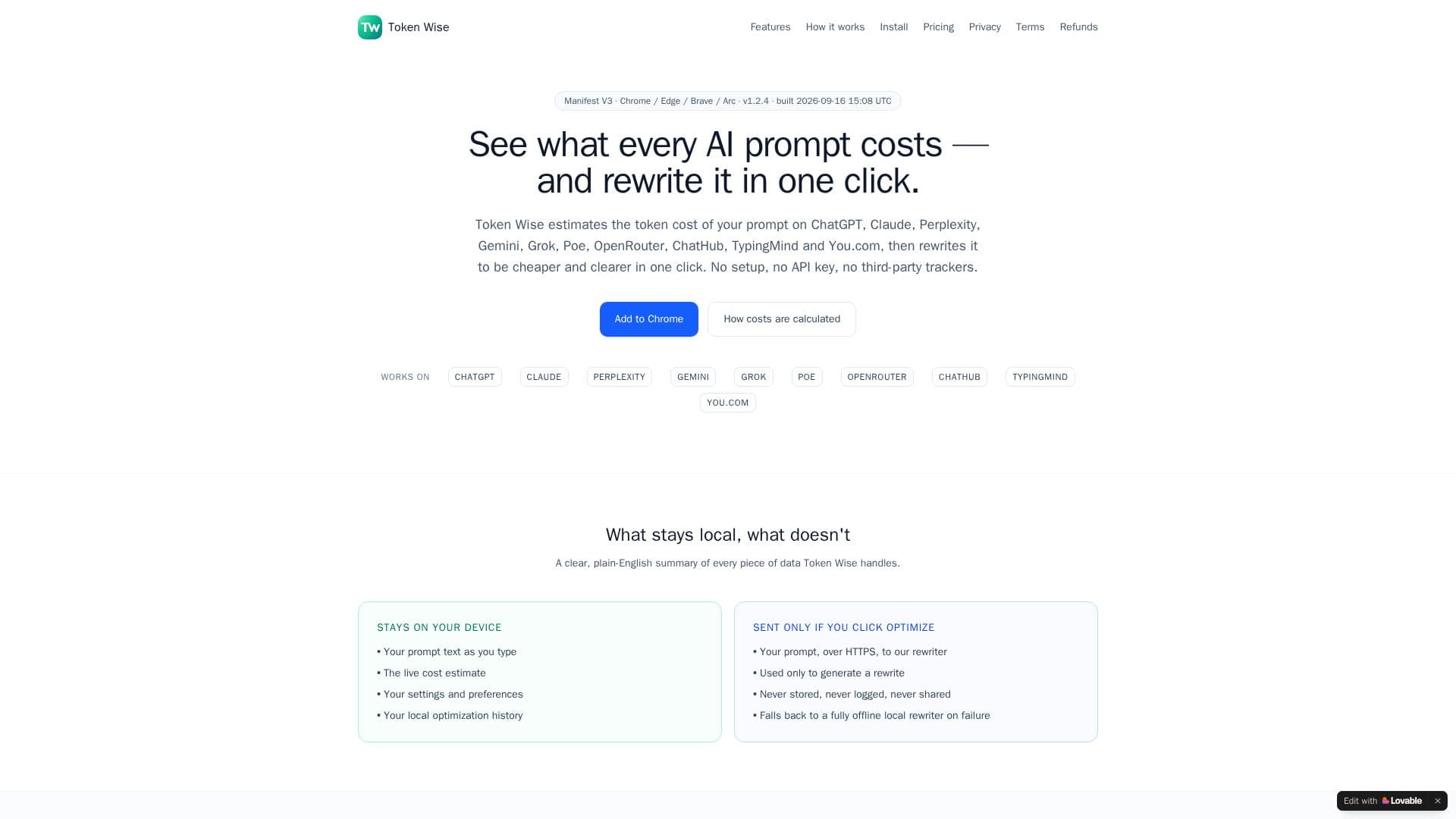
Token Wise is a comprehensive browser extension designed to help users understand and optimize the cost of their AI prompts across various leading platforms. It provides real-time token cost estimates for services such as ChatGPT, Claude, Perplexity, Gemini, Grok, Poe, OpenRouter, ChatHub, TypingMind, and You.com. Beyond just estimation, the extension offers a unique one-click rewrite feature that refines prompts to be both more cost-effective and clearer, with options like Balanced, Shorter, Clearer, or More Specific.
Read More
The tool operates with a strong emphasis on privacy. By default, prompt text, live cost estimates, settings, preferences, and local optimization history remain on the user's device. Prompts are only sent over HTTPS to the rewriter endpoint when the 'Optimize' button is clicked, and even then, they are never stored, logged, or shared. In cases of network failure, the extension gracefully falls back to a fully offline, local rewriter. An optional API monitoring feature, disabled by default, allows users to estimate their spend across direct browser calls to OpenAI, Anthropic, Google, xAI, and Perplexity APIs, capturing only metadata like model ID, request/response size, and timestamp, never prompt content or sensitive data.
Token Wise integrates seamlessly into the user's workflow, displaying token count and credit estimates next to the prompt box as they type, color-coded by spend. It provides a clear comparison between original and optimized prompts, showing token and credit differences, along with actions to copy or use the optimized version. Users can track their savings with daily, 7-day, and total-saved statistics, and access a 100-prompt history page with CSV export. The extension calculates costs based on each model's published per-token rate, ensuring transparency and accuracy. It supports Chromium browsers like Chrome, Edge, Brave, Arc, and Opera, and includes a keyboard shortcut (Alt + Shift + O) for quick optimization.
For users requiring more extensive features, Token Wise offers Pro and Power plans. The Free plan includes live cost badges, 5 cloud optimizations per day, unlimited local rewrites, and a 100-prompt history. The Pro plan, available for $4.99/month or $39.99/year, significantly increases cloud optimizations to 1,000 per month, offers access to Gemini 3 Flash Preview for faster processing, a 500-prompt history with JSON export, custom focus presets, a side panel workspace, and priority support. The Power plan, priced at $190/year, provides 500 cloud optimizations per month, Gemini 3 Pro Preview for highest-quality reasoning, research and coding scaffolds, all Pro features, and early access to new functionalities. The pricing structure is designed to cater to different usage volumes while maintaining a commitment to privacy and transparency.
- CategoryPrompt Engineering Tools
- Pricing ModelFreemium
- DeploymentBrowser extension
- PlatformsChromium Browsers (Chrome, Edge, Brave, Arc, Opera)
Token Wise's Core Features
Live token cost estimates for AI prompts
One-click prompt rewrites for clarity and cost reduction
Supports ChatGPT, Claude, Perplexity, Gemini, Grok, Poe, OpenRouter, ChatHub, TypingMind, You.com
Local processing of prompt text and settings for privacy
Optional API monitoring for spend across major AI vendor APIs
Color-coded token count and credit estimates displayed while typing
Comparison of original vs. optimized prompts with token and credit differences
Daily, 7-day, and total-saved statistics
100-prompt history page with CSV export (Free plan)
Keyboard shortcut (Alt + Shift + O) for quick optimization
Cloud rewriter with focus options: Balanced, Shorter, Clearer, More specific
Unlimited local (offline) rewrites
Remote-updatable platform registry for new platforms and price changes
14-day no-questions-asked refund policy for paid plans
No third-party trackers or advertising identifiers
How to use Token Wise?
Install Extension: Click 'Add to Chrome' on the Chrome Web Store page.
Confirm Permissions: Review extension permissions and click 'Add extension'.
Start Typing: Open a supported AI platform (e.g., ChatGPT) and begin typing your prompt.
View Estimates: See live token cost and credit estimates next to your prompt.
Optimize Prompt: Click 'Optimize' or use Alt + Shift + O to rewrite your prompt for cost and clarity.
Review & Use: Compare original and optimized prompts, then copy or use the rewritten version.
Token Wise's Use Cases
- Cost-Effective Prompting
- Prompt Clarity Improvement
- AI Spend Monitoring
- Prompt History Tracking
- Offline Prompt Optimization
- Multi-Platform AI Usage