
Description
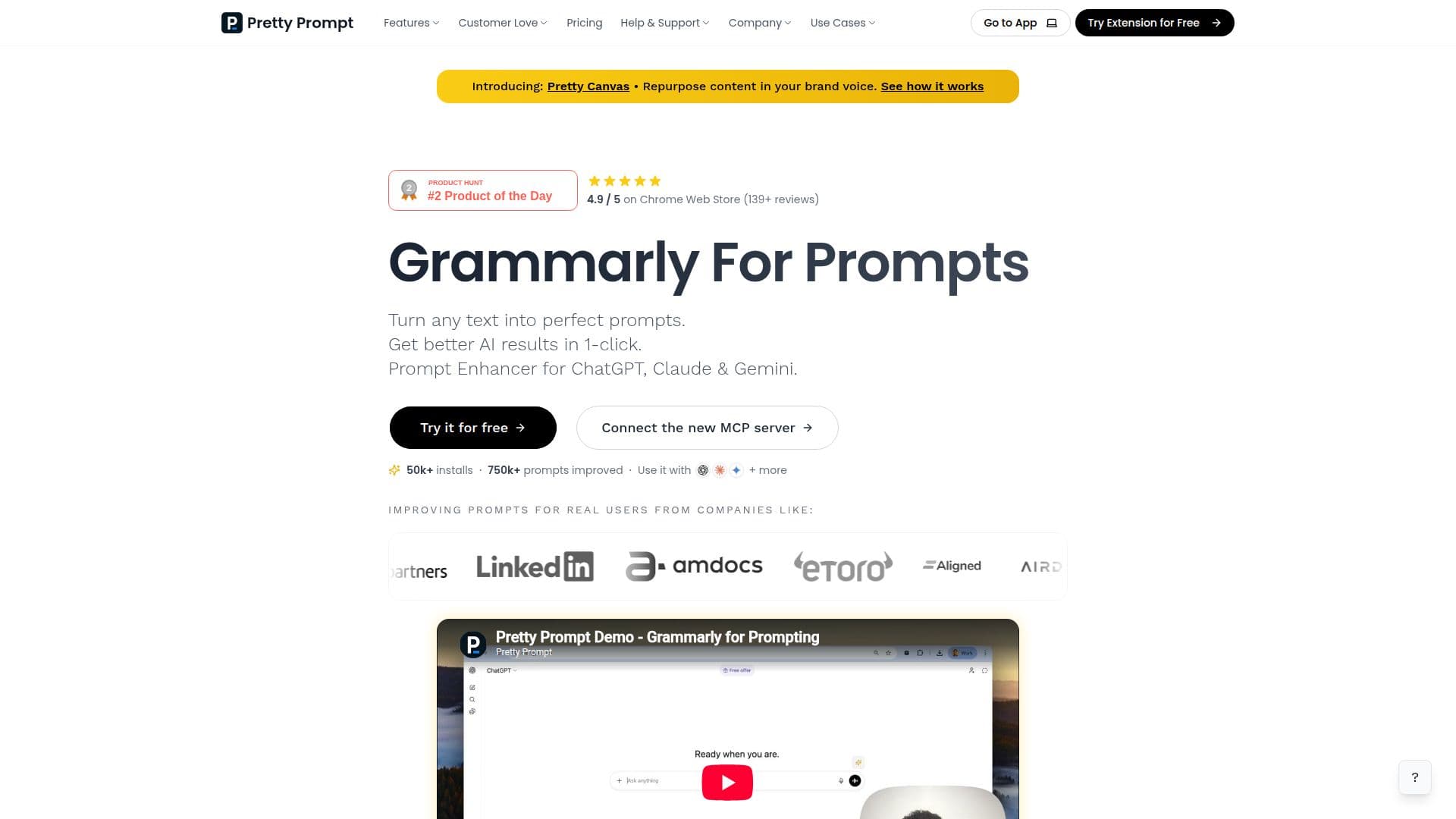
Pretty Prompt is an AI prompt enhancer that helps users write better prompts right where they already use AI. Described as a Grammarly for prompts, it turns a rough idea or any text into a clear, structured prompt in one click so users get better AI responses without the back-and-forth of manual iteration.
Read More
The tool works as a browser extension for Chrome, Edge, Brave, Arc, Opera, and other Chromium-based browsers, as well as through a web app, and integrates directly into AI tools such as ChatGPT, Gemini, Claude, Perplexity, Lovable, Bolt, v0, Grok, and more. It offers a one-click Improve mode and a Refine mode that asks follow-up questions to sharpen the prompt, plus native-language support so users can prompt in their own language. Pro users get a saved Prompt Library, full history, conversational memory, and prompt types for image, video, research, and vibe coding.
Pretty Prompt is aimed at both individuals and teams, helping organizations adopt AI with consistent, high-quality prompts and less ramp-up time. Team plans add shared memory, shared prompt libraries, and centralized billing, and enterprise options cover SSO and compliance. It reports 50,000+ users and 750k+ prompts improved, with companies including LinkedIn, Upwork, TLV Partners, and Chili Piper listed among its users.
On security, Pretty Prompt encrypts data at rest with AES-256 and in transit via HTTPS/TLS, states it does not train models on user data, and uses SOC 2 compliant subprocessors. A free plan offers 5 improved prompts per week with no credit card, while Pro (from $8.25/month billed annually, or $12.99/month) unlocks unlimited prompts and all features.
- CategoryPrompt Engineering Tools
- Pricing ModelFreemium
- DeploymentBrowser extension, Cloud
- PlatformsWeb, Chrome
Pretty Prompt's Core Features
One-click prompt improvement from any text
Refine mode with follow-up questions to sharpen prompts
Browser extension for Chromium browsers plus a web app
Direct integration with ChatGPT, Claude, Gemini, Perplexity, and more
Native-language prompt support
Saved Prompt Library and full prompt history (Pro)
Prompt types for image, video, research, and vibe coding
Team plans with shared memory, shared libraries, and centralized billing
How to use Pretty Prompt?
Add Pretty Prompt: Install the browser extension or open the web app, with no sign-in needed to try it.
Enter your idea: Type a rough prompt or any text in your AI tool.
Improve or refine: Click to improve it in one click, or use Refine mode to answer follow-up questions.
Get results: Run the enhanced prompt to get clearer, more accurate AI responses.
Save and reuse: Store your best prompts in the Prompt Library to reuse them later.
Pretty Prompt's Use Cases
- Everyday prompting
- Vibe coding
- Writing and marketing
- Non-native English users
- Team AI adoption