
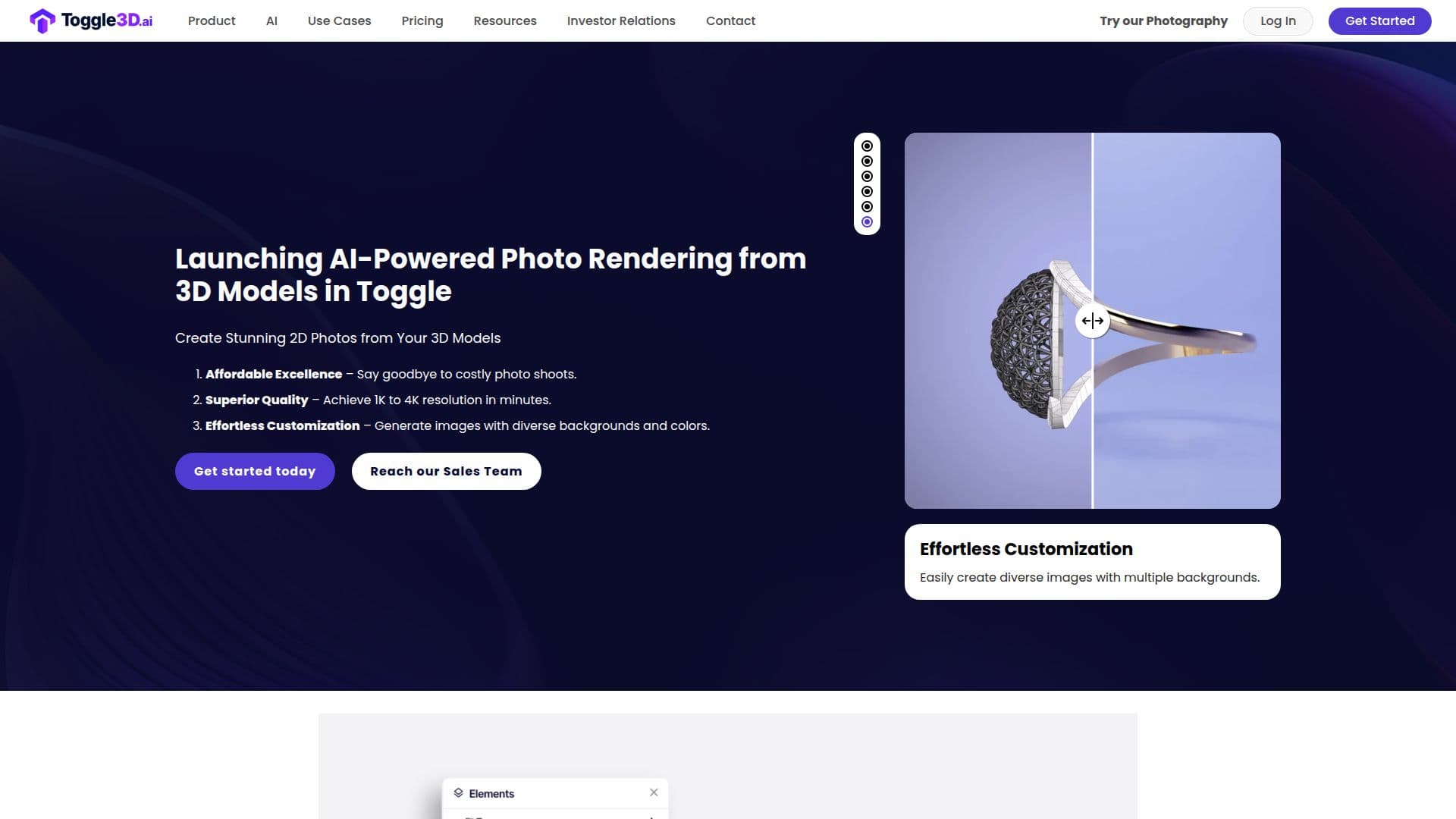
Description
Toggle3D is a comprehensive web-based 3D design and texturing software tailored for CAD users. It simplifies the process of converting, texturing, and sharing 3D models online. With Toggle3D, users can transform CAD files into web-friendly 3D meshes, making it easier to create immersive web experiences. The platform supports various 3D formats, including obj, glb, and fbx, allowing users to start with their existing 3D files.
One of the standout features of Toggle3D is its AI-driven texture generator, which enables users to create high-quality PBR materials from images or text prompts. This feature allows for the generation of photorealistic textures, enhancing the visual appeal of 3D models. Additionally, Toggle3D offers a library of over 1000 pre-built 4K PBR materials, covering categories like metals, woods, and plastics.
Toggle3D is designed for scalability and ease of use, requiring no prior design experience. It provides tools for customizing materials with intuitive editing options, allowing users to change colors, properties, and add stickers to finalize their designs. The platform also supports real-time AR previews, enabling users to view their 3D models in augmented reality.
Pricing for Toggle3D is flexible, with a free Basic plan offering essential features and a Pro plan at $19/month/user that includes advanced capabilities like unlimited designs and AI-generated PBR materials. An Enterprise plan is available for larger organizations, offering custom features and dedicated support.
Toggle3D is ideal for various industries, including sales and marketing, product design, and home improvement. It helps users increase conversions through 3D marketing, streamline product design processes, and bring home improvement plans to life. The platform's AI capabilities and user-friendly interface make it a valuable tool for designers of all experience levels.
Toggle3D 3D Design Software's Core Features
AI-driven texture generation
Web-based 3D design platform
Supports multiple 3D formats
Pre-built 4K PBR material library
Real-time AR previews
Intuitive material customization
Flexible pricing plans
No design experience required
Automatic CAD file conversion
Private and public sharing options
Enterprise-level security
Dedicated account management
Custom training for enterprises
Sketchfab integration
Generative AI for material creation
How to use Toggle3D 3D Design Software?
Convert: Upload your CAD file to convert it into a 3D mesh
Texture: Use AI tools to apply realistic textures
Customize: Adjust materials and properties as needed
Share: Publish your 3D model using private or public links
Preview: View your design in AR for real-time feedback
Toggle3D 3D Design Software's Use Cases
- Sales & Marketing
- Product Design
- Home Improvement
- AR Integration
- 3D Model Customization