
Description
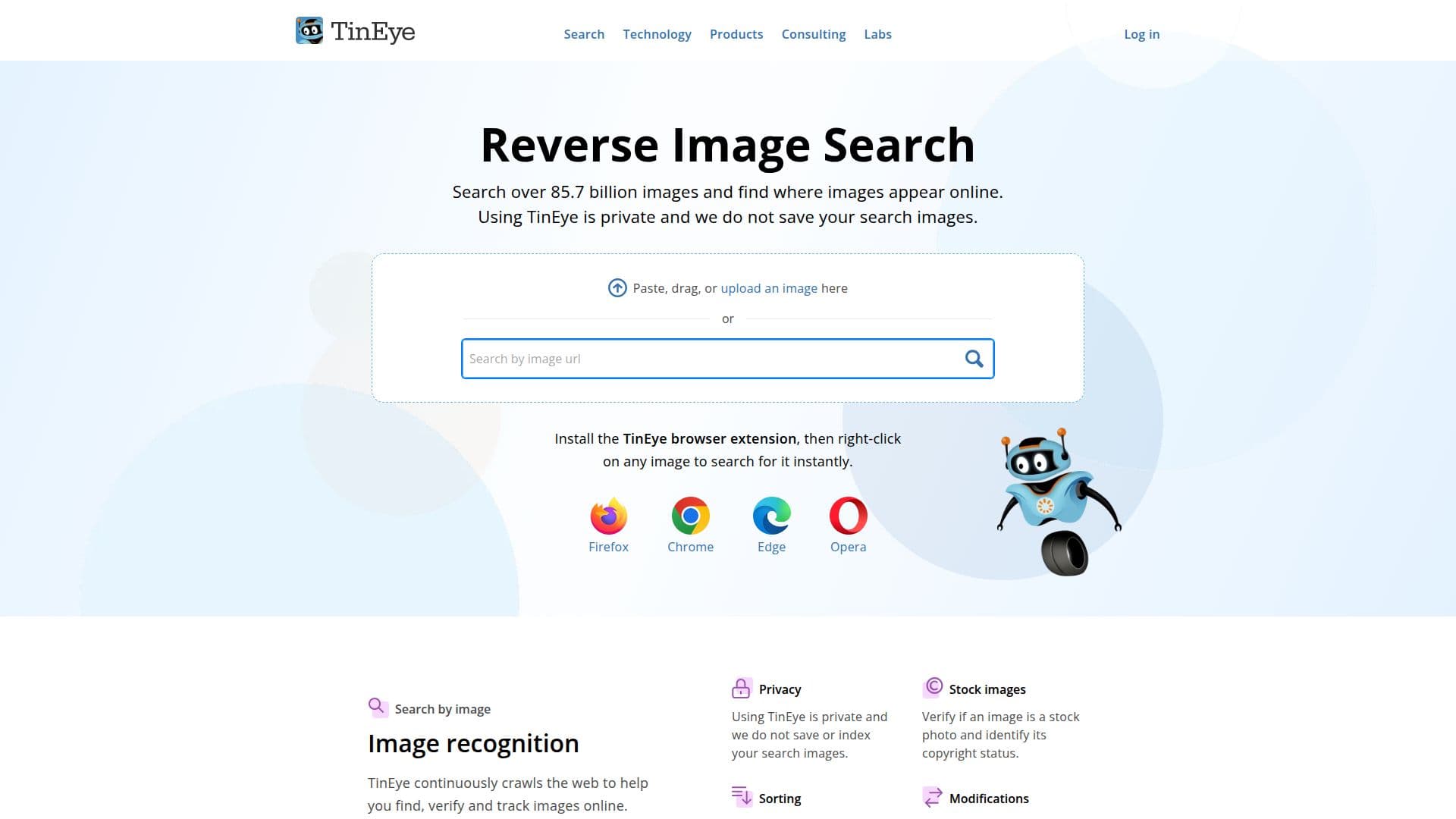
TinEye is a powerful reverse image search engine that allows users to search over 85.7 billion images to find where they appear online. It is designed to ensure user privacy by not saving or indexing search images. TinEye offers a browser extension for Firefox, Chrome, Edge, and Opera, enabling users to right-click on any image to search for it instantly. The platform continuously crawls the web, helping users verify and track images, identify stock photos, and sort results by the largest or most edited version.
TinEye provides various solutions for businesses, including MatchEngine for advanced image identification, TinEye API for large-scale reverse image searches, and TinEye Alerts for automated image tracking. The platform also offers specialized engines like CardSearchEngine for trading card recognition, MobileEngine for mobile image recognition, MulticolorEngine for color search, and WineEngine for label scanning.
The TinEye API is a REST-based service that allows developers to integrate reverse image search capabilities into their applications. It supports multiple image formats and offers flexible image upload options. The API is secure, encrypted, and easy to integrate with existing technology. Pricing is based on pre-paid search bundles, with options ranging from 5,000 to 1,000,000 searches.
TinEye's solutions are trusted by various industries for tasks such as image verification, content moderation, fraud detection, and stock image identification. The platform is ideal for developers, businesses, and individuals looking to leverage advanced image recognition technology for various applications.
TinEye Reverse Image Search's Core Features
Search over 85.7 billion images
Privacy-focused: no image saving
Browser extension for instant search
Advanced image identification with MatchEngine
Automated image tracking with TinEye Alerts
REST-based API for easy integration
Support for multiple image formats
Flexible pricing with pre-paid bundles
Color search with MulticolorEngine
Mobile image recognition with MobileEngine
Label scanning with WineEngine
Trading card recognition with CardSearchEngine
Image verification and fraud detection
Stock photo identification
Content moderation solutions
How to use TinEye Reverse Image Search?
Install: Add the TinEye browser extension
Search: Right-click on any image to search
Integrate: Use the TinEye API in your app
Track: Set up TinEye Alerts for image tracking
Verify: Use MatchEngine for image verification
Recognize: Add MobileEngine for mobile apps
Scan: Use WineEngine for label scanning
Color: Utilize MulticolorEngine for color search
TinEye Reverse Image Search's Use Cases
- Image Verification
- Content Moderation
- Fraud Detection
- Stock Photo Identification
- Brand Tracking
- Trading Card Recognition
- Mobile Image Recognition
- Color Search
- Label Scanning
- Image Sorting