
Description
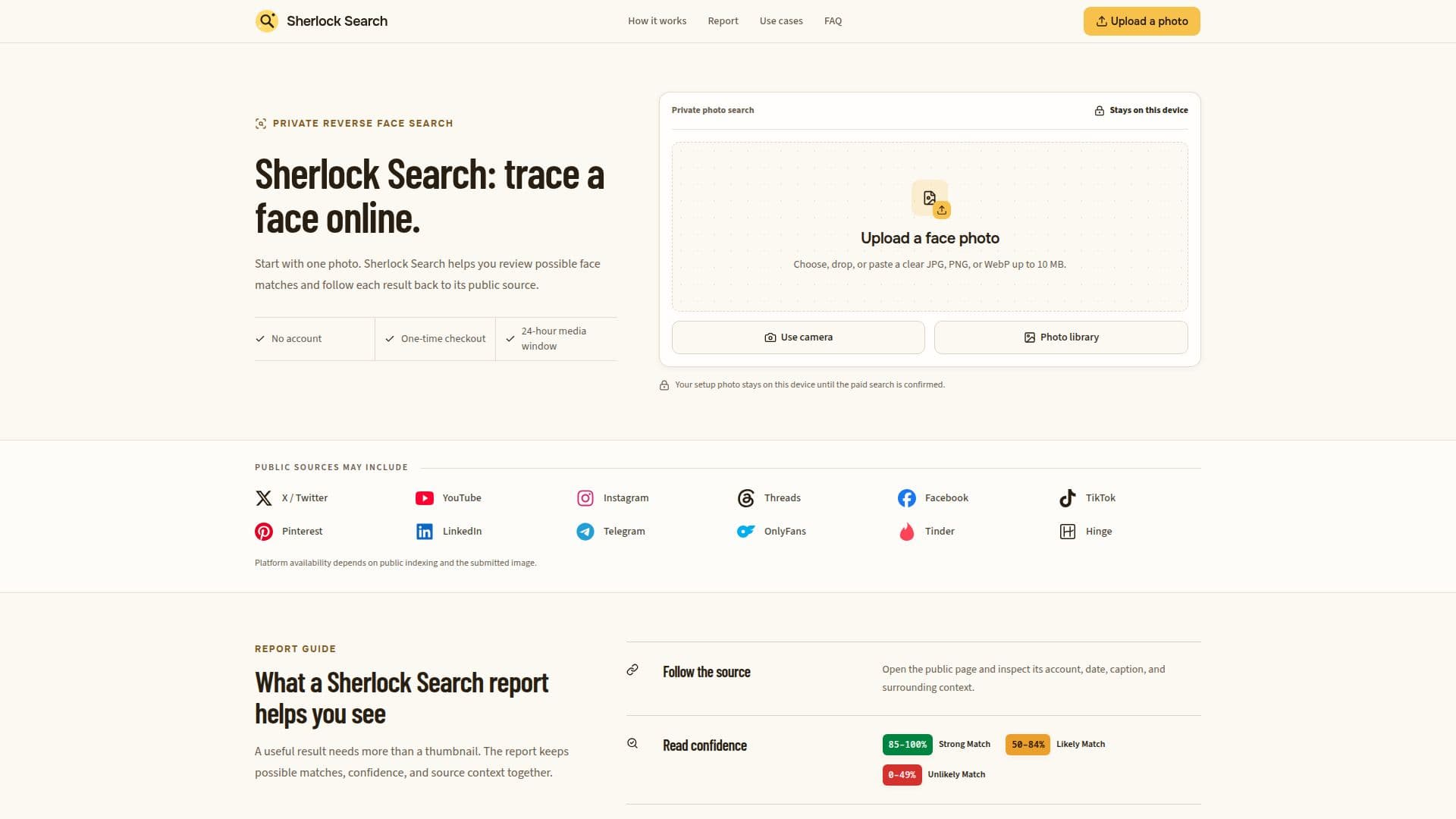
Sherlock Search is a reverse face search tool designed to help users trace where a face appears online. By simply uploading one photo, users can review possible matches linked to public web pages. This service does not require account creation, allowing for a streamlined experience. Users can start by selecting a clear photo and completing a one-time payment through Stripe, which collects an email for receipt and recovery link purposes.
Read More
The process begins with a short readiness sequence after the photo is uploaded. The full comparison of providers starts once the payment is verified and the user confirms the photo to be searched. If users have previously purchased credits, the browser remembers their private purchase reference, allowing them to use remaining credits without needing to buy again.
In cases where no useful matches are found, a completed zero-match search indicates that the comparison ran but did not return useful candidates. This does not confirm the absence of the face online, as some pages may be private, unindexed, or removed. Search media is retained for up to 24 hours, and users are advised to keep the emailed recovery link until they finish reviewing their private report.
Sherlock Search emphasizes that a similarity score cannot confirm identity. Users are encouraged to open the source and compare names, dates, captions, and locations before reaching any conclusions. The tool is particularly useful for investigating possible impersonation, checking one’s own public footprint, or looking beyond a profile name to ensure online identities are consistent. With its structured report, users can review possible matches, confidence levels, and source context effectively.
- CategoryComputer Vision Tools
- Pricing ModelOne-time payment
- DeploymentCloud
- PlatformsWeb
Sherlock Search's Core Features
No account required
One-time payment via Stripe
Photo retention for 24 hours
Private guest wallet for reports
Confidence labels for matches
Direct source links provided
Supports multiple public platforms
Zero-match search results available
How to use Sherlock Search?
Upload: Choose one clear photo with a visible face.
Unlock: Complete the one-time payment through Stripe.
Review: Open possible source matches after the search.
Inspect: Check confidence labels and public pages for context.
Sherlock Search's Use Cases
- Investigate impersonation
- Check public footprint
- Verify online identities
- Gather context for photos
- Peace of mind