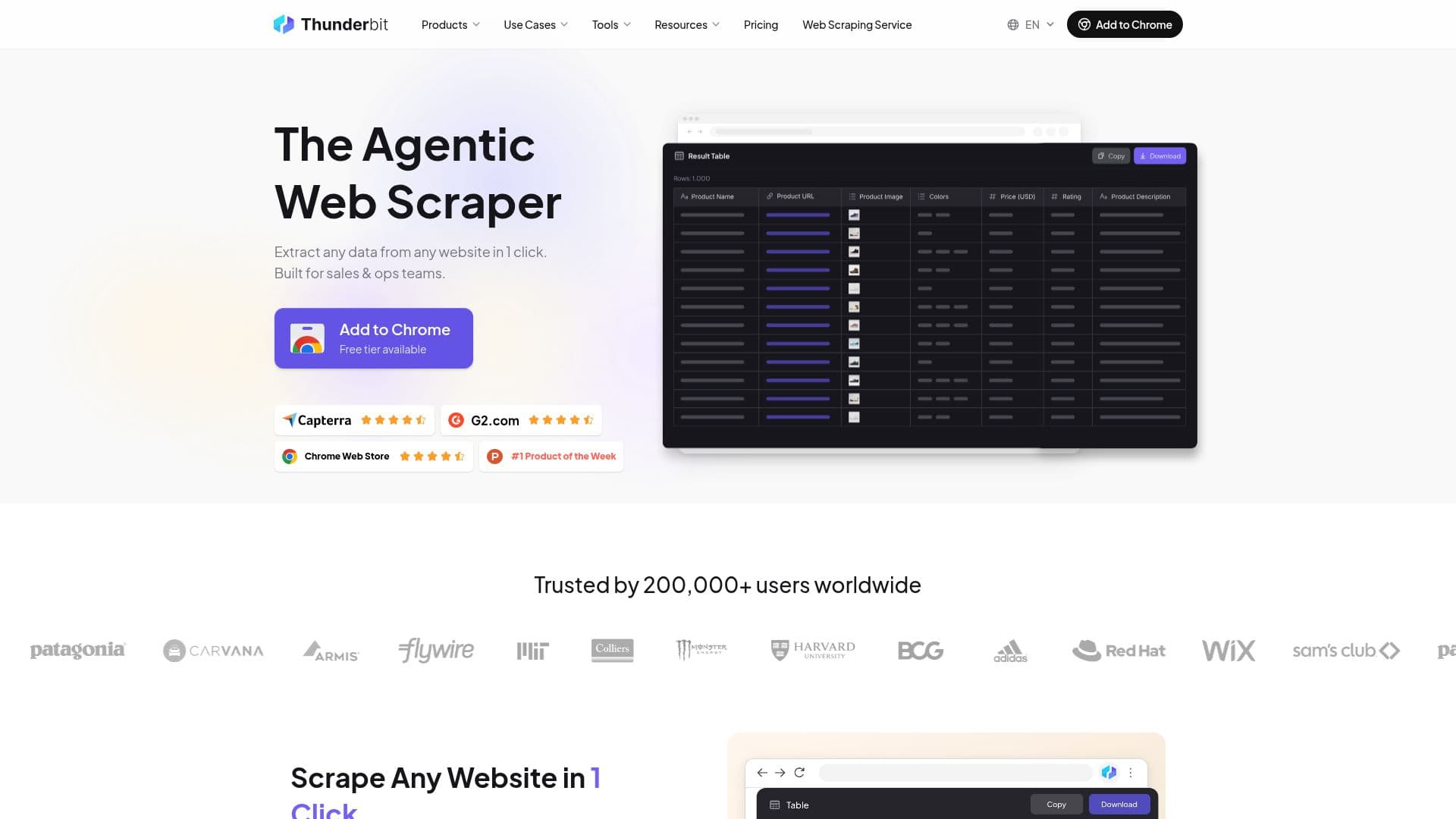
Description
Thunderbit is an innovative AI web scraper designed to simplify the data extraction process for users of all skill levels. With its user-friendly Chrome extension, Thunderbit allows you to turn any webpage, PDF, or image into structured spreadsheet data in just two clicks. This tool is particularly beneficial for non-technical teams, as it eliminates the need for coding skills or complex setup procedures.
Read More
The core functionality of Thunderbit revolves around its ability to understand natural language. Users simply describe the data they want, and Thunderbit's AI takes over, automatically extracting and organizing the information without the need for scraping templates, XPath, or coding. This makes it an ideal solution for sales, marketing, recruiting, operations, and engineering teams who require quick and efficient data gathering.
One of the standout features of Thunderbit is its capability to scrape data from various sources, including product listings, prices, contact details, real estate data, job postings, and reviews. The AI scraper can also handle pagination and sub-pages automatically, enriching each row with detailed information from linked pages. This is particularly useful for tasks such as product cataloging and lead enrichment workflows.
Thunderbit is built to be resilient against changes in website layouts, as its AI reads pages similarly to how a human would. This means that users do not have to worry about their scrapers breaking when websites undergo design changes. Furthermore, the tool supports scraping data from login-protected sites, ensuring that users can access the information they need without compromising their credentials.
Thunderbit offers a free plan that allows users to scrape up to six pages, along with features like AI Suggest Fields and sub-page scraping. For those requiring more extensive capabilities, paid plans are available, providing higher monthly credit limits and advanced features. Users can easily export their scraped data to popular platforms such as Google Sheets, Airtable, Notion, CSV, and JSON, all with a single click, eliminating the need for additional middleware.
In summary, Thunderbit stands out as a powerful AI web scraper that streamlines the data extraction process, making it accessible to everyone, regardless of technical expertise. Its combination of ease of use, robust functionality, and seamless integration with other tools makes it a valuable asset for any team looking to enhance their data collection efforts.
- CategoryWeb Scraping & Data Extraction
- Pricing ModelFreemium
- DeploymentCloud
- PlatformsChrome
Thunderbit: Agentic Web Scraper's Core Features
No code, no setup — extract data in just 2 clicks
Bulk scraping — process thousands of pages in one run
Scheduled scraping — automate recurring data pulls
Sub-page scraping — automatically follow links for detailed data
Layout-resilient AI — continues working despite website changes
Universal page coverage — works on virtually any website type
Clean structured exports — tidy spreadsheets and structured JSON
Native integrations — push data straight into Google Sheets, Airtable, Notion
How to use Thunderbit: Agentic Web Scraper?
Install the Chrome extension: Download and install Thunderbit from the Chrome Web Store.
Open a webpage: Navigate to the website, PDF, or image you want to scrape.
Click 'AI Suggest Fields': Use the extension to let Thunderbit propose data columns.
Review and confirm: Check the suggested fields and make any necessary adjustments.
Start scraping: Click to extract the data into a structured format.
Export your data: Choose your preferred format (Google Sheets, CSV, etc.) and export.
Thunderbit: Agentic Web Scraper's Use Cases
- Lead Generation
- Market Research
- Job Posting Scraping
- Real Estate Data Collection
- Review Aggregation