
Description
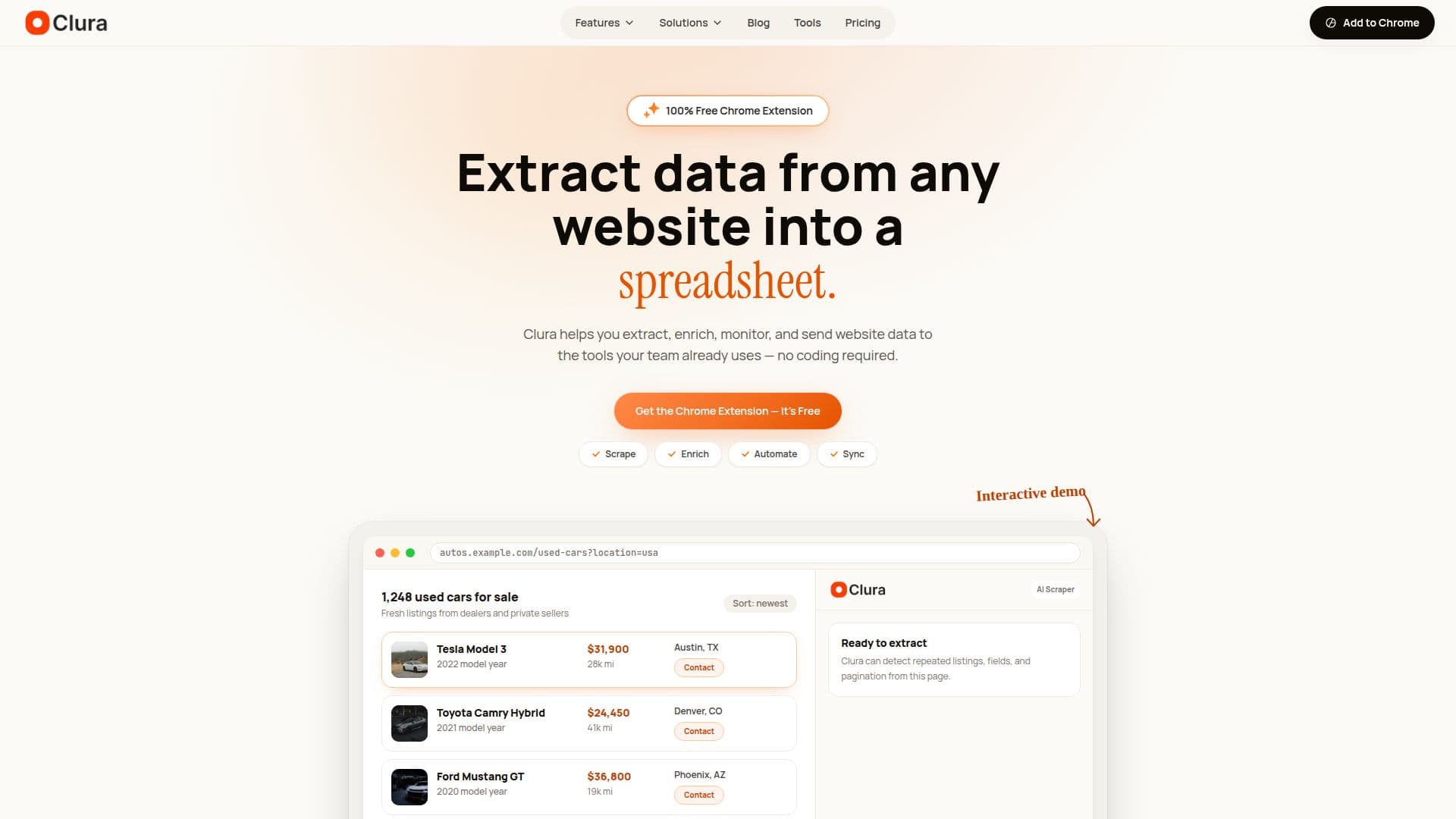
Clura is a no-code AI web scraper Chrome extension that turns any website into structured data directly in the browser. Users open a page, run Quick Scrape, and Clura automatically detects rows, columns, and pagination using AI heuristics, then shows a preview before collecting records. Because it reads the rendered page in your browser session, it works on JavaScript-heavy sites such as LinkedIn, Google Maps, and modern web apps, and can handle login-protected pages, infinite scroll, and multi-page results without CSS selectors or setup.
Read More
Beyond one-off extraction, Clura covers the full web data workflow. Enrichment adds emails, phone numbers, and LinkedIn URLs to scraped rows; Sub Page Scrape opens each result URL to pull detail-page fields as new columns; Agents schedule recurring scrapes that run daily, weekly, or monthly and can monitor pages for changes; and Connectors send data to Notion, HubSpot, Airtable, and generic webhooks, appending new rows rather than overwriting. Data can also be exported to CSV, Excel, or JSON.
Clura is aimed at teams that run on web data, supporting workflows for lead generation, recruiting, market research, price monitoring, competitive intelligence, and social media monitoring. It offers 80+ pre-built scraping templates for popular sites and a common loop of scrape, enrich, go deeper, automate, and sync.
A free plan allows basic Quick Scrape with 500 rows per scrape and 20 scrapes per day, exporting to CSV and XLSX with no cloud storage. A one-time $29.99 Lifetime plan unlocks unlimited rows and scrapes, enrichment, agents, sub-page scraping, connectors, 14-day cloud storage, and priority support.
- CategoryWeb Scraping & Data Extraction
- Pricing ModelFreemium
- DeploymentBrowser extension
- PlatformsChrome
Clura's Core Features
AI-powered no-code scraping in the Chrome browser
Automatic detection of rows, columns, and pagination
Works on JavaScript-heavy and login-protected sites
Enrichment for emails, phone numbers, and LinkedIn URLs
Sub Page Scrape for detail-page fields
Scheduled agents for recurring scrapes and change monitoring
Connectors for Notion, HubSpot, Airtable, and webhooks
Export to CSV, Excel, or JSON
How to use Clura?
Install the extension: Add Clura to Chrome from the Web Store in one click.
Open a webpage: Navigate to the site you want to scrape, such as Google Maps or a job board.
Run Quick Scrape: Let Clura detect rows and columns, then review the preview.
Set records and pagination: Choose how many rows to collect and confirm the navigation type.
Enrich or send: Export, enrich rows, pull detail-page fields, or sync to your tools.
Clura's Use Cases
- Lead generation
- Recruiting
- Price monitoring
- Market research
- Competitive intelligence