
Description
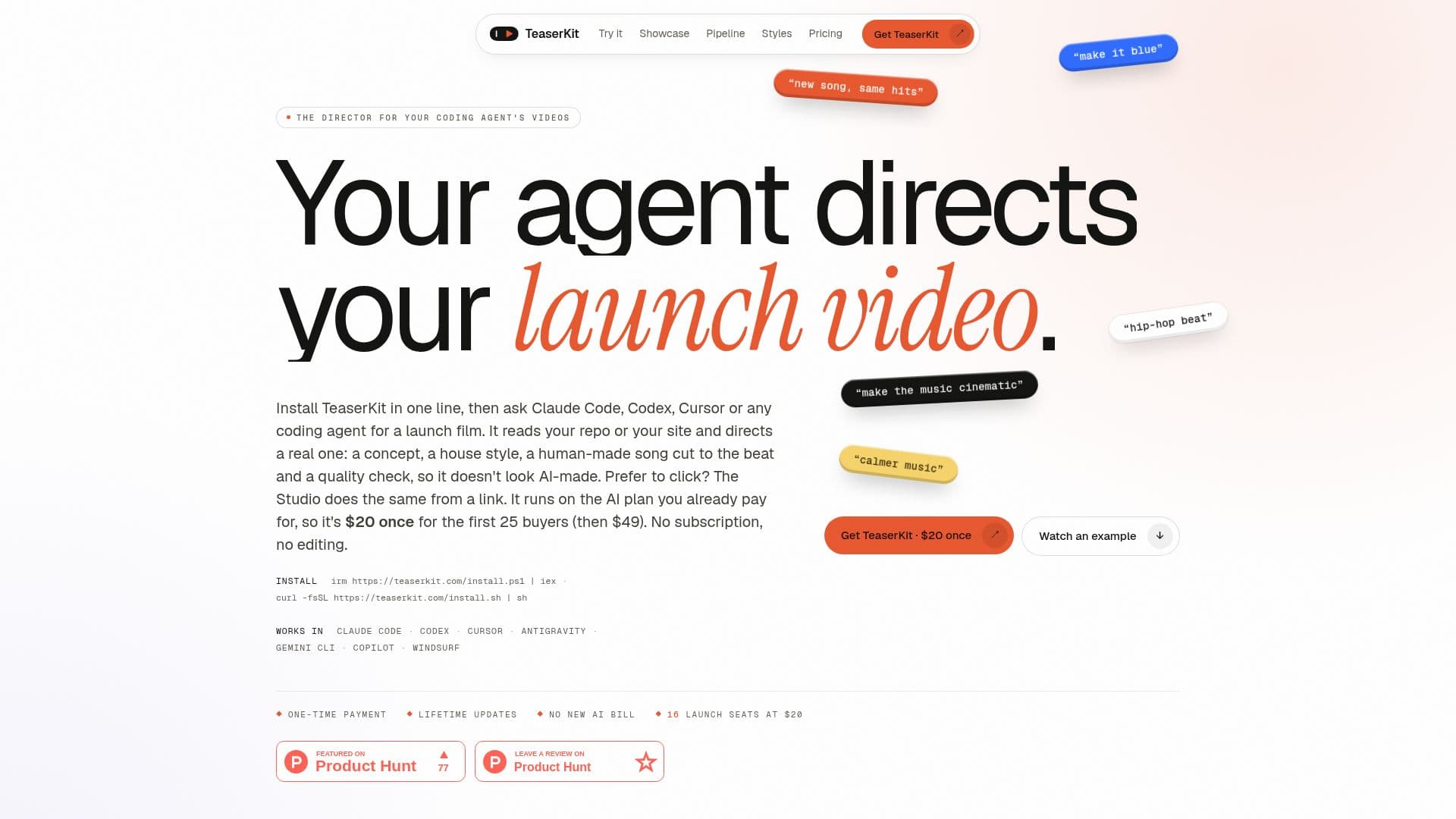
TeaserKit is a unique tool designed to empower coding agents to direct high-quality launch videos, advertisements, and explainers. It streamlines the video creation process by providing a directorial layer over existing AI models such as Claude Code, Codex, Cursor, and ChatGPT. Users can install TeaserKit with a single command line or utilize its local Studio app, which allows video generation directly from a website link or a textual description.
Read More
The platform automates several critical aspects of video production. It generates a concept, applies one of eleven distinct house styles (inspired by viral videos on platforms like X), and integrates human-made music that is precisely cut to the beat with timed sound effects. Before final rendering, TeaserKit performs a comprehensive quality check, auditing for issues like reading time, invented numbers, frozen frames, sound synchronization, and loudness, ensuring the output doesn't appear "AI-made."
TeaserKit reads content from a user's repository or website to extract essential branding elements like names, copy, colors, fonts, and logos. It then renders videos in various aspect ratios (16:9, 9:16, 1:1) at 60 frames per second, delivering HD MP4 files suitable for platforms like X, LinkedIn, Reels, TikTok, and Shorts. The tool also provides project files and a contact sheet of key frames with review notes, all saved locally on the user's computer.
One of TeaserKit's key advantages is its one-time purchase model, eliminating subscriptions and recurring fees. It operates on the user's existing AI plan (e.g., Claude, ChatGPT, Cursor, Antigravity, Gemini, GitHub Copilot, Windsurf) or an API key, meaning there are no additional AI-related costs beyond what users already pay their AI providers. This makes professional video production more cost-effective and accessible, particularly for motion-graphics-heavy launch films.
While TeaserKit is built on the free, open-source HyperFrames renderer, it distinguishes itself by adding the "direction" aspect, transforming generic AI-generated videos into polished, agency-quality content. It also supports custom music and voiceovers, including built-in AI voices or natural-sounding ones via an ElevenLabs key. The tool is designed for both technical and non-technical users, offering a simple interface for creating and modifying video scenes with plain language commands.
- CategoryAI Video Generators
- Pricing ModelOne-time purchase
- DeploymentRuns locally
- PlatformsMac, Windows, Linux
TeaserKit's Core Features
Coding agent video direction
One-line installation for coding agents
Local Studio app for non-technical users
Automated concept generation
Eleven distinct house styles
Human-made music cut to the beat with sound effects
Comprehensive quality checks (reading time, invented numbers, frozen frames, sound sync, loudness)
Reads repo or website for branding elements (name, copy, colors, fonts, logo)
Multiple video aspect ratios (16:9, 9:16, 1:1) at 60 fps
Runs on existing AI plans (Claude, ChatGPT, Cursor, etc.)
One-time purchase with lifetime updates
Custom music and voiceover support
Scene-by-scene modification with plain language
Outputs HD MP4 and vertical versions
Project files and review notes saved locally
How to use TeaserKit?
Install TeaserKit: Use a one-line command for coding agents (Windows: `irm https://teaserkit.com/install.ps1 | iex`; Mac/Linux: `curl -fsSL https://teaserkit.com/install.sh | sh`) or double-click the Studio app.
Initialize Project: Run `teaserkit init` in your project directory if using a coding agent.
Describe Video: Ask your coding agent `/teaserkit "a 30-second launch film for this product" repo=.` or paste your website link into the Studio app.
Generate Video: TeaserKit reads your site/repo, picks a concept, animates scenes, cuts music, and performs quality checks.
Review and Modify: Watch the video get made, then change any scene by typing a suggestion (e.g., "punchier") or swapping music.
Download Output: Get an HD MP4 (1920x1080) and a vertical version (1080x1920) for various platforms, along with project files and keyframe notes.
TeaserKit's Use Cases
- Product Launch Videos
- Marketing Ads
- Explainer Videos
- Social Media Shorts
- Website Content Videos
- Testimonial Videos
- Pitch Deck Videos
- Content Repurposing