
Description
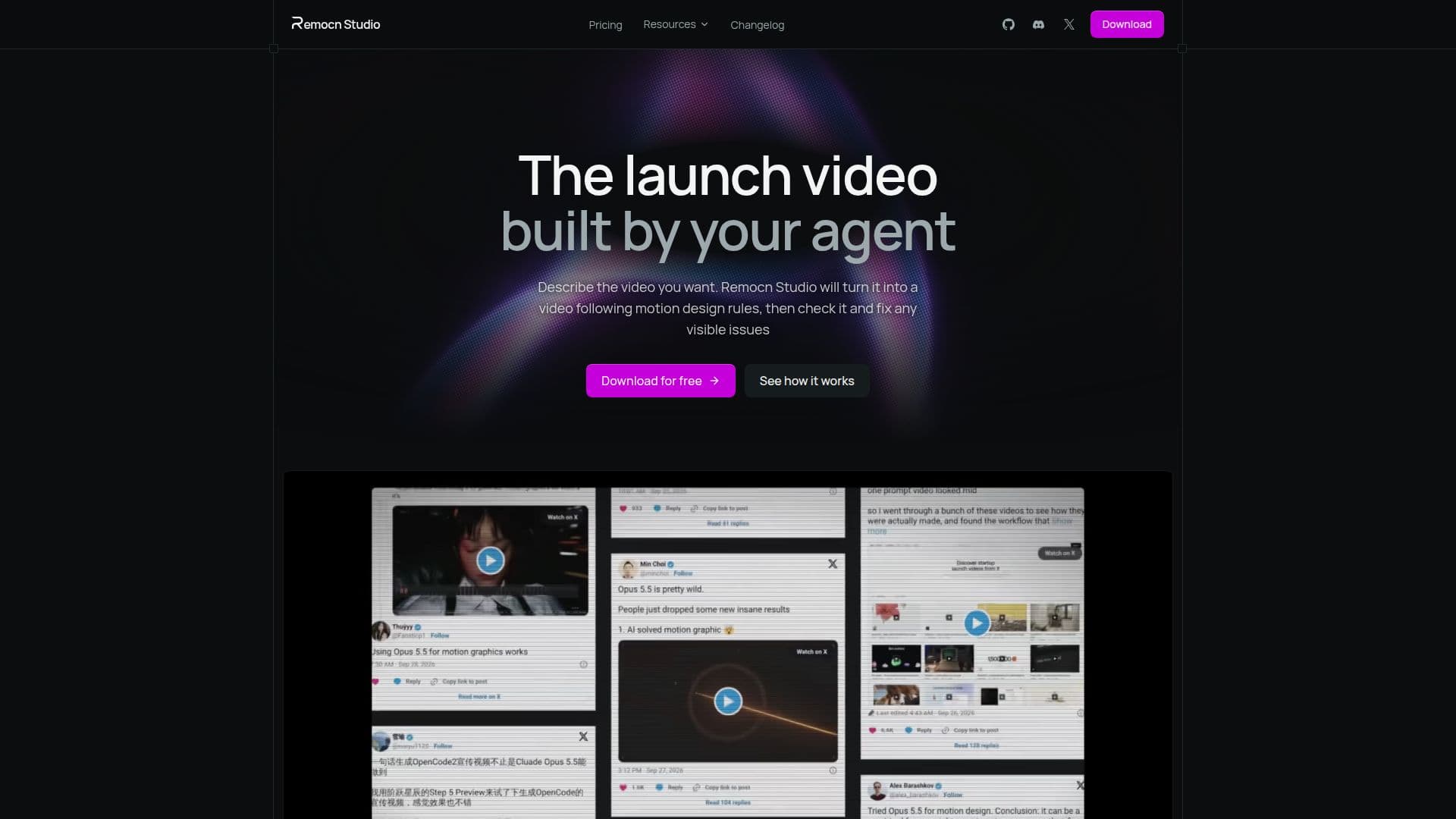
Remocn Studio is a desktop application designed for macOS users, enabling them to create videos by simply describing their vision to an AI agent. This innovative tool transforms your descriptions into real Remotion projects, providing a seamless video creation experience. The app offers a live preview feature, allowing users to see changes in real-time as the AI agent works on the project. Once satisfied, users can export their videos in mp4 format, suitable for various platforms like TikTok, YouTube, and Instagram.
Read More
The app operates on the coding-agent subscription you already have, such as Claude Code, Codex, GitHub Copilot, or Grok, eliminating the need for additional costs. Remocn Studio is designed to streamline the video production process, offering a studio-like workflow without the usual delays. Users can interact directly with video elements to make changes, ensuring precise control over the final output.
Remocn Studio's AI agent is equipped with motion design skills, including easing, pacing, and typography animation, ensuring that the videos produced are of high quality. The app also supports reusable animation components, allowing users to save and reuse animations across different projects. Additionally, users can integrate their own footage, images, and audio into the library, making it easy to incorporate personal assets into any project.
The app is free to use, with all features unlocked, as it runs on the existing coding-agent subscription. This makes it an accessible tool for anyone looking to create professional-quality videos without the need for extensive technical knowledge or additional expenses.
- CategoryAI Video Generators
- Pricing ModelFree
- DeploymentDesktop
- PlatformsmacOS
Remocn Studio's Core Features
AI agent video creation
Live preview updates
Export to mp4 format
Integration with existing coding agents
Direct element interaction
Motion design skills
Reusable animation components
Supports multiple platform aspect ratios
How to use Remocn Studio?
Create a project: Start a new project in Remocn Studio with your installed agent.
Describe the video: Tell the agent what video you want to create.
Watch the preview: See live updates as the agent builds the video.
Export the video: Save the final product as an mp4 when satisfied.
Remocn Studio's Use Cases
- Marketing Videos
- Educational Content
- Product Demos
- Social Media Clips
- Brand Storytelling