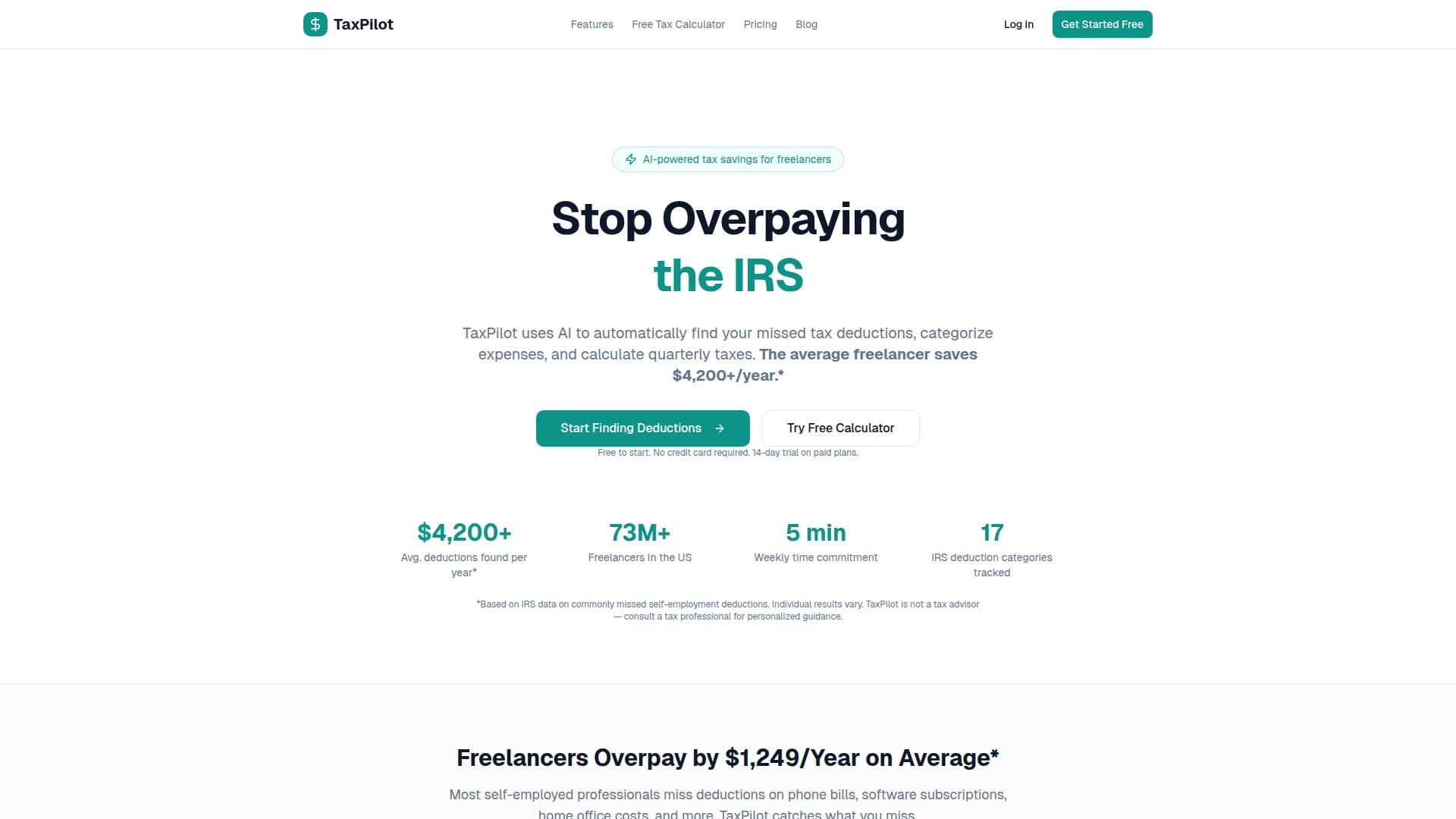
Description
TaxPilot is an AI-driven application tailored for freelancers and self-employed professionals to optimize their tax deductions. By analyzing expenses against IRS Schedule C deduction categories, it identifies potential deductions such as software subscriptions, home office expenses, and mileage. TaxPilot is not a tax preparation service but an expense tracking and tax optimization tool, ensuring users have organized expenses ready for tax filing.
The AI engine achieves over 90% accuracy in categorizing expenses and improves with user input. Users can override AI suggestions, allowing the system to learn from corrections. TaxPilot operates independently but offers QuickBooks integration for those on the Pro plan, facilitating seamless data synchronization with existing accounting software.
Security is a priority, with AES-256 encryption for sensitive data, OAuth 2.0 for third-party connections, and bcrypt for password hashing. The infrastructure is SOC 2 compliant, ensuring data safety. Users can cancel their subscription anytime, with plans being month-to-month.
TaxPilot offers a free tier with basic features, while paid plans provide advanced functionalities like unlimited expenses, AI categorization, and QuickBooks sync. The Premium plan includes a year-end tax package and 1099 tracking. The tool is designed to save freelancers time and money, reducing the average overpayment of $1,249 per year by finding every possible deduction.
TaxPilot's Core Features
AI-powered tax deduction finder
Automatic expense categorization
Receipt scanning
QuickBooks integration
Quarterly tax estimates
Schedule C reports
CSV import
Chrome extension
How to use TaxPilot?
Configure: Set up your account and preferences
Add Expenses: Forward receipts or use the Chrome extension
Use: Let AI categorize expenses and find deductions
Optimize: Review and confirm AI suggestions
TaxPilot's Use Cases
- Freelancer Tax Optimization
- Expense Tracking
- Quarterly Tax Calculation
- QuickBooks Integration
- Receipt Management